
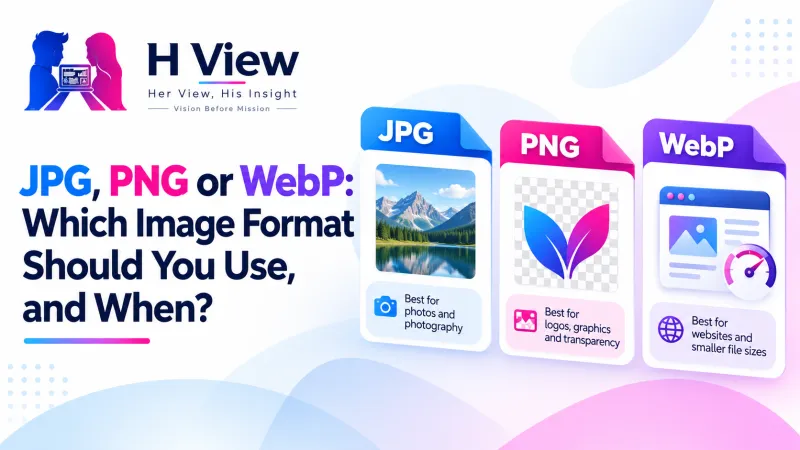
JPG, PNG or WebP: Which Image Format Should You Use, and When?
Photos, logos, screenshots, website images and form uploads each suit a different image format. Here's a plain guide to JPG, PNG and WebP, with simple rules for which one to use and when to convert.
Use JPG for photos and form uploads, PNG for logos, screenshots and anything with a transparent background, and WebP for images on your own website. Choosing the right image format keeps files small, sharp and accepted. When something doesn't fit, convert a copy with the free H View Image Converter.
Most of us never think about image formats until something breaks: a portal rejects a PNG, a logo gets an ugly white box around it, or a website loads slowly because every image is a 3 MB JPG. Three formats cover almost everything you'll do, and each has a clear job.
What Is the Difference Between JPG, PNG and WebP?
| JPG | PNG | WebP | |
|---|---|---|---|
| Compression | Lossy | Lossless | Lossy or lossless |
| Transparency | No | Yes | Yes |
| Best for | Photos, form uploads, sharing | Logos, screenshots, diagrams, text | Website and blog images |
| Accepted by forms and old apps | Almost everywhere | Often | Not always |
MDN's image format guide describes JPEG as particularly useful for photographs, PNG as preferred when transparency or precise reproduction is needed, and WebP as offering much better compression than PNG or JPEG. According to Google, lossless WebP files are 26% smaller than PNGs and lossy WebP files are 25–34% smaller than comparable JPEGs.
Which Format for Which Job?
- Government, exam and job forms: JPG, unless the notice says otherwise.
- WhatsApp and email photos: JPG.
- Logos and stickers: PNG (or WebP) to keep transparency.
- Screenshots with text: PNG, so letters stay crisp.
- Your website or blog: WebP, with JPG as a fallback for very old browsers.
- Print shops: high-quality JPG or PNG; ask what they prefer.
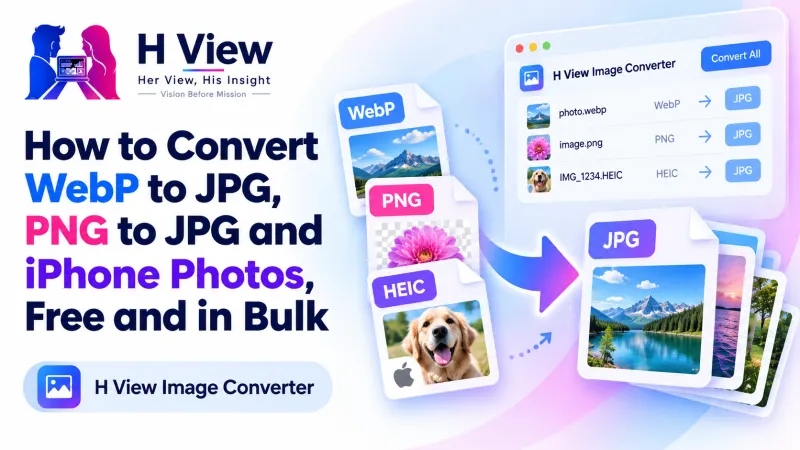 Also readHow to Convert WebP to JPG, PNG to JPG and iPhone Photos, Free and in Bulk→
What Happens When I Convert Between Them?
- PNG to JPG: transparent areas become white (or a colour you choose), and the file usually gets much smaller.
- JPG to PNG: the file gets bigger but no sharper; lost detail doesn't come back.
- WebP to JPG: fixes “unsupported file” errors in apps and portals.
- Repeated JPG saves: each lossy save loses a little detail, so keep originals and convert copies.
Our step-by-step guide on converting WebP to JPG and PNG to JPG shows how to do it in bulk.
Her View
Women running small businesses are often their own designer, photographer and web manager. Nobody explains formats to them; they learn by trial and error. A simple rule, JPG for photos, PNG for logos, WebP for the website, saves hours of frustration.
 Also readE-Signature, Digital Signature or Aadhaar eSign: Which One Does Your Document Need?→
His Insight
Format choice is really about two questions: does it need transparency, and does it need perfect sharpness? If neither, JPG or lossy WebP. If transparency, PNG or WebP. If perfect sharpness for text or diagrams, PNG. That's the whole decision tree, and it rarely fails.
H View Verdict
JPG for photos and forms, PNG for logos and screenshots, WebP for websites. Keep originals, convert copies, and let the free in-browser converter do it in seconds, a whole folder at a time.
Frequently Asked Questions
Which image format is smallest?
Usually WebP, then JPG. PNG is the largest for photos because it is lossless.
Why does my logo have a white box around it?
It was saved as JPG, which can't store transparency. Use PNG or WebP instead.
Do government forms accept WebP?
Usually not. Convert to JPG unless the notice says otherwise.
Can I convert many images at once?
Yes. The H View Image Converter converts batches and downloads them as a ZIP, all in your browser.
H View stories follow our editorial policy. Spotted an error? Tell us and we will correct it.
Rate this article
One tap is enough. No comment needed.
Was this article helpful?
Your answer goes straight to our editors.






Comments0
No comments yet. Start the conversation.