
Convert images to JPG, PNG or WebP, free
0 viewsChange JPG to PNG, PNG to JPG, WebP to JPG and more, for one photo or a whole folder at once. Conversion happens on your device, so it is instant and private.
- Free, no sign-up
- Files stay on your device
- No watermark
 photo
photoor drop them here · paste with Ctrl+V
JPG, PNG, WebP, GIF, BMP
How to use the Image Converter
- Add imagesDrop as many images as you like, choose them, or paste one with Ctrl+V.
- Pick the new formatJPG for photos and small files, PNG for transparency and sharp graphics, WebP for websites.
- ConvertEvery file is converted in a moment, with its new size shown next to it.
- DownloadSave files one by one, or all together as a ZIP.
Why use this image converter
Different places want different image formats. A government or exam portal may accept only JPG, a website loads faster with WebP, and a logo needs PNG to keep its transparent background. Images saved from the web are often WebP files that some apps cannot open.
This converter reads any image your browser can open and saves it as JPG, PNG or WebP at the quality you choose. To also make the files smaller, use the Image Compressor; to change the dimensions, use the Image Resizer.
- Batch conversionConvert dozens of images in one go and download them as a single ZIP.
- Quality controlSet JPG and WebP quality to balance sharpness and file size.
- Transparency handledPNGs with transparent areas get a white (or any colour) background when saved as JPG.
- Nothing uploadedFiles never leave your device, so private photos and documents stay private.
Questions people ask
How do I convert WebP to JPG?
Add the WebP files, choose JPG as the new format and click Convert. Download each file or all of them as a ZIP.
Will converting PNG to JPG lose transparency?
JPG cannot store transparency, so transparent areas are filled with white by default. You can pick another colour, or choose PNG or WebP to keep transparency.
Can I convert HEIC photos from an iPhone?
If your browser can open HEIC (Safari on iPhone and Mac can), the converter can turn it into JPG. In other browsers, set the iPhone camera to “Most Compatible” to save JPGs.
Is there a limit on files?
No fixed limit. Very large batches depend on your device’s memory; converting 50 to 100 photos at a time works well on most computers.
Is my data safe?
Yes. Conversion happens in your browser and no file is uploaded.
More free tools
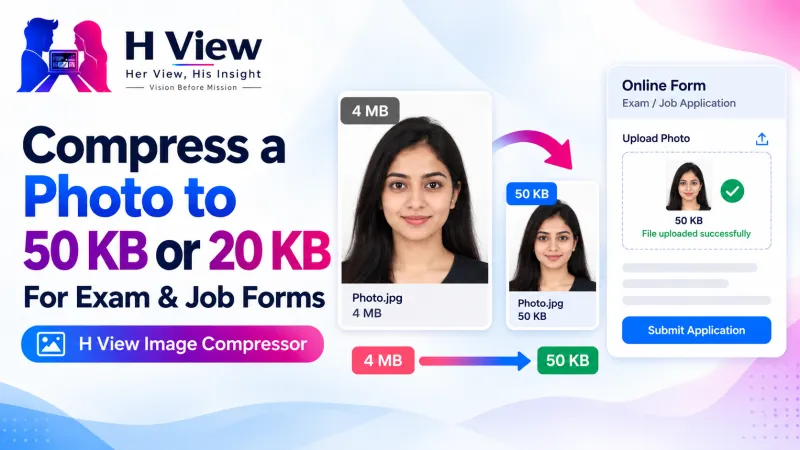
All 16 tools- Image CompressorShrink photos, even to an exact KB size
- Image ResizerExact sizes for Instagram, passport and forms
- Images to PDFCombine photos and scans into one PDF
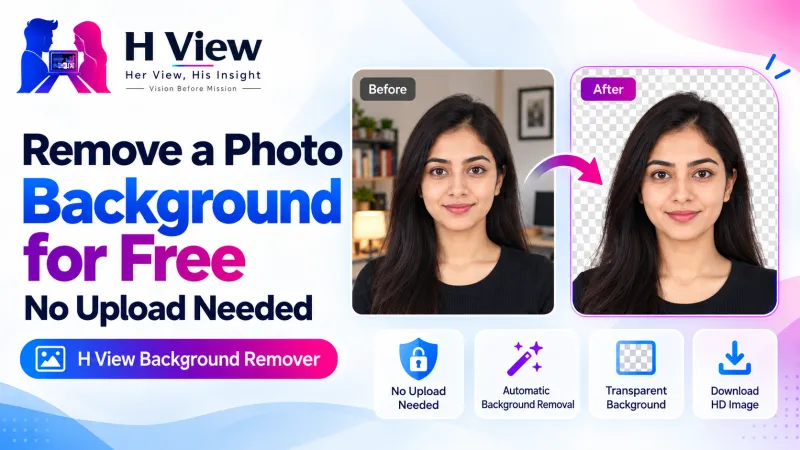
- Background RemoverCut out people and portraits in one click
- AI Photo EnhancerUpscale small or blurry photos 2× or 4×
- Passport & Exam Photo MakerPassport, PAN, exam photos and signatures to size
From the H View blog

H View tools are free. They run in your browser using open-source software (licences), so H View does not receive or store your files. Results depend on your device and the file; use only files you own or have permission to use.
Our best stories, in your inbox.
The week’s best Her View, His Insight reading in one short, useful note.
Free. We only use your email to send The H View Brief. Unsubscribe any time.