
Remove the background from a photo, free
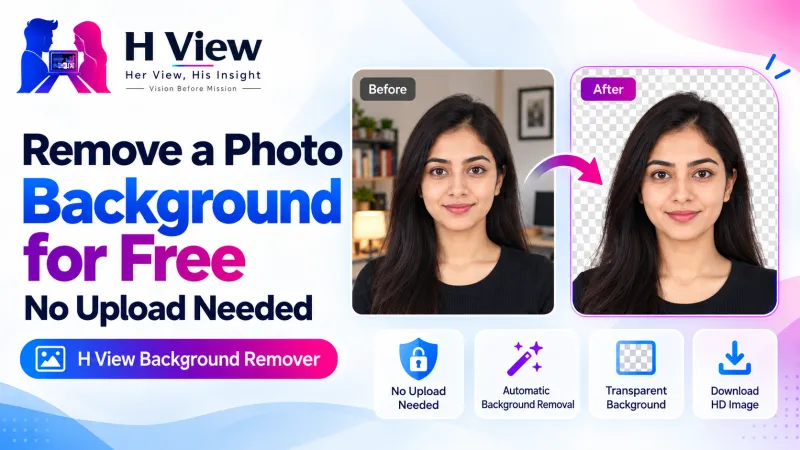
4 viewsUpload a portrait and get a clean cut-out in seconds: transparent PNG, white background for forms, any colour, or a soft blur. Your photo never leaves your device.
- Free, no sign-up
- Files stay on your device
- No watermark
or drop it here · paste with Ctrl+V
JPG, PNG, WebP
How to use the Background Remover
- Add your photoDrop a JPG, PNG or WebP image, choose one from your device, or paste it with Ctrl+V.
- Wait a few secondsThe cut-out runs on your device. The first time, the tool downloads its model (about 7 MB).
- Pick a backgroundKeep it transparent, or switch to white, any colour, or a blur of the original scene.
- DownloadSave the result as a PNG at the same size as your original photo.
Why use this background remover
A clean background makes a profile picture, resume photo or online form look professional. Most background removers upload your photo to a server and add a watermark or ask you to pay for the full-size file. This one runs entirely in your browser using an open AI model for portrait matting, so it is free, private and works at full size.
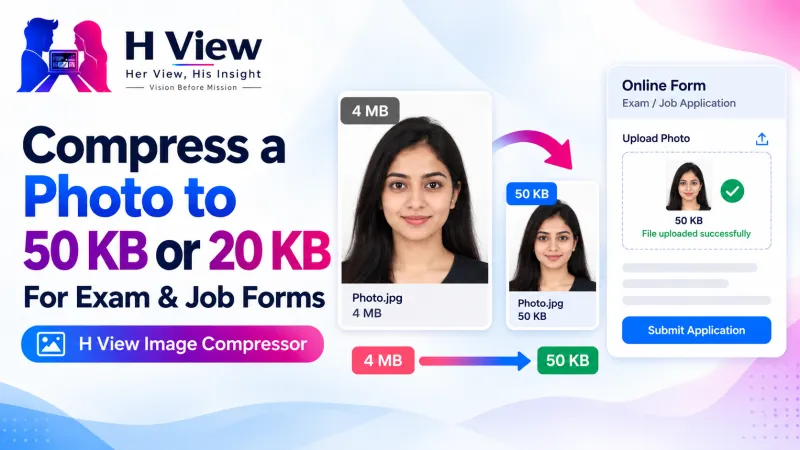
It works best on photos of people: a clear face, hair and shoulders against any scene. For a passport or exam-form photo, pick the white background, then use the Image Resizer for the exact size and the Image Compressor to bring it under the upload limit.
- Private by designThe image is processed in your browser. Nothing is uploaded to H View or anyone else.
- Full resolutionThe result keeps your photo’s original width and height, with no watermark.
- Made for peopleTuned for faces, hair and shoulders: profile pictures, ID photos and product shots with a person.
- Four backgroundsTransparent, white, any colour, or a soft blur of the original background.
Questions people ask
Is the background remover really free?
Yes. There is no sign-up, no limit on the number of photos and no watermark.
Are my photos uploaded anywhere?
No. The cut-out is made by an AI model running in your own browser. Your photo stays on your device.
Which photos work best?
Photos of people with the face and shoulders clearly visible. Very busy scenes, or objects without a person, may need a cleaner photo.
How do I get a white background for a passport or form photo?
Choose “White” under Background, download the PNG, then resize it to the size your form asks for with the Image Resizer.
Why is the first photo slower?
The first time, your browser downloads the AI model (about 7 MB). After that it is cached and later photos are much faster.
More free tools
All 16 tools- Image ResizerExact sizes for Instagram, passport and forms
- Image CompressorShrink photos, even to an exact KB size
- AI Photo EnhancerUpscale small or blurry photos 2× or 4×
- Image ConverterJPG, PNG and WebP, many files at once
- Passport & Exam Photo MakerPassport, PAN, exam photos and signatures to size
- Video CompressorMake videos smaller for WhatsApp and email
From the H View blog

H View tools are free. They run in your browser using open-source software (licences), so H View does not receive or store your files. Results depend on your device and the file; use only files you own or have permission to use.
Our best stories, in your inbox.
The week’s best Her View, His Insight reading in one short, useful note.
Free. We only use your email to send The H View Brief. Unsubscribe any time.