
Image to Word converter, free
Turn a photo of a page, a screenshot or a scanned notice into a Word document you can edit. Reads English, Hindi and Telugu, and keeps headings, lists and tables.
- Free, no sign-up
- Files stay on your device
- No watermark
or drop them here · paste with Ctrl+V
JPG, PNG, WebP · English, हिन्दी, తెలుగు
Rate this tool
One tap is enough. No comment needed.
Comments & feedback 0
Did it work for you? Tell us what we can improve.
How to use the Image to Word
- Add one or more imagesPhotos, screenshots or scans. Several images become one document, one page each.
- Pick the languageEnglish, Hindi + English or Telugu + English.
- ConvertThe text is read in your browser, twice over, so headings, coloured banners and tables are not missed.
- Download the Word fileEdit it in Word, Google Docs or WPS Office.
Why use this image to word
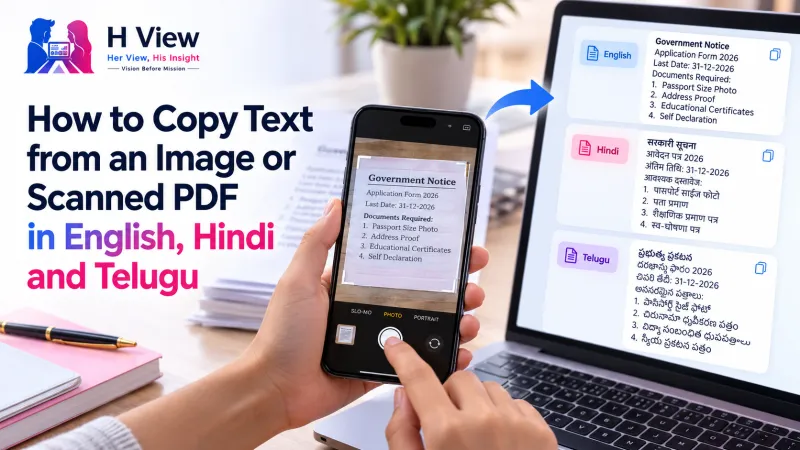
Retyping a notice, a page from a textbook or a screenshot of a message takes time. This tool reads the text in the picture with OCR (optical character recognition) and writes it into a Word document, keeping headings, paragraphs, bullet points and tables, so you can edit it straight away.
It works best on clear, straight photos of printed text; handwriting is much harder to read. If you only need the plain text to copy and paste, use Image to Text.
- Keeps the structureBig lines become headings, rows and columns become Word tables, bullets become lists.
- Indian languagesReads English, Hindi (Devanagari) and Telugu, or a mix of English with either.
- Picture included if you wantTick the option to add the original image under the text, for checking.
- PrivateImages are read in your browser and never uploaded.
Questions people ask
How do I convert an image to an editable Word document?
Add the image, choose the language of the text and press “Convert to Word”. Download the .docx file and edit it.
Does it work with Hindi and Telugu?
Yes. Choose “Hindi + English” or “Telugu + English” for mixed text, or the single language for text in only that script.
Can I convert several images into one Word file?
Yes. Add all of them; each image becomes its own page in the same document.
Can it read handwriting?
Neat handwriting sometimes works, but OCR is made for printed text. Expect to correct handwritten results.
Are my images uploaded?
No. Everything happens in your browser.
More free tools
All 33 tools- Image to Text (OCR)Copy text from photos and scans: English, Hindi, Telugu
- PDF to WordEditable Word file with headings, tables and pictures
- Images to PDFCombine photos and scans into one PDF
- Background RemoverCut out people and portraits in one click
- AI Photo EnhancerUpscale photos, logos and text 2× or 4×
- Image ConverterJPG, PNG and WebP, many files at once
From the H View blog

H View tools are free. They run in your browser using open-source software (licences), so H View does not receive or store your files. Results depend on your device and the file; use only files you own or have permission to use.
Our best stories, in your inbox.
The week’s best Her View, His Insight reading in one short, useful note.
Free. We only use your email to send The H View Brief. Unsubscribe any time.
Read community feedback