
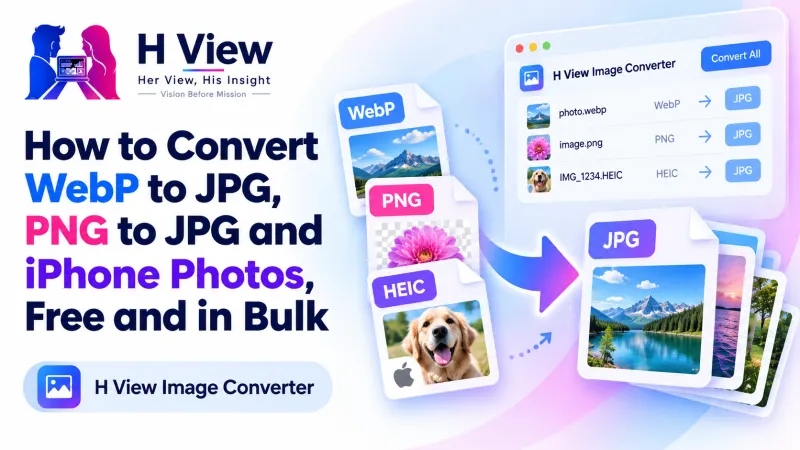
How to Convert WebP to JPG, PNG to JPG and iPhone Photos, Free and in Bulk
You saved an image and your app says "unsupported file." Here's how to convert WebP to JPG, PNG to JPG, JPG to WebP and more, for one photo or a whole folder, free and without uploading anything.
To convert WebP to JPG (or PNG to JPG, or JPG to WebP) for free, open the H View Image Converter, add one image or a whole batch, choose the new format, press Convert and download each file or all of them as a ZIP. Conversion happens on your device, so it's instant and private.
You save a product photo from a website, try to upload it to a government portal, and get “invalid file type.” Or a designer sends a logo as PNG, and the form only accepts JPG. Images saved from the web are often WebP files that some apps and portals still can't open. A quick conversion solves it.
How Do I Convert WebP to JPG, Step by Step?
- Add images. Drop as many as you like, choose them, or paste one with Ctrl+V.
- Pick the new format. JPG for photos and small files, PNG for transparency and sharp graphics, WebP for websites.
- Convert. Every file is converted in a moment, with its new size shown beside it.
- Download files one by one, or all together as a ZIP.
Try it now: Open the free Image Converter → Free · No sign-up · Files stay on your device.
Which Format Should I Convert To?
| Convert to | When |
|---|---|
| JPG | Government, exam and job portals; photos for WhatsApp and email |
| PNG | Logos, icons and screenshots, or anything with a transparent background |
| WebP | Images for your own website or blog, where smaller files load faster |
Why WebP for websites? Google's WebP documentation says lossless WebP images are 26% smaller than PNGs, and lossy WebP images are 25–34% smaller than comparable JPEGs.
 Also readHow to Convert JPG to PDF and Combine Document Photos into One PDF, Free→
What Happens to Transparency When I Convert PNG to JPG?
JPG cannot store transparency, so transparent areas are filled with white by default. You can pick another colour instead, or keep the file as PNG or WebP if you need the see-through background. MDN's image format guide explains the difference well.
Can I Convert iPhone HEIC Photos?
If your browser can open HEIC (Safari on iPhone and Mac can), the converter can turn it into JPG. In other browsers, a simpler fix is to set the iPhone camera to “Most Compatible” under Settings → Camera → Formats, so it saves JPGs from the start.
What Else Should I Know?
- Quality control: set JPG and WebP quality to balance sharpness and file size.
- Batch size: there's no fixed limit; 50 to 100 photos at a time works well on most computers.
- Size limits: if a form also has a KB limit, finish with the Image Compressor.
- Dimensions: to change width and height, use the Image Resizer.
Her View
It is frustrating to be stopped by something as technical as a file extension when you're trying to apply for a scheme, a scholarship or a job. Nobody should need to know what WebP means to submit a form. A one-click converter removes a barrier most people didn't even know existed.
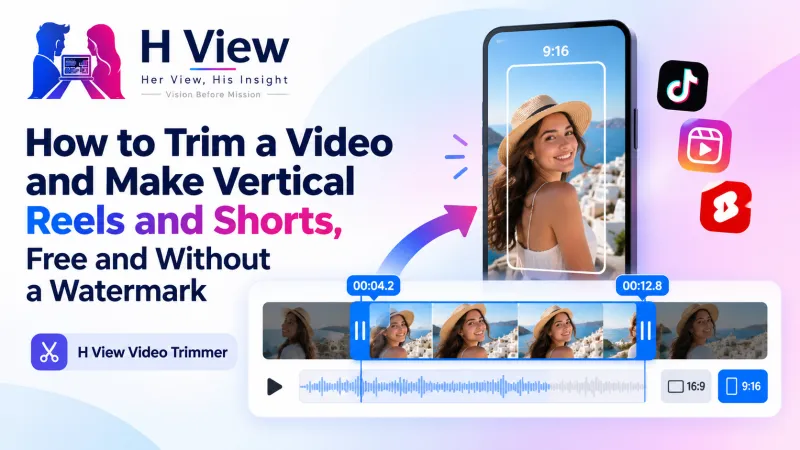 Also readHow to Trim a Video and Make Vertical Reels and Shorts, Free and Without a Watermark→
His Insight
Formats are trade-offs. JPG is small but lossy, PNG is lossless but large, WebP is small and flexible but not accepted everywhere yet. A good rule: keep originals, convert copies for each destination, and never convert the same JPG back and forth repeatedly, because each lossy save loses a little detail.
H View Verdict
When a portal or app rejects an image, the fix is often a format change. Convert WebP to JPG for forms, keep PNG for transparency, use WebP for your website, and do whole folders at once, privately on your own device.
Frequently Asked Questions
How do I convert WebP to JPG?
Add the WebP files, choose JPG as the new format and click Convert. Download each file or all of them as a ZIP.
Will converting PNG to JPG lose transparency?
Yes, because JPG cannot store it. Transparent areas are filled with white by default, or another colour you choose.
Is there a limit on the number of files?
No fixed limit. Converting 50 to 100 photos at a time works well on most computers.
Are my images uploaded?
No. Conversion happens in your browser and no file is uploaded.
Explore all H View free tools.
H View stories follow our editorial policy. Spotted an error? Tell us and we will correct it.
Rate this article
One tap is enough. No comment needed.
Was this article helpful?
Your answer goes straight to our editors.










Comments0
No comments yet. Start the conversation.