
Make a QR code, free
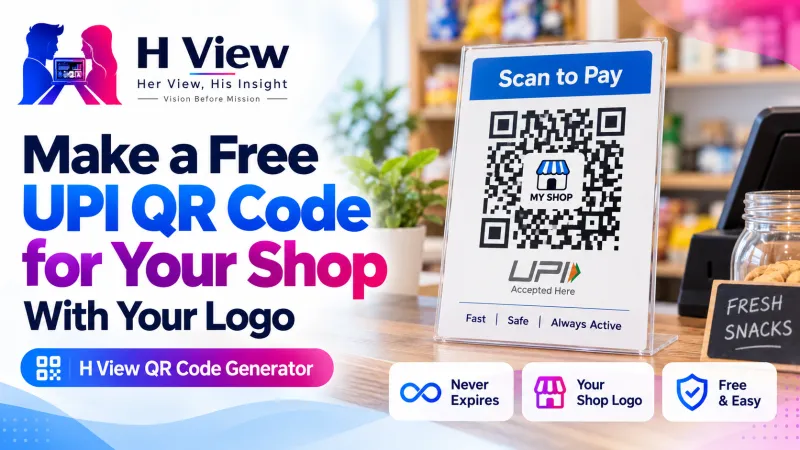
0 viewsCreate a QR code for a UPI payment, your Wi-Fi, a contact card, a website or a WhatsApp chat. Pick colours, add your logo and a caption, and download a sharp PNG or SVG that never expires.
- Free, no sign-up
- Files stay on your device
- No watermark
PNG or SVG · works with any phone camera
How to use the QR Code Generator
- Choose the typeLink, UPI payment, Wi-Fi, contact card, WhatsApp or plain text.
- Fill in the detailsThe QR code updates as you type.
- Style itSquare, rounded or dots; your colours; a logo in the middle; and a caption like “Scan to pay”.
- Download and testSave PNG or SVG, and scan it with your phone before printing.
Why use this qr code generator
QR codes are everywhere in India: on shop counters for UPI, on visiting cards, menus, posters and wedding invitations. Many QR websites make “dynamic” codes that send scans through their own link and stop working when a free trial ends.
The codes made here are static: the UPI ID, Wi-Fi details or link are stored inside the code, so it works for as long as the information is right and nothing passes through H View. Always scan the code with your own phone before printing. Designing a poster? Make your logo transparent first with the Background Remover.
- UPI payment QRAny UPI app can scan it. Set a fixed amount or let the payer type it.
- Wi-Fi without typingGuests point their camera and join your network.
- Never expiresThe information is inside the code itself: no tracking links, no subscription.
- Print-readyHigh-resolution PNG up to 2048 px, or SVG for any size.
Questions people ask
How do I make a UPI QR code for my shop?
Choose “UPI payment”, type your UPI ID and the name to show, and download. Leave the amount empty so customers can type any amount.
Do these QR codes expire?
No. They are static codes: the details are stored in the code itself, so it keeps working as long as the details stay correct.
Can I add my logo to the QR code?
Yes. Use “Add a logo”. The code uses extra error correction so it still scans with a logo in the middle.
How do I share my Wi-Fi with a QR code?
Choose Wi-Fi, type the network name and password, and print the code. Phones offer to join when they scan it.
What size should I print a QR code?
At least 2 to 3 cm wide for close scanning; bigger for posters seen from a distance. SVG stays sharp at any size.
Is my information saved?
No. The QR code is made in your browser. H View does not see or store what you type.
More free tools
All 16 tools- Background RemoverCut out people and portraits in one click
- Image to Text (OCR)Copy text from photos and scans: English, Hindi, Telugu
- Image ResizerExact sizes for Instagram, passport and forms
- AI Photo EnhancerUpscale small or blurry photos 2× or 4×
- Image ConverterJPG, PNG and WebP, many files at once
- Image CompressorShrink photos, even to an exact KB size
From the H View blog

H View tools are free. They run in your browser using open-source software (licences), so H View does not receive or store your files. Results depend on your device and the file; use only files you own or have permission to use.
Our best stories, in your inbox.
The week’s best Her View, His Insight reading in one short, useful note.
Free. We only use your email to send The H View Brief. Unsubscribe any time.