
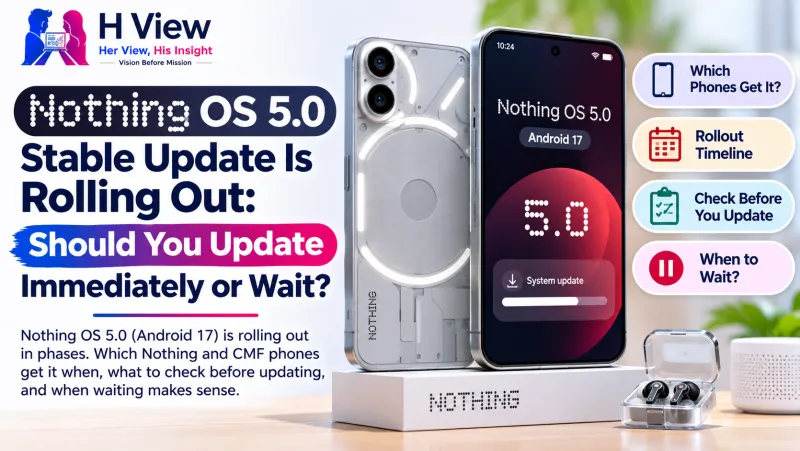
Nothing OS 5.0 Stable Update Is Rolling Out: Should You Update Immediately or Wait?
Nothing OS 5.0 is reaching more phones this month. Here is the rollout schedule, a quick pre-update checklist, and an honest answer on whether to install on day one.
Short answer: Nothing OS 5.0, based on Android 17, is rolling out in phases. Phone (3) owners have had it since October, and the Phone (4a) and (3a) series are due in early November. For most people, waiting a few days after it appears is sensible; update sooner if your phone depends on that month's security fixes.
Last updated: 2 November 2026. Rollout dates are Nothing's published targets and can shift by region.
If you own a Nothing or CMF phone, you have probably seen the excitement online: new animations, fresh Glyph controls and more of Nothing's Essential AI features. You may also have seen the opposite: posts about battery drain or an app that stopped working after the update. Both are normal around any big Android release. The real question is not "is the update good?" but "is it ready for my phone, today?"
When will my Nothing phone get Nothing OS 5.0?
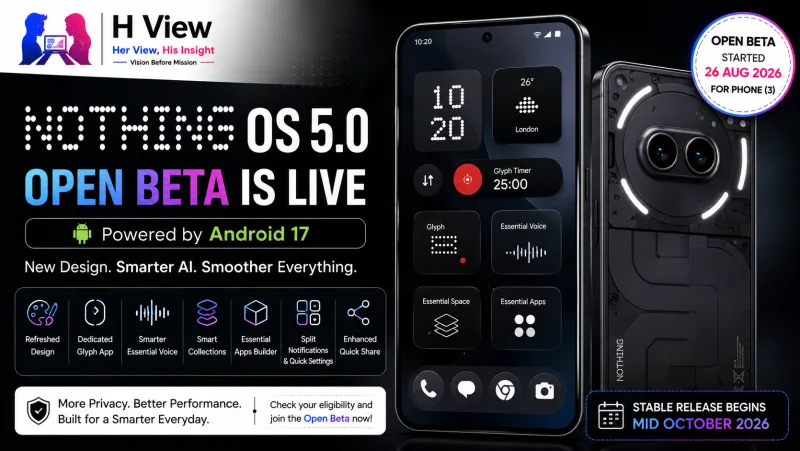
Nothing published its own roadmap when it announced the update in August. Based on that schedule, as reported by TechRepublic and Cashify, the rollout looks like this:
| Phone | Expected stable rollout |
|---|---|
| Nothing Phone (3) | Started 12 October 2026 |
| Nothing Phone (4a) and (4a) Pro | Early November 2026 |
| Nothing Phone (3a) and (3a) Pro | Early November 2026 |
| Nothing Phone (2a) and (2a) Plus | Mid-November 2026 |
| Nothing Phone (3a) Lite | Late December 2026 |
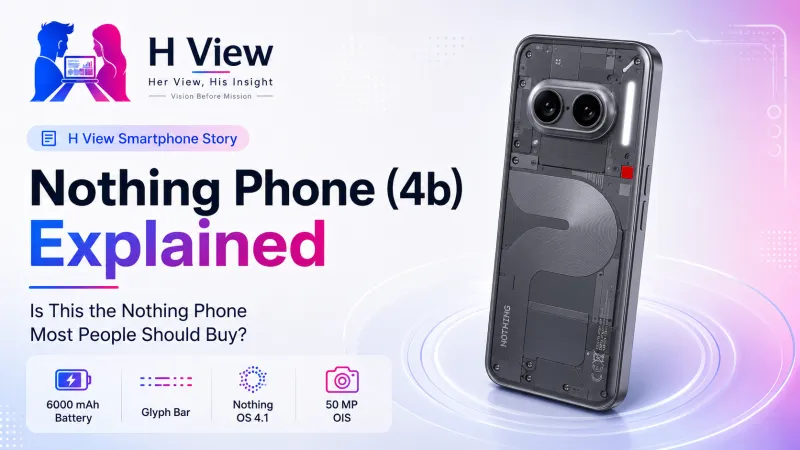
| Phone (4b), CMF Phone 2 Pro | Around mid-January 2027 |
Three older models are not on the list because they have reached the end of their software support: Phone (1), Phone (2) and CMF Phone 1. If you own one of these, your phone will keep working, but it will not get Android 17.
Remember that "early November" is a window, not a promise. Nothing pushes updates over the air in batches, so two people with the same phone in the same city can receive it days apart.
Should you update immediately?
Update soon if…
- You use your phone for banking and UPI and want the latest security patch quickly.
- You were on the open beta and want a stable build.
- You have a bug on the current version that the update is known to fix.
Wait a few days if…
- Your phone is your only work device and you cannot afford a broken app on a weekday.
- You rely on a specific app, such as a bank, office VPN or hearing-aid app, that may need its own update for Android 17.
- Your battery health is already weak. Big updates often run background optimisation for a day or two, which can make the battery feel worse temporarily.
A practical middle path is to wait three to seven days after the update appears on your phone, glance at the Nothing community forum for your model, and then install over a weekend.
 Also readNothing OS 5.0 Beta Reaches Phone (2a) and (2a) Plus: Should You Install It?→
Before you tap "Install": a five-minute checklist
- Back up your phone. Make sure photos and WhatsApp chats are backed up. Updates rarely wipe data, but a backup costs nothing.
- Charge to at least 50% and connect to stable Wi-Fi. Major updates can be several gigabytes.
- Free up storage. Keep a few gigabytes free so the installation does not fail halfway.
- Update your important apps first from the Play Store, especially banking and work apps.
- Install when you can be offline for 20–30 minutes. Not at the airport, not before an important call.
To check for the update, open Settings → System → System update. If nothing appears, your batch has not arrived yet. Avoid installing unofficial files from websites or Telegram groups; they can be outdated, wrong for your model or tampered with.
What to expect in the first 48 hours
After any major Android update, it is normal for the phone to feel slightly warm and for battery life to dip briefly while the system re-optimises apps. If the battery is still draining fast after two or three days, our guide on why phones heat up and drain battery walks through the checks. Restarting once after the update and updating all apps usually settles things.
Her View
I like updating early, but only on the phone I can afford to have a bad day with. If your Nothing phone is the one your parents use for video calls or the one you use for office OTPs, a small delay is a kindness to your future self. Fresh features are fun; a working phone on Monday morning is better.
 Also readIs CMF by Nothing Just a Budget Brand—or the Future of Affordable Tech?→
His Insight
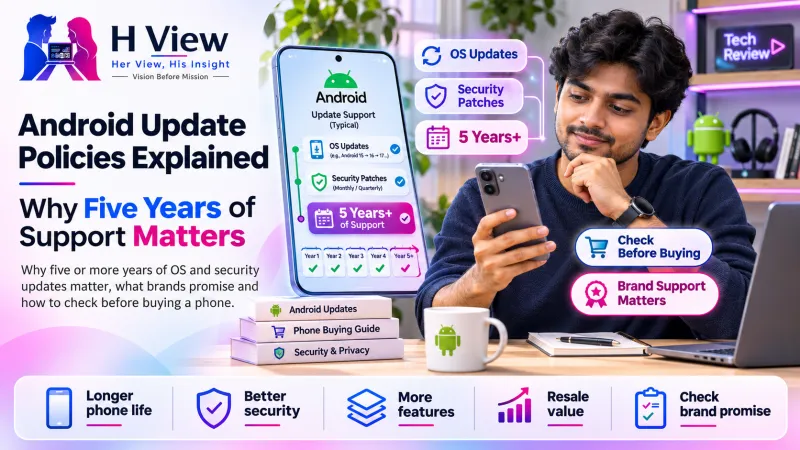
Software support is now part of what you are buying. A phone that receives years of updates stays safer and holds its resale value better. Before your next purchase, read our explainer on Android update policies; the Nothing OS 5.0 list shows exactly how older models eventually drop off.
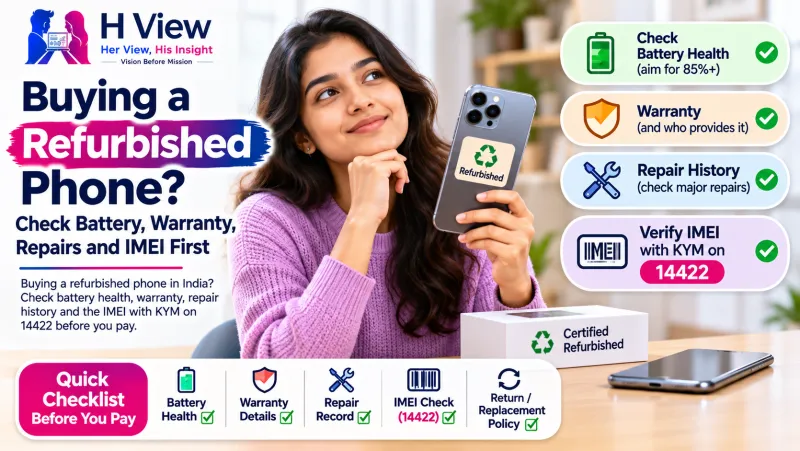
Related reading: does a bigger battery mean better battery life? and checks before buying a refurbished phone.
Frequently asked questions
Is Nothing OS 5.0 based on Android 17?
Yes. Nothing OS 5.0 is Nothing's version of Android 17, with its own design, Glyph features and Essential AI tools on top.
Why haven't I received the update yet?
Nothing releases updates in phases. If your phone is on the list, wait for your batch and check Settings → System → System update every few days.
Will Nothing Phone (1) or Phone (2) get Nothing OS 5.0?
No. Phone (1), Phone (2) and CMF Phone 1 are not eligible because they have reached the end of their software support.
Can I go back to the old version after updating?
Rolling back a stable update is not officially supported for normal users and usually requires wiping the phone. Treat the update as one-way and back up first.
Sources
H View stories follow our editorial policy. Spotted an error? Tell us and we will correct it.
Rate this article
One tap is enough. No comment needed.
Was this article helpful?
Your answer goes straight to our editors.






Comments0
No comments yet. Start the conversation.