
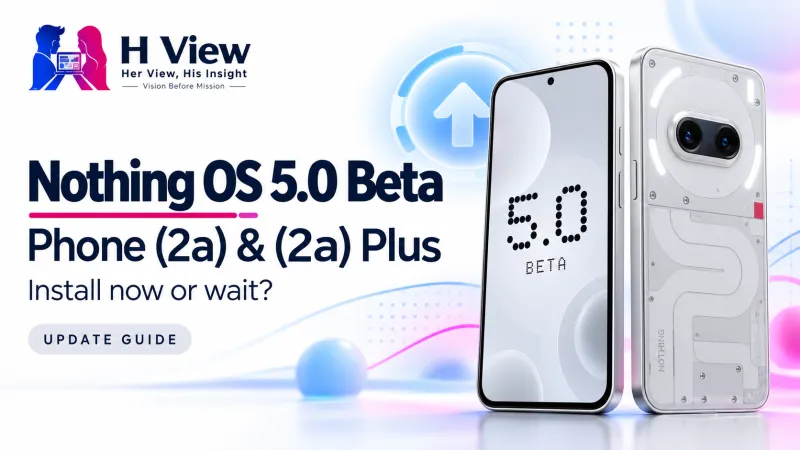
Nothing OS 5.0 Beta Reaches Phone (2a) and (2a) Plus: Should You Install It?
Phone (2a) and Phone (2a) Plus owners can now try Nothing OS 5.0. The important question is whether an early look is worth the disruption on your everyday phone.
The Nothing OS 5.0 beta is now available for Phone (2a) and Phone (2a) Plus. It gives owners an early look at the Android 17-based update, but it remains test software. For a phone you rely on for work, payments and family communication, waiting for the stable release is the more practical choice.
GSMArena reported the expansion on 23 October 2026, and Nothing’s official Open Beta announcement now includes both models. This is a rollout update for two specific phones, rather than a new announcement of the entire operating system. Our earlier Nothing OS 5.0 overview explains the broader release.
What has changed for Phone (2a) owners?
The change is access: people with these two phones can now join the testing programme through Nothing’s official process. “Open beta” means eligible users can volunteer to test the software before the general release. It does not mean every feature, application or daily routine has been proven trouble-free on every device.
Nothing’s current rollout page lists the general release for both models in mid-November, with timing subject to change and rollout phased by region and carrier where applicable. Treat that as a planning window, not a promise that every Indian handset will receive an update on one particular morning. Check the phone’s updater and the current official page before making plans.
| Question | What owners should understand |
|---|---|
| Which models are covered here? | Nothing Phone (2a) and Phone (2a) Plus. |
| Is this the stable update? | No. This is an optional pre-release testing build. |
| When is the general release planned? | Mid-November in Nothing’s current schedule; timing can change. |
| Can you return to stable software? | Nothing provides a rollback process, but it erases the phone’s data. |
Which Nothing OS 5.0 changes matter in everyday use?
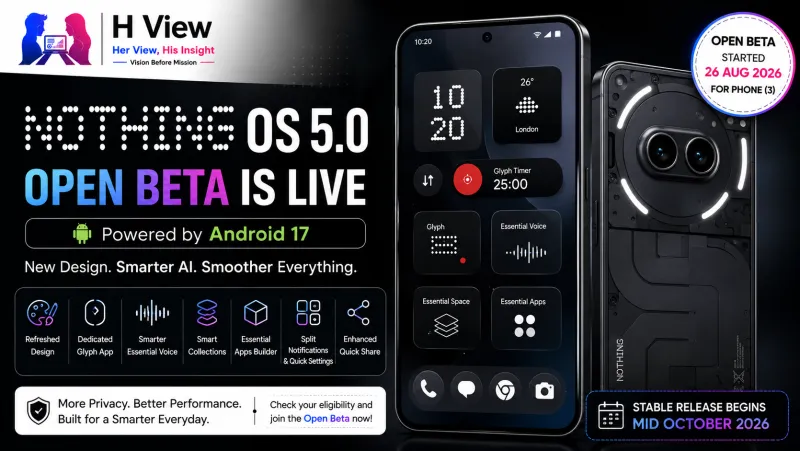
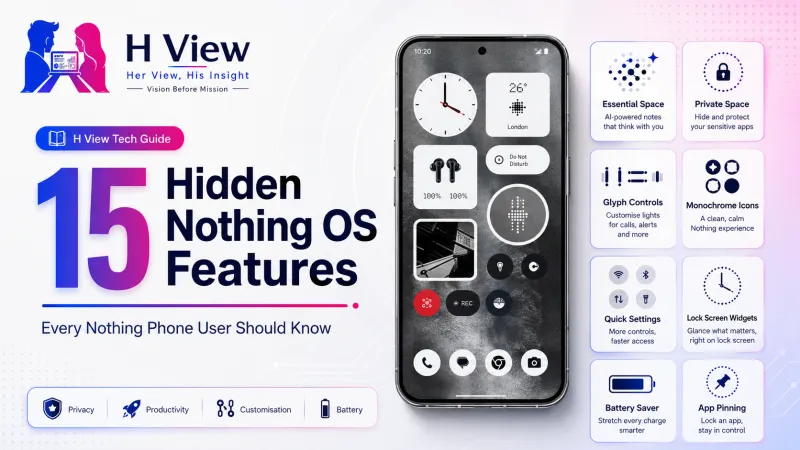
Nothing’s official feature explanation describes refreshed typography and Settings layouts, extra lock-screen choices and a dedicated Glyph application. These are interface changes with practical consequences: finding a setting quickly or managing the rear lights in one place can matter more than an attractive screenshot. The useful test is whether familiar tasks become easier.
There is also a choice to separate notifications from Quick Settings, plus changes across Gallery and home-screen editing. People who prefer the existing combined panel are not being asked to abandon it. If you already understand the less obvious Nothing OS controls, start by checking the settings you use regularly rather than changing everything at once.
Availability needs careful reading. Nothing says the refreshed home-screen theme and Micrographics clock face are not included in the Open Beta, while some Essential updates arrive separately. Do not assume a promotional demonstration shows exactly what your Phone (2a) beta will contain. Our Essential Space guide provides background on the capture-and-organisation side of the experience.
 Also readNothing OS 5.0 Open Beta Is Live: New Features, Eligible Phones and Should You Install It?→
Should you install the beta on your main phone?
Start with the cost of something going wrong, not the attraction of something looking new. Imagine a student travelling for an examination, a freelancer waiting for client calls or a shop owner receiving payment confirmations. Even a short interruption can create more difficulty than a new clock style solves. Those are examples of why the same update can be acceptable on a spare phone and inconvenient on an essential one.
This is not a claim that banking applications, calls or payments are currently broken on the Phone (2a) beta. H View has not independently tested this build. It is a distinction between a confirmed fault and a testing risk: Nothing itself warns that pre-release software can affect stability, performance and battery life, so reliable operation should not simply be assumed.
A beta makes more sense if you enjoy testing, can explain a problem clearly and have another way to stay connected. You should also have enough time to restore the device if needed. If your only reason is fear of missing out, waiting is a reasonable decision, especially when the general-release window is relatively close.
How do you join through Nothing’s official process?
Begin on Nothing’s own OS page, where the company provides its current Beta Hub download and instructions. Avoid forwarded installation files and packages presented as a shortcut for another model. An Android Package Kit, usually called an APK, is an application installation file; for this process, obtain it directly from Nothing.
- Back up important data and update the phone to the latest available stable build.
- Download and install the current Nothing Beta Hub V2.0 from the official page.
- Open Settings, then System, then Nothing Beta Hub.
- Choose Check Version and Join Beta if your device is eligible.
- Use Go to Update when offered, or follow Nothing’s manual system-update guidance.
The website also lists required stable builds, so compare the entry for your exact model before proceeding. If the beta does not appear, follow the current official instructions rather than repeatedly installing different files. An over-the-air update, often shortened to OTA, is delivered through the phone’s software-update system.
Why does the rollback warning deserve attention?
Installing a beta is only one part of the decision; leaving it can be the more disruptive part. Nothing’s rollback guidance explicitly says the downgrade erases data. A backup therefore needs to be more than an assumption that photos are probably online: check what you can actually restore and which applications require their own backup or recovery process.
Before testing, make sure you can access important accounts without depending entirely on the phone being reset. Keep essential files available elsewhere and allow time for setup afterwards. These are general preparation steps, not a substitute for Nothing’s current rollback instructions or the recovery guidance provided by each application.
Her View: convenience should include peace of mind
A phone is often the quiet organiser of an entire household: messages, appointments, school groups and quick payments pass through the same screen. An update that creates uncertainty can add work even when its design looks better. From that perspective, choosing stability is sensible technology use, not a lack of enthusiasm.
 Also readNothing vs CMF: Which Brand Is Better for You?→
His Insight: test with a purpose
If you install the beta, decide what you are evaluating: navigation, notifications, Bluetooth connections or everyday responsiveness. Make one change at a time, keep notes and use the official feedback route when something is reproducible. Structured observation helps distinguish a real improvement from the brief excitement of a different interface.
H View Verdict
The expansion is welcome for owners who want to participate in development, but it is not an urgent upgrade requirement. Our recommendation is to wait on a main phone unless you deliberately want the responsibilities of beta testing. On a spare, backed-up device, the beta can be a useful preview; on the phone carrying your working day, the stable release deserves priority.
Frequently Asked Questions
Does Phone (2a) Plus get the Nothing OS 5.0 beta?
Yes. Nothing’s current Open Beta announcement includes Phone (2a) Plus alongside Phone (2a). Eligibility still depends on using a compatible build and following the official enrolment process.
Is Nothing OS 5.0 based on Android 17?
Yes. Nothing identifies Android 17 as the platform behind Nothing OS 5.0. That does not mean every advertised Nothing feature is available immediately in every beta build.
When should the stable update reach these phones?
Nothing currently lists mid-November for both models. This remains an indicative rollout window, so use the official schedule and your device’s update screen for current availability.
Will rolling back delete my files?
Nothing warns that returning from the beta to stable software erases data. Verify your backups and application recovery options before enrolling, rather than waiting until you want to downgrade.
Has H View tested this beta on a Phone (2a)?
No. This article is a source-checked news explainer and an editorial assessment of the decision to test. It should not be read as a hands-on performance or battery review.
H View stories follow our editorial policy. Spotted an error? Tell us and we will correct it.
Rate this article
One tap is enough. No comment needed.
Was this article helpful?
Your answer goes straight to our editors.








Comments0
No comments yet. Start the conversation.