
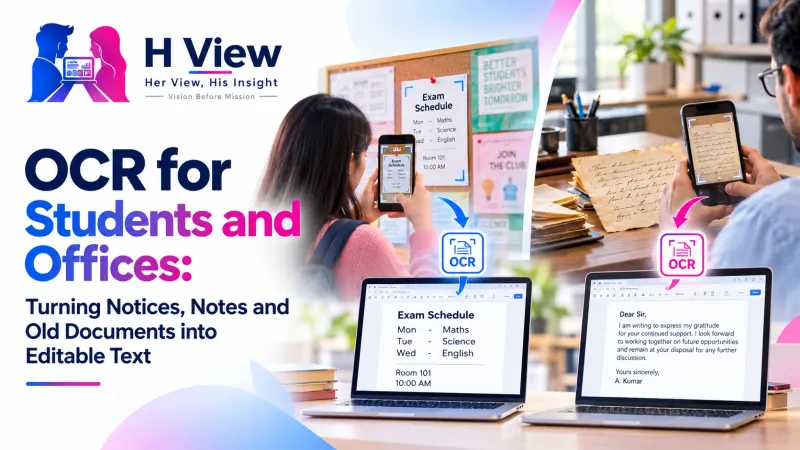
OCR for Students and Offices: Turning Notices, Notes and Old Documents into Editable Text
Students photograph notices and book pages; offices still retype letters and old records. Here are practical ways to use OCR, how to get cleaner results, and where it still struggles, especially with handwriting.
OCR (optical character recognition) turns a photo of printed text into editable text you can copy, search and reuse. Students use it for notices, book pages and question papers; offices use it for letters, old records and scanned forms. The free H View Image to Text tool reads English, Hindi and Telugu in your browser.
Look at any college WhatsApp group during exam season and you'll see dozens of photos: timetable notices, syllabus pages, important questions circled in a textbook. In offices, someone is still retyping a supplier's letter or an old file note into Word. In both places, the text already exists; it's just trapped inside a picture.
What Can Students Use OCR For?
- Notices and timetables: copy dates and room numbers into your calendar instead of zooming into photos.
- Book pages and reference material: pull a definition or paragraph into your notes, then rewrite it in your own words.
- Previous question papers: make a searchable list of questions to practise.
- Regional-language material: copy Hindi or Telugu text for study notes or translation.
What Can Offices Use It For?
- Turning scanned letters and circulars into editable drafts.
- Making old typed records searchable.
- Copying details from printed forms and invoices instead of retyping.
- Reading every page of a scanned PDF (up to 50 pages) in order.
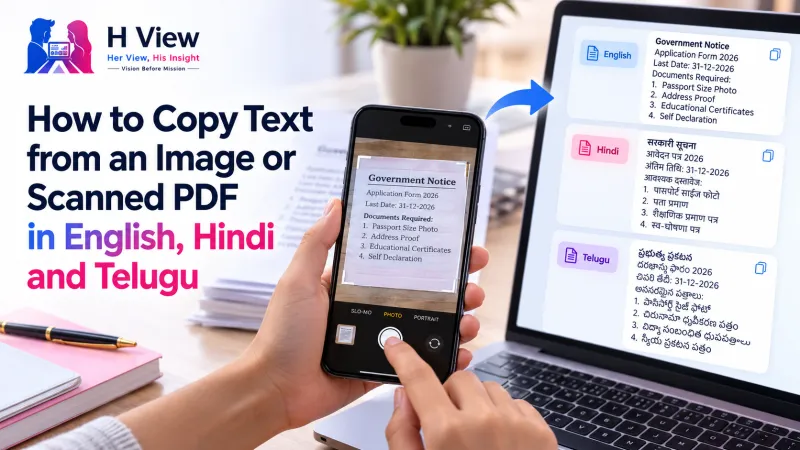 Also readHow to Copy Text from an Image or Scanned PDF in English, Hindi and Telugu→
How Do I Get Cleaner Results?
| Problem | Fix |
|---|---|
| Random wrong letters | Retake in daylight, straight above the page, with no shadow |
| Missing lines at the edges | Flatten the page; curled book spines confuse OCR |
| Hindi or Telugu reads as gibberish | Pick “Hindi + English” or “Telugu + English,” not English only |
| Screenshot text is blurry | Save screenshots as PNG rather than heavily compressed JPG |
| Handwritten notes | Expect to correct a lot; OCR is made for printed text |
Why PNG for screenshots? MDN's image format guide recommends PNG for screenshots and line art, because JPEG's lossy compression can blur sharp edges like letters.
The H View tool uses Tesseract, an open-source OCR engine that can read over 100 languages, with language files for English, Hindi and Telugu (about 1.5 to 3 MB each) loaded in your browser. Unsure words are marked on the picture so you know where to look when proofreading.
Try it now: Open the free Image to Text tool → Free · No sign-up · Files stay on your device.
Is It Okay to Copy Text from Books?
For personal study notes, short extracts are usually fine. Copying large parts of a book to share or publish can infringe copyright. Use OCR to save typing, then summarise and cite properly in assignments; teachers can usually tell when text is pasted wholesale.
Her View
Students who learn in Hindi or Telugu medium often find that “smart tools” only work in English. OCR that reads their language, on a phone, for free, is a small but real step towards technology that includes them rather than translating them away.
 Also readHow to Extract Audio from a Video as MP3: Lectures, Interviews and Voice Notes→
His Insight
The productivity gain isn't just speed; it's accuracy. Retyping introduces errors in numbers, names and dates, exactly the details that matter. Letting OCR do the first pass and spending your effort on checking gives a cleaner result in less time. For private documents, in-browser processing means nothing is uploaded; for scans you want to keep as PDFs, see Compress PDF.
H View Verdict
If you're retyping printed text, use OCR first. Take a clear photo, choose the right language, proofread the result and save it. For students and offices alike, it's one of the simplest time-savers available, free and private.
Frequently Asked Questions
What is OCR?
Optical character recognition: software that reads letters in an image and turns them into editable text.
Can OCR read handwriting?
Neat handwriting sometimes works, but OCR is designed for printed text, so expect to correct handwritten results.
Which languages does the H View tool read?
English, Hindi and Telugu, alone or mixed with English.
Is my document uploaded?
No. The text is read in your browser and nothing is sent to H View.
Step-by-step guide: How to copy text from an image or scanned PDF.
H View stories follow our editorial policy. Spotted an error? Tell us and we will correct it.
Rate this article
One tap is enough. No comment needed.
Was this article helpful?
Your answer goes straight to our editors.



Comments0
No comments yet. Start the conversation.