
Cloudfolio: A Free PDF Editor, Scanner and Study App That Keeps Your Files on Your Device
Cloudfolio by H View brings reading, annotation, scanning, OCR in English and Hindi, signing, compression and an AI study assistant into one private PDF workspace. Here is what it does and what it costs.
Most of us open a PDF several times a day. A bank statement, a college notice, a rent agreement, an offer letter, a chapter a teacher shared on WhatsApp. And almost every time we need to do something with it, we end up on a random website that asks us to upload the file first.
That is the problem we built Cloudfolio to solve. Cloudfolio is a PDF workspace from H View. You can read, mark up, scan, sign, edit and study your documents in one place, and your files stay on your own device.
You can start for free at cloudfolio.app.
Why we built another PDF app
There is no shortage of PDF tools. But when we looked at how people in India actually use them, three things kept coming up.
- Too many apps for one job. One app to read, another to scan, a website to compress, a different website to merge, and something else to sign.
- Uploading private papers. Aadhaar copies, salary slips, medical reports and agreements get uploaded to sites nobody has heard of, just to reduce the file size.
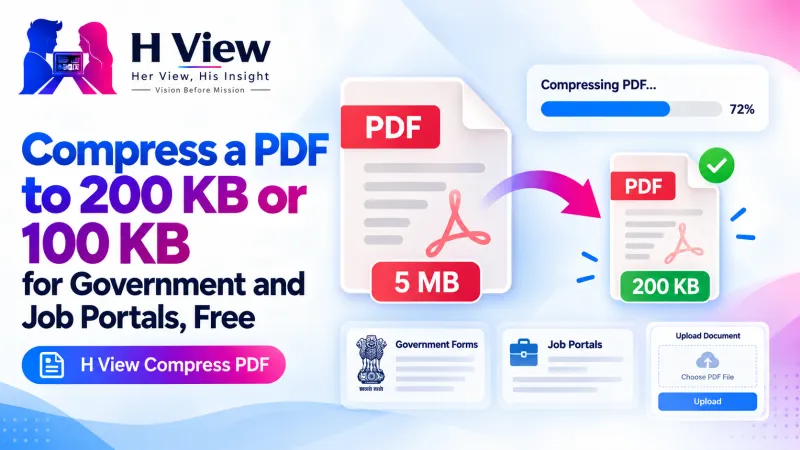
- Portals with strict limits. Job portals, university forms and government sites want a PDF under a certain size, in a certain order, with a signature. Getting there takes too many steps.
Cloudfolio puts the reader, the scanner and the toolbox together, and does the work on your device.
What you can do with Cloudfolio
Read comfortably
Open a PDF and you get thumbnails, the chapter outline and full-text search that shows every match with its context. Choose a light, sepia or dark page. Cloudfolio remembers the exact page you were on in each file, so a long report or textbook opens right where you stopped. You can also have pages read aloud in English or Hindi at the speed you like.
Highlight and take notes
Highlight, underline or strike text in one step. Add sticky notes, text boxes, pen marks, shapes and arrows. Every mark is listed in one notes panel, and you can export your notes as Markdown with page references. Your annotations are saved into a new copy, so the original file is never touched.
Scan paper into a clean PDF
Point your phone camera at a page. Cloudfolio finds the edges, straightens the page, and cleans it up with Magic, grey or black-and-white filters. Capture several pages, reorder them, and save one PDF. OCR in English and Hindi turns the scan into text you can search and select, and it runs on your device.
Fix, fill, sign and organise
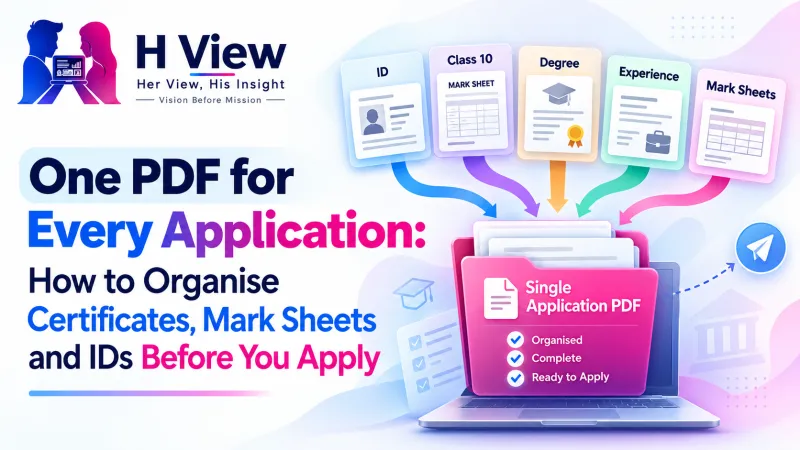
- Merge several files in any order, or split by page ranges.
- Compress with three quality levels and see the before and after size.
- Fill forms and sign with a drawn, typed or uploaded signature.
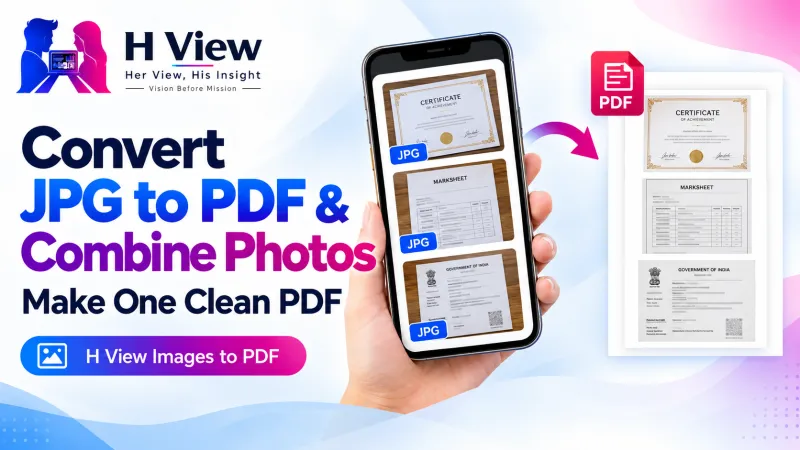
- Convert images to PDF and PDF pages to JPG or PNG.
- Add page numbers and watermarks, rotate, reorder or delete pages.
- On the Plus plan, edit existing text and images, and redact areas so the hidden content is actually removed from the saved copy, not just covered with a black box.
Study faster with AI you can check
On the Pro plan, the AI study assistant can summarise a chapter, explain a hard passage in plain language, answer questions about your document, and make flashcards and practice quizzes. Answers come with page references, so you can check them. Nothing is sent until you press Run, and only the pages you choose are sent.
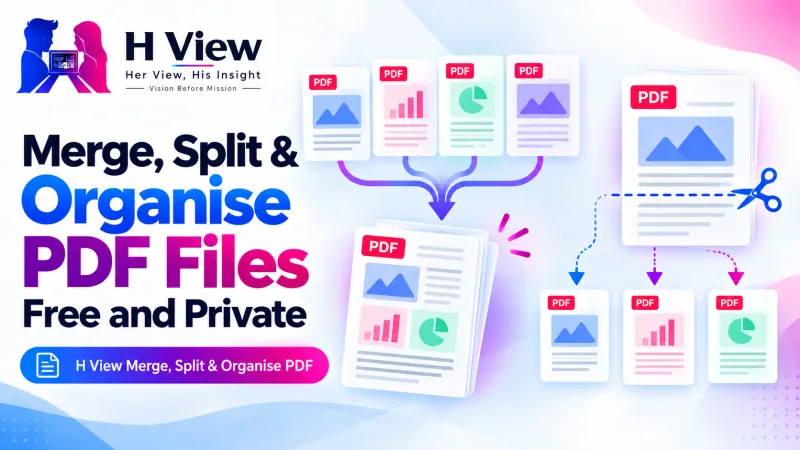 Also readHow to Merge PDF Files and Split or Extract Pages for Free, Without Uploading Them→
Private by design
This was the rule we started with. Your library lives in the app's private storage on your device. Cloudfolio says plainly that PDFs are not stored on its servers. Password-protected PDFs are unlocked on your device, and the password is not saved. Once installed, reading, OCR and the tools work even without the internet. The only time any page leaves your device is when you ask the AI to read it, and then only the pages you picked.
There are no ads inside your documents. You can delete your data and account from Settings at any time.
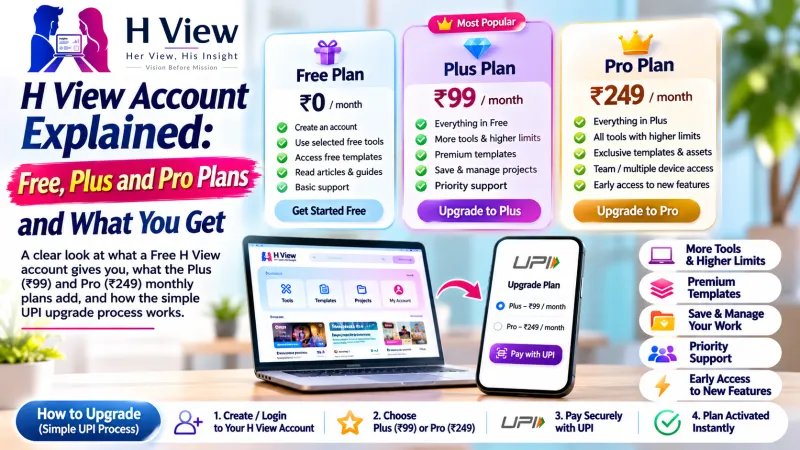
How much does it cost?
- Free, ₹0 forever: unlimited reading and annotation, the scanner, 30 OCR pages a month and 5 PDF tool runs a day.
- Plus, ₹99 a month: everything in Free, plus editing and redaction, unlimited OCR and tools, fill and sign, and email support.
- Pro, ₹199 a month: everything in Plus, plus 300 AI actions a month, flashcards and quizzes, and priority support.
- Business, ₹399 per user a month: for teams that need central billing, GST invoices, admin and usage reports.
Yearly plans save more than two months. You pay by UPI, and you can cancel anytime. Your plan stays active until the end of the period you paid for.
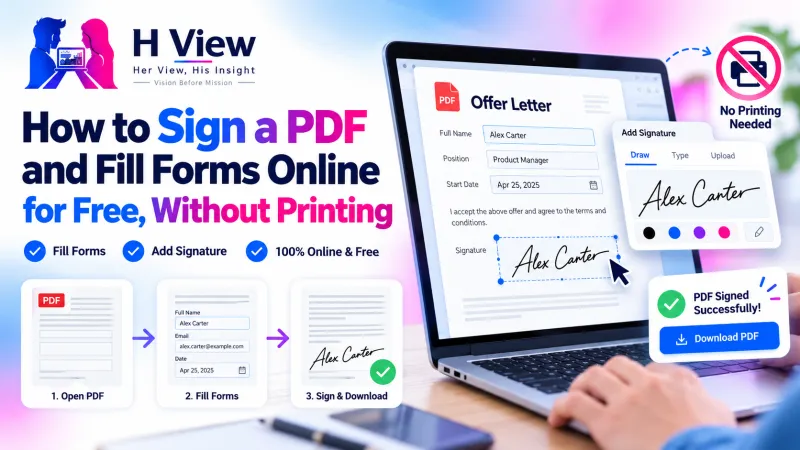 Also readHow to Sign a PDF and Fill Forms Online for Free, Without Printing→
Which devices does it work on?
Cloudfolio runs in your browser today, on phones and computers. You can install it from the browser so it opens like an app and works offline:
- Android: open it in Chrome and tap Install app.
- iPhone and iPad: open it in Safari, tap Share, then Add to Home Screen.
- Windows: open it in Chrome or Edge and click the install icon in the address bar.
- Mac: use Chrome or Edge, or in Safari choose File, then Add to Dock.
Dedicated apps for Android, iOS, Windows and Mac are on the way. Until then, the installed web app gives you the same workspace.
Who is it for?
- Students who scan notes, highlight textbooks and need files small enough for college portals.
- Teachers and researchers who annotate papers and want notes with page references.
- Working professionals who sign, fill forms, compress attachments and keep searchable records.
- Small teams who want one toolkit with one bill.
Try it today
Open cloudfolio.app, pick a PDF from your phone or laptop, and you are in. No card needed to start. You can also find Cloudfolio any time under Premium Tools → PDF & documents in the H View menu.
Over the next few days we will share practical guides: how to compress a PDF for upload portals, how to scan and search Hindi documents, how to sign a PDF without printing, and how to study smarter from PDFs. Stay tuned.
H View stories follow our editorial policy. Spotted an error? Tell us and we will correct it.
Rate this article
One tap is enough. No comment needed.
Was this article helpful?
Your answer goes straight to our editors.





Comments0
No comments yet. Start the conversation.