
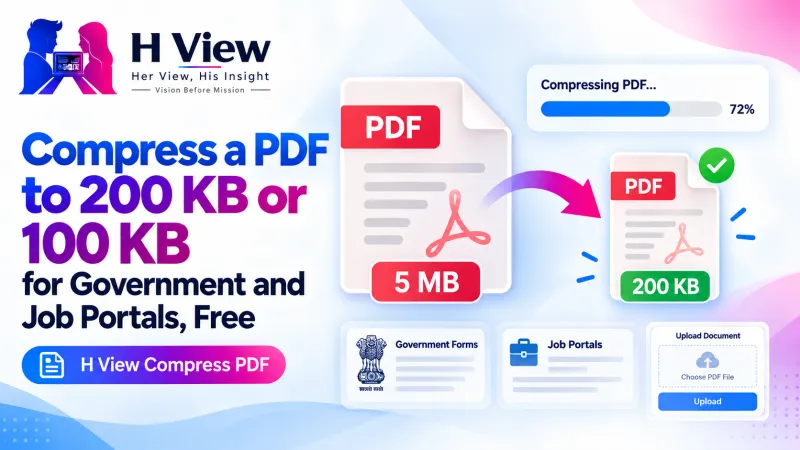
How to Compress a PDF to 200 KB or 100 KB for Government and Job Portals, Free
"File size should not exceed 200 KB." If a portal keeps rejecting your PDF, here's how to compress it to any limit for free, keep the text sharp where possible, and never upload your documents to a stranger's server.
To compress a PDF to 200 KB or 100 KB for free, open the H View Compress PDF tool, add your file, choose “Exact size” and pick your limit, then download the smaller PDF. It tries to keep text sharp first and only redraws pages as pictures if it must, and the whole process happens in your browser.
Government, university and job portals in India often accept PDFs only up to 100 KB, 200 KB or 500 KB. Meanwhile, a phone scan of three certificates can easily be 5 MB. That gap is why so many applications get stuck on the last step, the upload.
Why Is My PDF So Large in the First Place?
A PDF that holds only typed text is usually small. What makes PDFs heavy is pictures: scanned pages, phone photos of documents and embedded images. Each scanned page is really one big photo inside the file, and photos are where almost all the size comes from.
That is also why some PDFs barely shrink. If your file is already mostly text, there is little left to squeeze. If it is a scan, there is a lot.
Which Compression Option Should I Choose?
| Option | Best for | What happens to the text |
|---|---|---|
| Keep text sharp | Typed documents with a few photos | Text, links and form fields stay exactly as they are; only the photos inside are re-saved |
| Smallest file | Scans and photo PDFs | Each page becomes a well-compressed picture; text can no longer be selected |
| Exact size | Portals with a hard limit (100, 200, 500 KB or your own) | Tries “keep text sharp” first, then smaller page pictures until it fits |
For scanned documents, turning on black and white (greyscale) makes files dramatically smaller, and printed text stays readable.
 Also readHow to Compress a Photo to 50 KB or 20 KB for Exam and Job Forms, Free and Private→
How Do I Compress a PDF Step by Step?
- Add the PDF. Choose it from your device or drop it on the page.
- Choose how small. “Keep text sharp,” “Smallest file,” or an exact size such as 100 KB or 200 KB.
- Compress and compare. You will see the new size and a before-and-after view of page 1.
- Download the smaller PDF and check that every page is readable before you upload it.
Try it now: Open the free Compress PDF tool → Free · No sign-up · Files stay on your device.
What If the PDF Still Won't Fit?
- Remove pages you don't need. A blank back page or an instruction sheet adds size. Use Merge, Split & Organise PDF to delete them first.
- Rebuild from photos. If you are starting from phone photos, Images to PDF has its own “Reduce file size” option.
- Switch to greyscale for scans of printed documents.
- Split across uploads if the portal allows separate files for each document.
Is It Safe to Compress Certificates and ID Documents Online?
It depends on the website. Many online compressors upload your file to their servers to process it. The H View tool compresses the PDF inside your browser, so the document stays on your device and we never receive it. For mark sheets, Aadhaar, PAN and bank statements, that difference matters.
PDF itself is an open standard maintained by the International Organization for Standardization, as Adobe explains, which is why a compressed PDF still opens on any phone or computer.
Her View
There is a special kind of panic in seeing “File size exceeds limit” ten minutes before a deadline. Often the person applying is not the problem; the form simply assumes everyone has a scanner and a laptop. Most people have only a phone. A compressor that works on that phone, for free, takes away one more unfair hurdle.
 Also readHow to Convert JPG to PDF and Combine Document Photos into One PDF, Free→
His Insight
Compression is a trade-off between file size and clarity, and the trick is knowing which kind of PDF you have. Typed PDFs keep their sharp text with the first option. Scans are images, and images compress well, as MDN's guide to image formats describes for JPEG photographs. Choose the right mode and you rarely have to accept a blurry document.
H View Verdict
You should not have to pay or upload private documents just to meet a portal's size limit. Know whether your PDF is typed or scanned, pick the matching option, check the result page by page, and keep a compressed copy of each important document ready for the next application.
Frequently Asked Questions
How do I reduce a PDF to under 200 KB?
Choose “Exact size,” pick 200 KB and press Compress PDF. The tool tries to keep text sharp first, then uses smaller page pictures until the file fits.
Will the text still be sharp after compression?
With “Keep text sharp,” yes, because only the photos inside are re-saved. “Smallest file” and “Exact size” can turn pages into pictures, which may look softer and cannot be selected.
Why did my PDF not get much smaller?
Text-only PDFs are already small. Most of a PDF's size comes from photos and scans, so those shrink the most. Try “Smallest file” for scans.
Is my PDF uploaded to a server?
No. The PDF is compressed in your browser and stays on your device.
Making a photo for the same form? See our guide to making a passport size photo at home for free, or browse all H View free tools.
H View stories follow our editorial policy. Spotted an error? Tell us and we will correct it.
Rate this article
One tap is enough. No comment needed.
Was this article helpful?
Your answer goes straight to our editors.










Comments0
No comments yet. Start the conversation.