
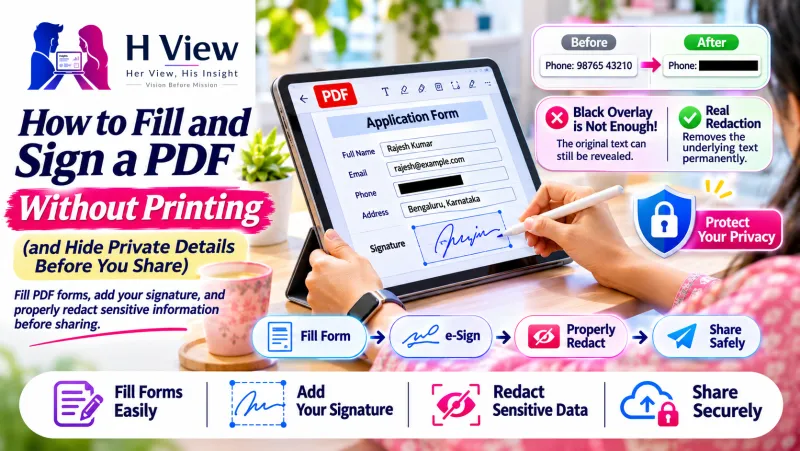
How to Fill and Sign a PDF Without Printing (and Hide Private Details Before You Share)
Skip the print-sign-scan routine. Fill forms, add a drawn, typed or uploaded signature, redact private details properly and share a clean PDF from your phone or laptop.
Someone sends you a form as a PDF and asks you to "fill, sign and send back." The old way: print it, fill it with a pen, sign it, scan it, and send a slightly crooked photo. It takes 20 minutes, and you need a printer you probably do not have at home.
You can do all of this on your phone or laptop in a few minutes. This guide covers how to fill a PDF form, add your signature, and keep private details safe before you share it.
Three ways to add your signature
Cloudfolio's Fill & Sign tool lets you sign in whichever way feels natural:
- Draw it with your finger on a phone, or with a mouse or stylus on a computer.
- Type it and choose a signature style.
- Upload it. Sign on white paper, take a photo, and use that image. This usually looks the most like your real signature.
Step by step: fill and sign a PDF
- Open the PDF in Cloudfolio on your phone or computer.
- Fill the fields. If the PDF has form fields, tap and type. If it is a flat PDF or a scan, add text boxes where you need to write.
- Add the date in the date field or next to your signature.
- Place your signature. Drag it into position and resize it to fit the signature line.
- Check every page. Many agreements need a signature or initials on each page, not only the last.
- Save. Cloudfolio saves a new copy, so your original blank form stays untouched in case you need to start again.
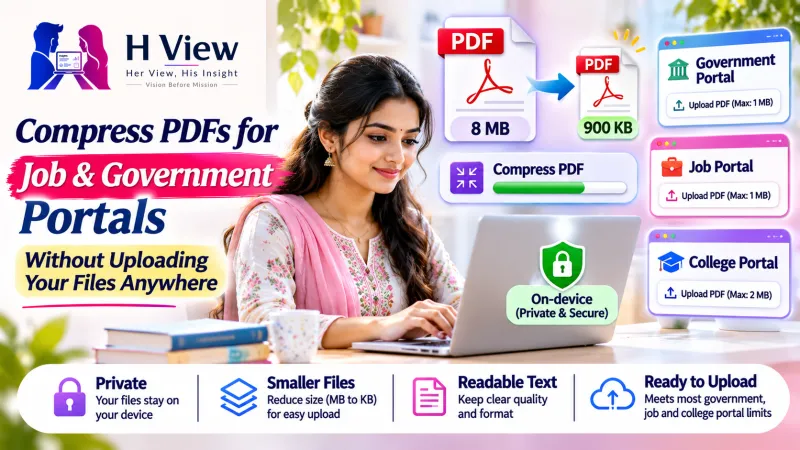 Also readHow to Compress a PDF for Government and Job Portals (Without Uploading It Anywhere)→
Before you send: protect your private details
Documents often contain more than the other person needs to see. Before you share a bank statement to prove your address, or an ID to a landlord, think about what to hide.
Redact properly, not with a black highlighter
Drawing a black box over text in a normal PDF app often only covers it. The text is still in the file, and someone can copy it out from under the box. Cloudfolio's Redact tool (Plus plan) deletes the text, images, drawings, form fields and comments under the area you mark from the saved copy. It is actually removed.
Strip hidden information
PDFs can carry hidden details like the author's name, editing history, attachments and scripts. Cloudfolio can remove this hidden information before you share.
Add a watermark
Sharing a copy of your ID for one purpose? Add a watermark such as "Copy for rental agreement only" with the date It makes misuse harder.
Need to change something in the PDF itself?
Sometimes the form has a wrong name, an old address, or a typo you need to fix. With the Plus plan, Cloudfolio can edit existing text (words, size, colour and alignment) and move, resize, crop, replace or delete images. You can also add new text, images and clickable links as real PDF content.
A few honest limits so you know what to expect: edited text uses a standard PDF font, paragraphs do not reflow like in a word processor, and if a file has already been digitally signed, Cloudfolio warns you before you change it.
 Also readCloudfolio: A Free PDF Editor, Scanner and Study App That Keeps Your Files on Your Device→
Is a drawn signature legally valid?
This depends on the document and who is asking for it. A signature image on a PDF is accepted for many everyday purposes, like forms, consent letters, internal approvals and simple agreements. Some documents need a certified digital signature or Aadhaar-based eSign instead, or a physical wet signature. When in doubt, ask the person or office receiving the document what they accept. This article is not legal advice.
Other handy tools for paperwork
- Merge the signed form with your supporting documents into one file.
- Compress it if the email or portal has a size limit.
- Add page numbers to long agreements so everyone refers to the same page.
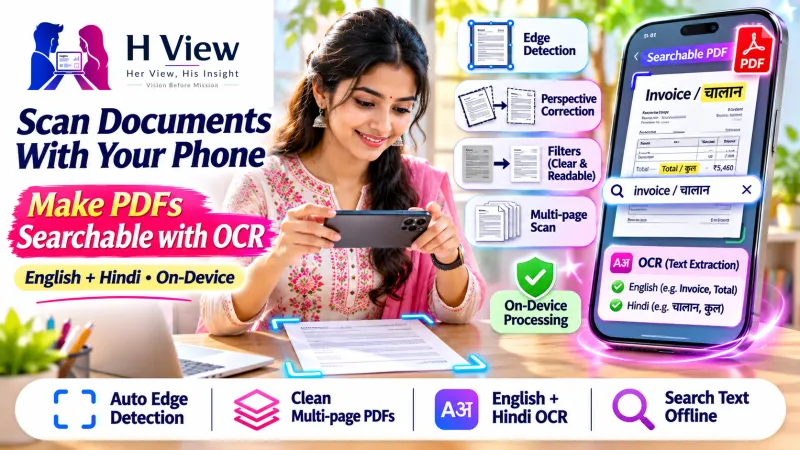
- Scan a paper document with your camera first if you only have a hard copy.
What does it cost?
You can start free. Fill and sign, along with editing, redaction and unlimited tools, are part of the Plus plan at ₹99 a month. You pay by UPI and can cancel anytime. For teams that sign and share documents every day, there is a Business plan with central billing and GST invoices.
Your documents stay on your device while you work. Cloudfolio says PDFs are not stored on its servers.
Next time someone says "just print, sign and scan it," you can skip the printer. Start at cloudfolio.app, or open it from Premium Tools → PDF & documents on H View.
H View stories follow our editorial policy. Spotted an error? Tell us and we will correct it.
Rate this article
One tap is enough. No comment needed.
Was this article helpful?
Your answer goes straight to our editors.










Comments0
No comments yet. Start the conversation.