
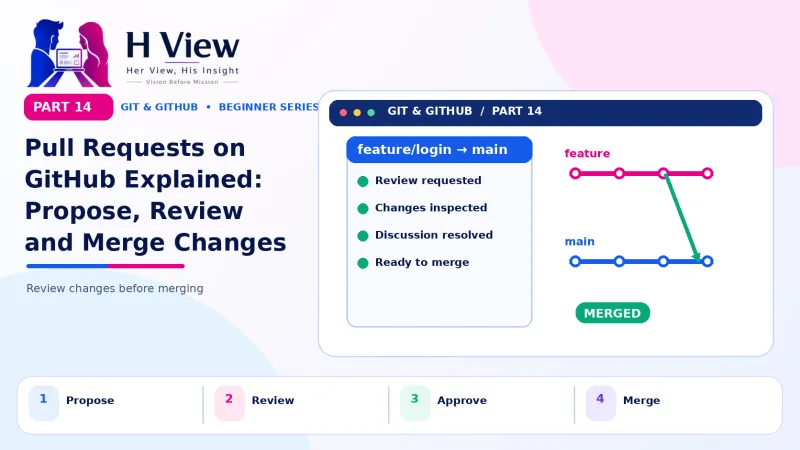
Pull Requests on GitHub Explained: Propose, Review and Merge Changes (Part 14)
A pull request is how you propose changes on GitHub and get them reviewed before they reach main. Open, review and merge your first pull request, step by step. Part 14 of our visual Git series.
A pull request (PR) is a request on GitHub to merge the changes from one branch into another, usually into main. It shows exactly what changed, lets others comment and approve, runs automatic checks and keeps a record of the discussion. Once everyone is happy, you click "Merge pull request" and the work joins main.
Before merging the cake booking feature into the live bakery site, Sneha wanted a second pair of eyes. "Can you check my code before customers see it?" she asked Arjun. He did not ask her to email files. "Push your branch and open a pull request. I will review it on GitHub tonight." The next morning there were three friendly comments waiting, one of which caught a bug that would have rejected every order placed after 6 pm. In Part 13 you merged branches on your own laptop. In teams, merging usually happens on GitHub instead, through a pull request. Even solo builders use pull requests to review their own changes and trigger automatic checks. This Part 14 walks you through the whole cycle.
Your one-minute summary
- A pull request asks to merge a branch into main
- Push a branch, then click Compare & pull request on GitHub
- Write a clear title and description; link issues with Closes #12
- Reviewers can comment, approve or request changes
- Push more commits to the same branch to update the PR
- Merge, then delete the branch
Why is it called a "pull request"?
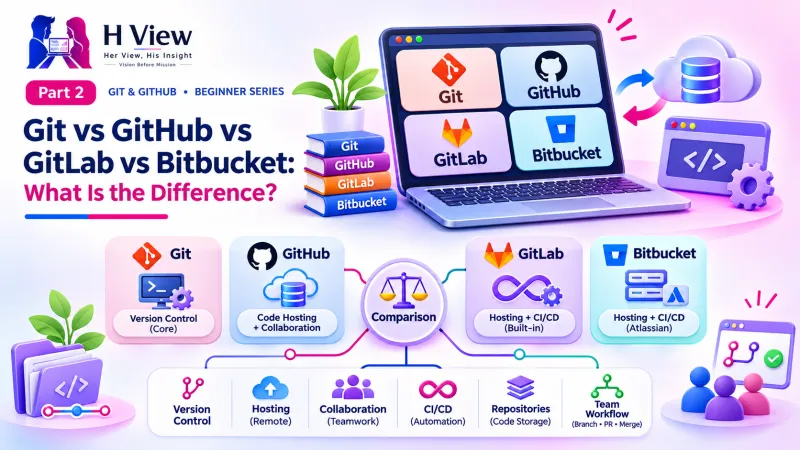
You are asking the project owner to "pull" your changes into their branch. On GitLab the same feature is called a "merge request", which describes it just as well. GitHub's documentation on pull requests covers every option in detail.
The life of a pull request
How do I open a pull request?
Opening your first pull request
git push -u origin feature/cake-bookingGitHub Desktop and VS Code (with the GitHub Pull Requests extension) can also create pull requests without opening the browser.
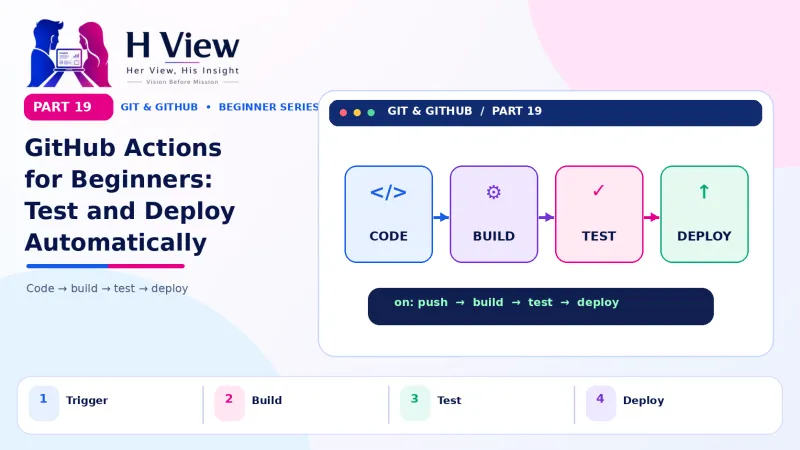 Also readGitHub Actions for Beginners: Let GitHub Test and Deploy Your Website Automatically (Part 19)→
What does a good pull request description look like?
A reviewer should understand your PR in one minute. A simple template works for most web projects:
| Section | Sneha's example |
|---|---|
| Title | Add online booking for custom cakes |
| What changed | New booking page with date picker, cake size and message fields; orders emailed to the bakery |
| Why | Uncle gets many booking calls during festivals. Closes #12 |
| How to test | Open /booking, place a test order, check the email arrives |
| Screenshots | Desktop and mobile views |
Closes #12 or Fixes #12 in the description links the PR to issue number 12. When the PR is merged into the default branch, GitHub closes the issue automatically. We cover issues in Part 17.What are the tabs inside a pull request?
Inside a pull request page
Conversation
- Description and all comments
- Review status and checks
- The big green Merge button
Commits
- Every commit on the branch
- Messages and authors
Files changed
- Red and green diff for every file
- Click a line number to comment on it
- Start a review here
How does code review work?
In the Files changed tab, a reviewer hovers over a line, clicks the blue + and writes a comment. They can even propose an exact change with the "suggestion" button, which the author can accept in one click. When finished, the reviewer clicks Review changes and picks one of three outcomes:
Three review outcomes
To respond, the author simply makes more commits on the same branch and pushes. The pull request updates automatically; there is no need to open a new one. Sneha fixed the 6 pm bug with one commit, and Arjun's next review was an approval.
Kind, useful review comments
Less helpful
- "This is wrong."
- "Why did you do this?"
- "Bad naming."
More helpful
- "Orders after 6 pm fail here because of the time check; could we use 24-hour time?"
- "Could you explain this choice? I may be missing context."
- "Maybe rename btn2 to submitButton so it is clearer?"
Review the code, not the person. Ask questions, suggest fixes and say what you liked.
How do I merge a pull request?
When the PR is approved and any automatic checks pass, the green button on the Conversation tab merges it. GitHub offers three merge methods:
| Option | What happens | Good for |
|---|---|---|
| Create a merge commit | All commits kept, plus a merge commit | Keeping full detail |
| Squash and merge | All commits combined into one on main | Clean history with many small commits |
| Rebase and merge | Commits replayed onto main, no merge commit | Straight-line history |
Beginners can use either of the first two. After merging, click Delete branch, then on your laptop run git switch main and git pull to get the merged result.
What are draft pull requests?
Open a draft pull request when work is in progress and you want early feedback without anyone merging it. Click the arrow next to "Create pull request" and choose "Create draft pull request". When ready, click "Ready for review".
Should I use pull requests if I work alone?
Yes, for anything more than a tiny change. A PR gives you a final look at the full diff before it reaches main, a written record of why a change was made and, in Part 19, a place where GitHub Actions runs automatic checks. Freelancers can also share a PR link with a client as a clear summary of "what I changed this week".
Before Part 15, make sure you can
- Open a pull request from a pushed branch
- Write a description with what, why, how to test and screenshots
- Leave a line comment in the Files changed tab
- Explain approve vs request changes
- Merge a PR, delete the branch and pull main locally
Her View
Code review can feel personal at first, as if someone is grading you. Good teams make it the opposite: a shared effort to make the work better. When you review, be the reviewer you would want, specific, kind and curious. When you are reviewed, remember the comments are about the code, and every one is a free lesson. Sneha now looks forward to Arjun's reviews.
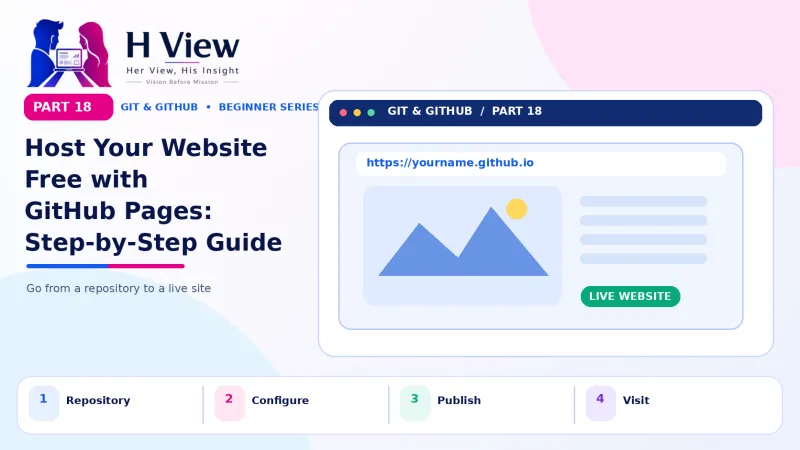 Also readHost Your Website Free with GitHub Pages: Step-by-Step Guide (Part 18)→
His Insight
Keep pull requests small: one feature or fix, ideally a few hundred lines at most. Small PRs get reviewed faster and more carefully. Always include "how to test" and screenshots for visual changes. And never merge your own PR into a shared project without review unless the team has agreed that is acceptable.
H View Verdict
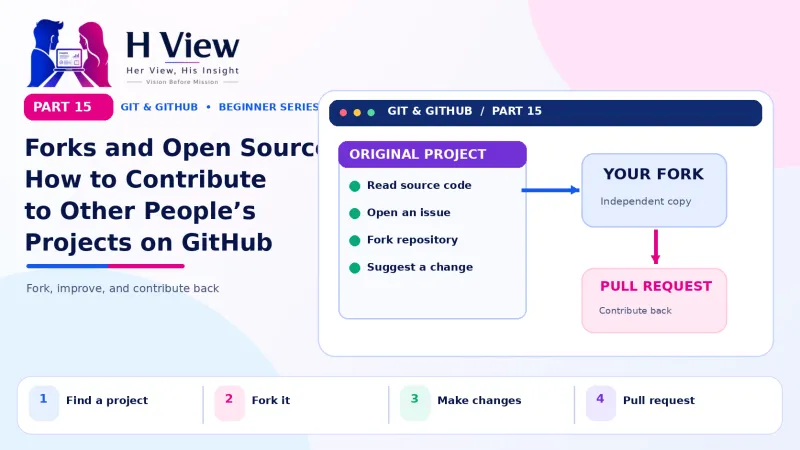
Pull requests turn merging into a visible, reviewable step, which makes quality and collaboration easier. They are the heart of how work happens on GitHub. In Part 15, we use them to contribute to other people's projects through forks, the first step into open source.
Self-assessment: test yourself
Ready? Tap an option for each question. You will see right away whether you got it, with a short explanation, and your score at the end. Take your time, and try again as often as you like.
Pull request quiz: 10 questions
1. What does a pull request ask for?
- A new GitHub account
- To merge one branch's changes into another
- To delete main
- To download a repository
A PR proposes merging a branch, usually into main.
2. How do you update an open pull request after feedback?
- Open a new PR
- Push new commits to the same branch
- Delete the PR
- Email the reviewer
The PR tracks the branch, so new commits appear automatically.
3. Writing "Closes #12" in a PR description
- Deletes 12 files
- Closes issue 12 when the PR is merged
- Locks the repository
- Requests 12 reviewers
GitHub links the PR to the issue and closes it on merge.
4. Which merge option combines all commits into one?
- Create a merge commit
- Squash and merge
- Rebase and merge
- Draft merge
Squash combines the branch's commits into a single commit on main.
5. Which tab shows line-by-line changes for review?
- Conversation
- Commits
- Files changed
- Insights
Files changed shows the diff and lets reviewers comment on lines.
6. What is a draft pull request for?
- Deleting a branch
- Sharing work in progress without it being merged
- Hiding code
- Paying for reviews
Drafts invite early feedback and cannot be merged until marked ready.
7. Which review outcome means fixes are needed?
- Approve
- Comment
- Request changes
- Merge
Request changes signals the PR is not ready yet.
8. What is GitLab's name for a pull request?
- Push request
- Merge request
- Branch request
- Fork request
GitLab calls it a merge request; the idea is the same.
9. Which comment is the most helpful?
- "This is wrong."
- "Bad code."
- "Orders after 6 pm fail here; could we use 24-hour time?"
- "Why?"
It explains the problem and suggests a fix.
10. After merging a PR on GitHub, what should you do on your laptop?
- Nothing ever
- git switch main and git pull
- git init again
- Delete the .git folder
Pulling brings the merged result to your local main.
Frequently asked questions
Is a pull request the same as a merge request?
Yes. GitHub and Bitbucket say pull request; GitLab says merge request. The idea is the same.
Can I open a pull request without the terminal?
Yes. GitHub Desktop has "Create Pull Request" in the Branch menu, and you can edit files and open PRs entirely on GitHub.com.
What if my pull request has conflicts?
GitHub shows "This branch has conflicts". Resolve them with the "Resolve conflicts" button for simple cases, or locally by merging main into your branch as in Part 13, then push.
How many reviewers should a pull request have?
For small teams, one reviewer is common. Repository settings can require a minimum number of approvals before merging.
H View stories follow our editorial policy. Spotted an error? Tell us and we will correct it.
Rate this article
One tap is enough. No comment needed.
Was this article helpful?
Your answer goes straight to our editors.
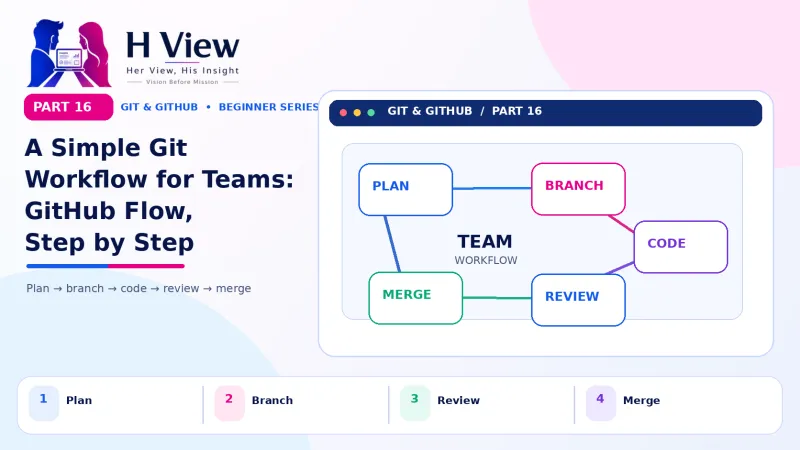








Comments0
No comments yet. Start the conversation.