
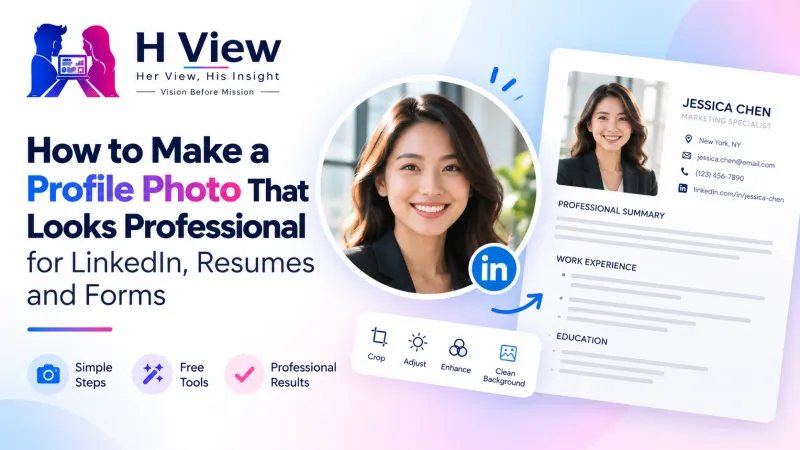
How to Make a Profile Photo That Looks Professional for LinkedIn, Resumes and Forms
You don't need a studio or an expensive camera for a professional profile photo. Light, framing, background and size matter far more, and a phone plus a few free tools can get you there in ten minutes.
A professional profile photo needs four things: soft front light, head-and-shoulders framing, a clean background and the right size. Take the photo on your phone facing a window, clean up the background with the free H View Background Remover, then crop it square with the Image Resizer. No studio needed.
Your profile photo is often the first thing a recruiter, client or new colleague sees: on LinkedIn, on a resume, on Naukri, on a company ID or a conference badge. Many people either use a cropped wedding photo or avoid a photo altogether. Neither helps. A simple, well-lit photo where you look approachable does more than any fancy filter.
What Makes a Profile Photo Look Professional?
| Element | Do | Avoid |
|---|---|---|
| Light | Face a window in daylight; soft, even light | Overhead tube lights, harsh sun, backlight |
| Framing | Head and top of shoulders, face filling about half the frame | Full-body shots, group photos cropped down |
| Expression | Relaxed, natural smile, eyes to camera | Sunglasses, filters, extreme angles |
| Background | Plain, light or softly blurred | Cluttered rooms, bright patterns |
| Clothes | Solid colours you'd wear to work | Busy prints, clothes the same colour as the background |
How Do I Take It on a Phone?
- Stand about an arm's length from a window, facing it.
- Ask someone to hold the phone at your eye level, using the main (rear) camera, not the selfie camera, if possible.
- Take 15–20 shots and pick the one where you look most like yourself.
- Avoid digital zoom; step closer instead.
 Also readHow to Remove a Photo Background for Free Without Uploading It Anywhere→
How Do I Fix the Background?
Open the Background Remover and pick:
- Soft blur for LinkedIn and WhatsApp DPs: a natural “portrait mode” look.
- White for resumes, ID cards and official forms.
- A brand colour for a team page where everyone matches.
It runs in your browser, keeps your photo's full resolution and adds no watermark. The result is a PNG, the format MDN recommends when you need precise reproduction or transparency.
What Size Should It Be?
- LinkedIn and most profiles: a square crop with your face in the centre; the platform shows it as a circle, so leave a little space around your head.
- Resume: a small passport-style photo, if your industry expects one.
- Forms: follow the notice exactly, or use the Passport & Exam Photo Maker.
If your only good photo is small, enlarge it with the AI Photo Enhancer, which uses an ESRGAN super-resolution model (research paper) instead of simple stretching.
Her View
Women are often told their photos should be “perfect” before they're good enough to post, so many simply don't. A professional photo is not about looking flawless; it's about looking present and approachable. Good light and a clean background are enough. Then press upload.
 Also readHow to Make a Passport Size Photo at Home for Free: Indian Passport, PAN and Exam Forms→
His Insight
Profiles with clear, recent photos simply look more trustworthy, and in a world of fake accounts that matters. The goal isn't glamour; it's recognisability. Someone meeting you in an interview should recognise you from your photo. Update it every couple of years, or when your look changes noticeably.
H View Verdict
Soft light, simple framing, a clean background and the right crop: that's a professional profile photo. Your phone and three free H View tools are all you need, and your photo never leaves your device.
Frequently Asked Questions
Can I make a professional profile photo with a phone?
Yes. Use window light, eye-level framing and the rear camera, then clean the background and crop it square.
Should the background be white or blurred?
Blurred looks natural for LinkedIn and social profiles; white suits resumes, ID cards and official forms.
Is it safe to edit my photo online?
With H View tools, yes: the photo is processed in your browser and never uploaded.
How often should I update my profile photo?
Every couple of years, or whenever your appearance changes noticeably, so people recognise you when you meet.
H View stories follow our editorial policy. Spotted an error? Tell us and we will correct it.
Rate this article
One tap is enough. No comment needed.
Was this article helpful?
Your answer goes straight to our editors.




Comments0
No comments yet. Start the conversation.