
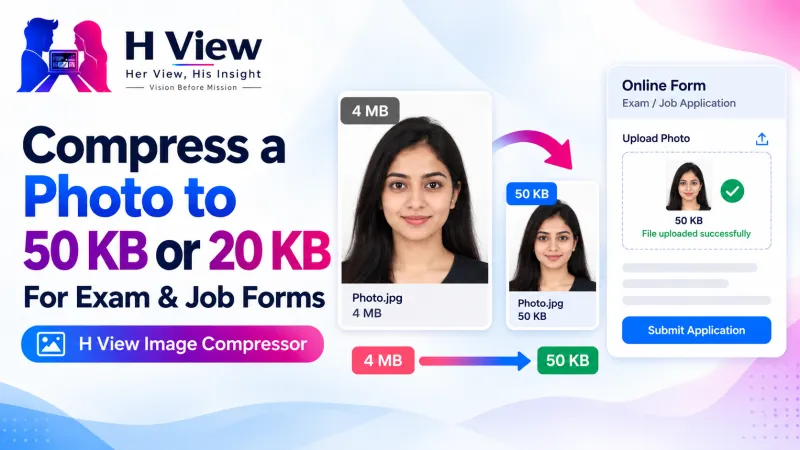
How to Compress a Photo to 50 KB or 20 KB for Exam and Job Forms, Free and Private
A 4 MB phone photo and a form that accepts only 50 KB. Here's how to compress a photo to any KB limit for free, without guessing, without blurring your face and without uploading it anywhere.
To compress a photo to 50 KB (or 20 KB, or any limit) for free, open the H View Image Compressor, add the photo, switch on “Target size,” type the limit and press Compress. The tool finds the best quality that fits, shows the new size and lets you download, all inside your browser.
Phone cameras are brilliant, which is exactly the problem. A single photo is often 3 to 5 MB, while exam, job and government forms ask for photos and signatures under 20 KB, 50 KB or 100 KB. Most of us end up shrinking and re-shrinking by trial and error until the portal finally accepts it.
How Do I Compress a Photo to 50 KB, Step by Step?
- Add the photo. Drop a JPG, PNG or WebP file, or choose it from your phone or computer.
- Switch on “Target size” and type the KB limit from your form, for example 50.
- Press Compress. The tool tries different quality levels, and if needed slightly smaller dimensions, until the file is at or under your limit.
- Check and download. You see the old size, the new size and how much was saved. Download one file or several as a ZIP.
Try it now: Open the free Image Compressor → Free · No sign-up · Files stay on your device.
Will Compressing a Photo Make It Look Bad?
A little, but usually not in a way you will notice. At quality 70 to 80, most people cannot see a difference on a screen, while the file is often 60 to 80 percent smaller. Very tight limits, like 20 KB for a full photo, need lower quality or smaller dimensions, and that is where softness starts to show.
| Your goal | Best setting |
|---|---|
| Exam or job form photo (20–50 KB) | Target size with the exact KB limit |
| Signature (10–20 KB) | Target size, or the signature option in the Passport & Exam Photo Maker |
| WhatsApp or email | Quality slider around 70–80, maximum width about 1,600 pixels |
| Website or blog | Quality slider plus WebP for the smallest files |
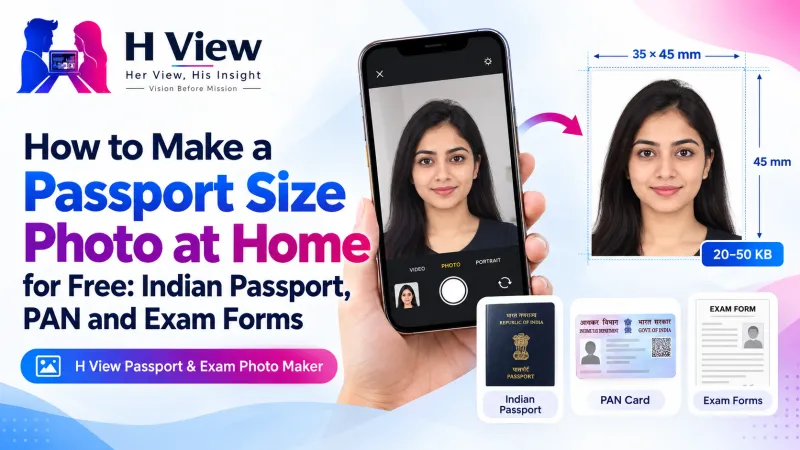 Also readHow to Make a Passport Size Photo at Home for Free: Indian Passport, PAN and Exam Forms→
Why Did My PNG Turn Into a JPG?
PNG files are lossless, so they cannot be made smaller by lowering “quality.” To get real savings, the compressor saves photos as JPG. If you need a small file that keeps a transparent background, choose WebP instead. According to Google's WebP documentation, lossy WebP images are 25–34% smaller than comparable JPEGs at the same quality index.
What If the Photo Also Needs an Exact Pixel Size?
Some forms specify both, such as a fixed width and height and a KB range. Resize first with the Image Resizer, then compress. For passport, PAN and exam photos, the Passport & Exam Photo Maker does both at once and also makes the background white.
Her View
I have seen parents sit with a child's admission form late at night, stuck on one line: “photo should be less than 50 KB.” They are not lacking effort; they are lacking a simple tool that tells them the exact size before they upload. Small fixes like this decide whether someone applies on time or gives up.
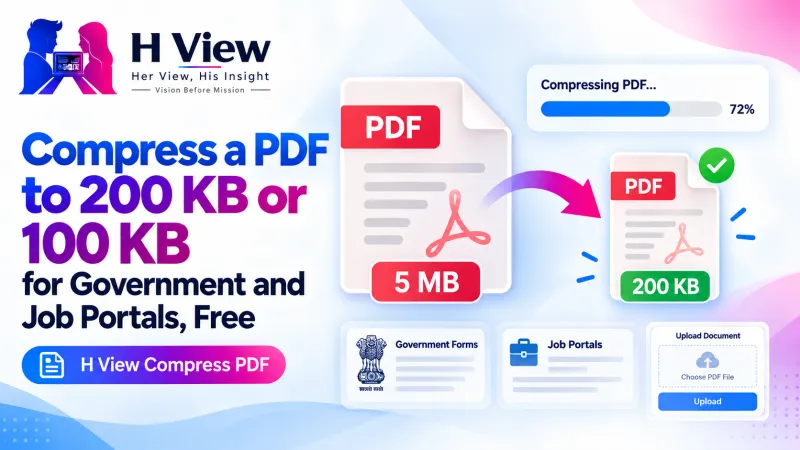 Also readHow to Compress a PDF to 200 KB or 100 KB for Government and Job Portals, Free→
His Insight
KB is about how much data a file holds, not how big the picture looks. Two photos of the same dimensions can be 40 KB or 400 KB depending on compression. That is why guessing with “resize to small” rarely hits the target and why a target-size compressor is the faster route. MDN's image format guide is a good explainer if you want the details.
H View Verdict
Stop guessing. Type the limit your form asks for, let the compressor find the best quality that fits, check the result and keep a copy of your form-ready photo and signature for next time. It is free, it is quick and your photos never leave your device.
Frequently Asked Questions
How do I compress a photo to 50 KB?
Add the photo, switch on Target size, enter 50 and press Compress. The tool saves the best-quality JPG that is 50 KB or smaller.
What if the target size cannot be reached?
The tool also reduces the dimensions step by step. If it still cannot fit, it tells you the smallest size it reached.
Can I compress many photos at once?
Yes. Add several photos, compress them together and download them as one ZIP.
Are my images uploaded?
No. Everything happens in your browser, so your photos stay on your device.
Also read our guide to making a passport size photo at home, or see all H View free tools.
H View stories follow our editorial policy. Spotted an error? Tell us and we will correct it.
Rate this article
One tap is enough. No comment needed.
Was this article helpful?
Your answer goes straight to our editors.










Comments0
No comments yet. Start the conversation.