
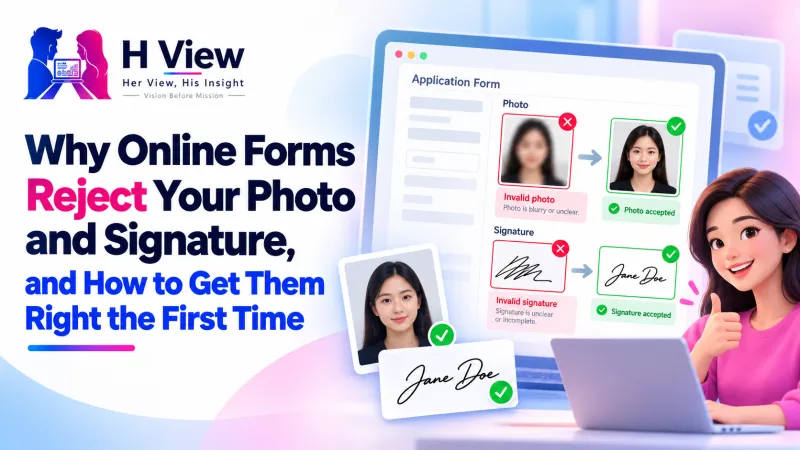
Why Online Forms Reject Your Photo and Signature, and How to Get Them Right the First Time
"Invalid photo." "Signature size not within range." Most rejections come down to five checks a portal runs automatically. Here's what each one means and how to get your photo and signature accepted the first time.
Online forms usually reject a photo and signature for one of five reasons: the file is above or below the KB range, the pixel size is wrong, the file type isn't JPG, the background isn't plain and light, or the face or signature is badly framed. Fix those five, using the form's own instructions, and most uploads go through on the first try.
It's almost a rite of passage in India: filling an exam or job application late at night and watching the portal reject your photo with a one-line error that explains nothing. You compress it, it's now too small. You retake it, there's a shadow. By the fourth attempt, the server is slow and the deadline is close.
What Does Each Error Actually Mean?
| Error you see | What the portal checked | The fix |
|---|---|---|
| “File size not within range” | KB is above the maximum or below the minimum (e.g. 20–50 KB) | Use a target-size compressor; don't over-compress below the minimum |
| “Invalid dimensions” | Width and height in pixels | Resize to the exact numbers in the notice |
| “Invalid file format” | Extension and file type (usually JPG/JPEG) | Convert PNG, WebP or HEIC to JPG |
| Rejected later on review | Background, shadows, face size, glasses glare | Retake in daylight, then set a plain white background |
| Signature rejected | Faint ink, lined paper, too much empty space | Dark ink on white paper, cleaned, trimmed and sized |
Why Is the KB Minimum a Problem?
We all worry about files being too big, but many forms also set a minimum, such as 20 KB. Squeeze a photo to 8 KB and it is rejected for being too small, because a tiny file usually means a blurry photo. The safest target is comfortably inside the range, for example around 35–45 KB when the range is 20–50 KB.
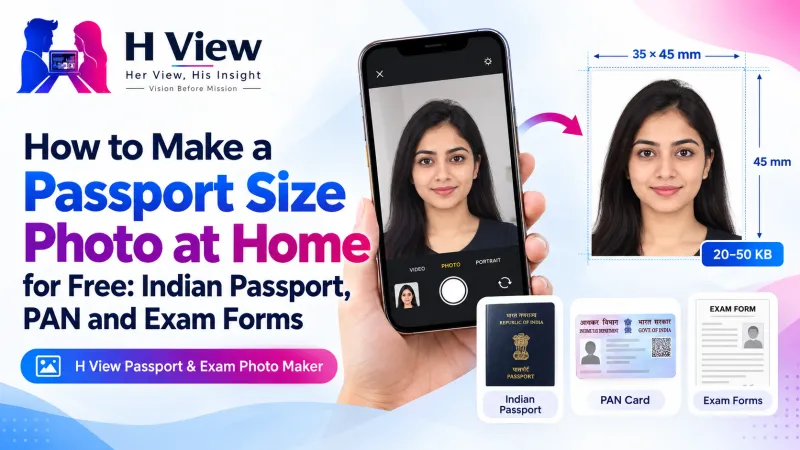 Also readHow to Make a Passport Size Photo at Home for Free: Indian Passport, PAN and Exam Forms→
How Do I Take a Photo That Passes the Background Check?
- Face a window in daylight; avoid overhead tube lights that cast shadows under the eyes.
- Look straight at the camera with your shoulders square; no tilted head, no filters.
- Remove tinted glasses and anything covering your face, unless the rules say otherwise.
- Don't worry about the wall: the Passport & Exam Photo Maker replaces it with plain white using an AI portrait model.
How Do I Make a Signature File That Gets Accepted?
- Sign with a dark pen (black or blue, as your form asks) on plain white paper, not ruled paper.
- Take the photo from directly above in good light.
- In the photo maker, choose Signature and your form. The paper becomes white, the signature is trimmed and saved inside a range such as 10–20 KB.
- Check the size shown before uploading.
Do it in one place: Open the free Passport & Exam Photo Maker → Free · No sign-up · Files stay on your device.
Why Do Different Forms Want Different Things?
Every recruiting body, university and department writes its own specification, and they update them between cycles. That's why one “passport photo” rarely fits every form. Always read the current notice; for passports, check Passport Seva. And remember forms almost always want JPG: MDN describes JPEG as the most popular format for photographs.
Her View
I think of the student from a small town filling her first government exam form on a shared phone, with a cyber café that charges per attempt. A rejected photo is not a small inconvenience for her; it costs money and confidence. Clear guidance and a free tool can quietly level that field.
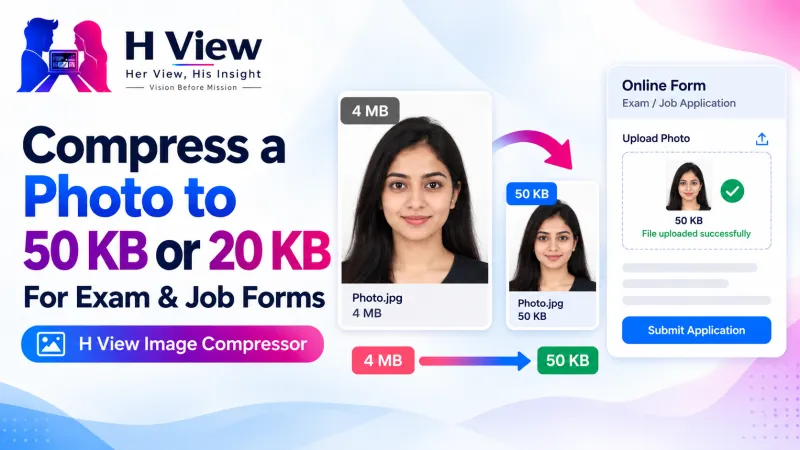 Also readHow to Compress a Photo to 50 KB or 20 KB for Exam and Job Forms, Free and Private→
His Insight
Portals reject automatically, by rule. They check numbers, not faces. If you treat the photo and signature as a technical specification, matching KB range, pixel size, file type and background, the process stops feeling random. Keep a folder with your form-ready photo and signature so the next application takes minutes.
H View Verdict
Read the notice, take one good daylight photo, sign on plain paper, and let a tool handle the background, size and KB. Aim inside the range, not at its edges. Most rejections disappear when you treat the upload as a checklist.
Frequently Asked Questions
Why does the portal say my photo is too small when it looks fine?
The form probably has a minimum KB size. Re-save the photo inside the range, for example 35–45 KB when the limit is 20–50 KB.
Can I upload a PNG photo?
Most forms accept only JPG or JPEG. Convert the PNG to JPG first.
How do I resize my signature to 10–20 KB?
Sign in dark ink on white paper, take a photo, choose Signature and your form in the photo maker, and it is saved inside 10–20 KB.
Are my photo and signature uploaded to H View?
No. Everything is processed in your browser and stays on your device.
Related: How to make a passport size photo at home and how to compress a photo to 50 KB or 20 KB.
H View stories follow our editorial policy. Spotted an error? Tell us and we will correct it.
Rate this article
One tap is enough. No comment needed.
Was this article helpful?
Your answer goes straight to our editors.








Comments0
No comments yet. Start the conversation.