
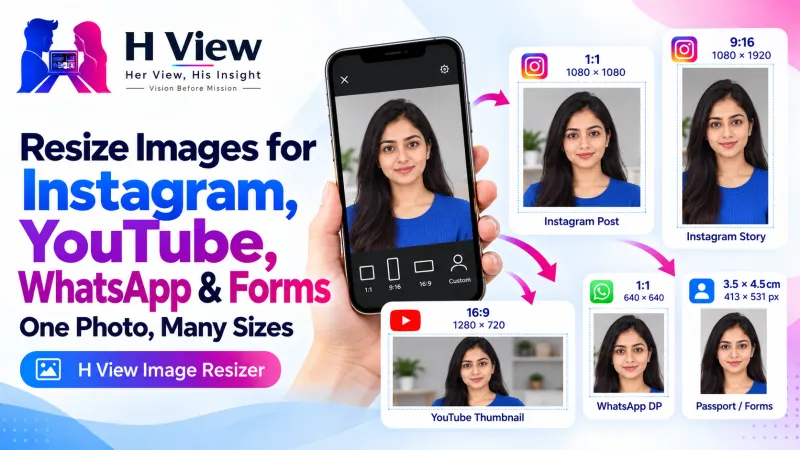
How to Resize Images for Instagram, YouTube Thumbnails, WhatsApp DP and Forms
Instagram crops, YouTube thumbnails, WhatsApp DPs, LinkedIn banners and passport photos all want different sizes. Here's a simple size guide and how to resize images for free, one at a time or in bulk.
To resize images for Instagram, YouTube, WhatsApp or a form, open the H View Image Resizer, add one or more photos, pick a ready preset or type the width and height, choose Fit, Fill and crop, or Stretch, and download. You can resize a whole set of photos to the same size at once, free and in your browser.
Every platform has its own idea of the “right” size. Post a landscape photo to Instagram and it gets cropped. Upload a square thumbnail to YouTube and it gets black bars. Send the wrong size to an application portal and it is simply rejected. A quick resize before you upload fixes all three.
What Size Should My Image Be?
| Where it's going | Size (pixels) | Shape |
|---|---|---|
| Instagram square post | 1080 × 1080 | 1:1 |
| Instagram portrait post | 1080 × 1350 | 4:5 |
| Instagram Story or Reels cover | 1080 × 1920 | 9:16 |
| YouTube thumbnail | 1280 × 720 or larger | 16:9 |
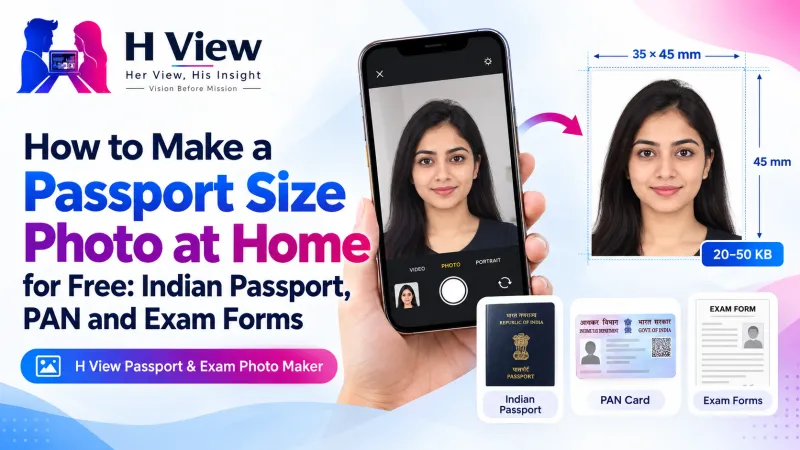
| Passport photo (35 × 45 mm at 300 DPI) | 413 × 531 | 7:9 |
For YouTube, the shape matters most. YouTube's help page asks for a 16:9 thumbnail with a minimum width of 640 pixels and now recommends up to 3840 × 2160; files uploaded from a phone must be under 2 MB.
How Do I Resize Images, Step by Step?
- Add images. Drop or choose one or more photos.
- Choose a size. Pick a preset (Instagram post, portrait and story, YouTube thumbnail, WhatsApp DP, LinkedIn banner, passport and exam photos), type width and height, or scale by a percentage.
- Choose the fit. “Fit” keeps the whole picture, “Fill and crop” fills the frame from the centre, and “Stretch” forces the exact size.
- Resize and download each image, or all of them as a ZIP.
Try it now: Open the free Image Resizer → Free · No sign-up · Files stay on your device.
 Also readHow to Compress a Video for WhatsApp and Email Without Losing Much Quality→
Will Resizing Make My Photo Blurry?
Making an image smaller keeps it sharp; the resizer uses your browser's best smoothing. Making a small image much larger can look soft, because the extra pixels have to be invented. For that job, use the AI Photo Enhancer, which upscales 2× or 4× with a super-resolution model.
What About Forms That Also Have a KB Limit?
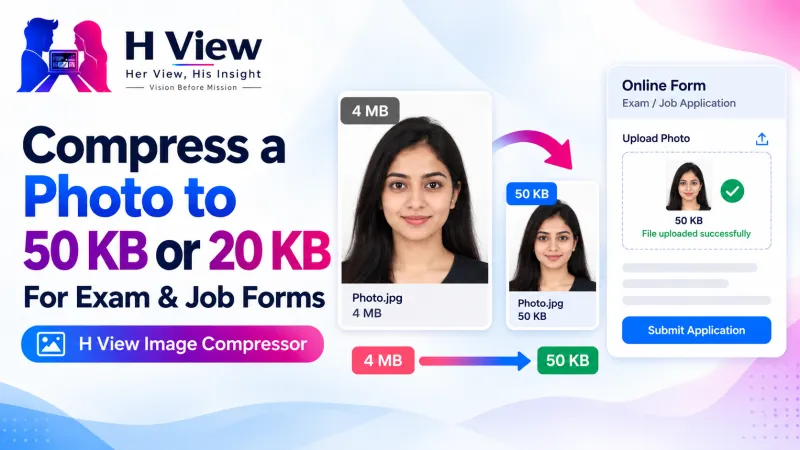
Resize first, then compress. Pixel size and file size are different things: a 413 × 531 photo can be 30 KB or 300 KB depending on compression. After resizing, bring it under the limit with the Image Compressor, or use the Passport & Exam Photo Maker, which handles size, KB and a white background together.
Her View
Creators and small sellers spend hours on a post, then lose half of it to an awkward crop. Knowing three or four standard sizes, and resizing a whole batch in one go, gives that time back for the part that matters: the content itself.
 Also readHow to Sign a PDF and Fill Forms Online for Free, Without Printing→
His Insight
Think in shapes before pixels. 1:1, 4:5, 9:16 and 16:9 cover most of social media. Choose the shape first, then the size; if your photo's shape doesn't match, “Fill and crop” avoids empty bars and “Fit” avoids cutting anything off. For format choices, MDN's image format guide is a good reference.
H View Verdict
The right size is the difference between a post that looks deliberate and one that looks cropped by accident. Pick the platform preset, choose the fit that suits the photo, and resize everything in one batch, free and privately.
Frequently Asked Questions
What size is an Instagram post?
A square post is 1080 × 1080 pixels and a portrait post is 1080 × 1350. Stories and Reels covers are 1080 × 1920.
What is the passport photo size in pixels?
A 35 × 45 mm photo at 300 DPI is 413 × 531 pixels, which is the passport preset in the resizer.
What is the difference between Fit and Fill?
Fit keeps the whole picture and adds a background where needed. Fill and crop fills the whole frame and trims the edges.
Is the image resizer private?
Yes. Resizing happens on your device and no image is uploaded.
Explore all H View free tools.
H View stories follow our editorial policy. Spotted an error? Tell us and we will correct it.
Rate this article
One tap is enough. No comment needed.
Was this article helpful?
Your answer goes straight to our editors.






Comments0
No comments yet. Start the conversation.