
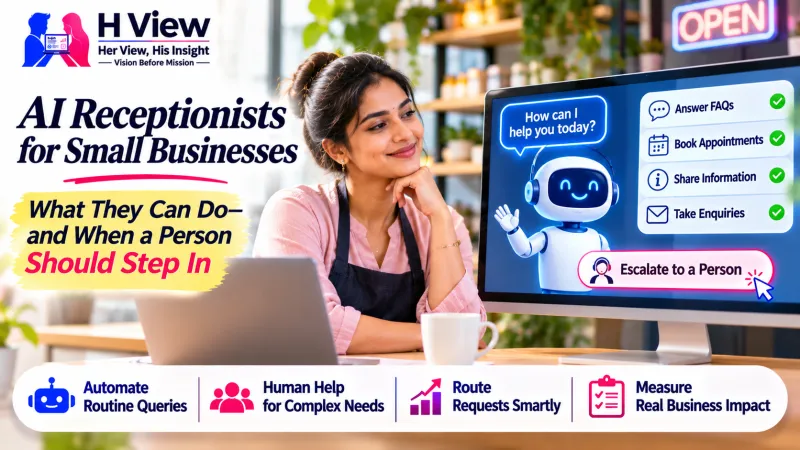
AI Receptionists for Small Businesses: What They Can Do—and When a Person Should Step In
An AI receptionist can answer routine questions and capture enquiries after hours, but it needs clear limits and a reliable human handoff. Here is how a small business can decide whether it is useful.
An AI receptionist can answer common questions, collect a caller’s details and route a request when your team is busy. It works best as a first point of contact for clear, repeatable enquiries; it should hand sensitive, urgent or uncertain situations to a person instead of pretending to know the answer.
Why are small businesses considering AI receptionists?
Many small businesses cannot staff a phone or chat inbox every minute of the day. A salon may miss appointment calls while serving a customer, a clinic may receive the same questions about timings repeatedly, and a local service company may be on a job when a new enquiry arrives. Even when the business responds later, the customer may already have contacted someone else.
An automated receptionist can provide a consistent first response outside office hours and help organise incoming requests. Depending on how it is built, it may answer approved questions, collect a name and preferred callback time, identify the kind of service someone needs, or offer a link to a booking page. The benefit is not that every conversation becomes automatic. The benefit is that fewer routine enquiries disappear before a staff member can respond.
That distinction matters. The phrase “AI receptionist” can describe anything from a voice assistant that handles calls to a website chat tool that gathers leads. Businesses should ask exactly which channel it covers, what information it can access, and what happens when it reaches the edge of its knowledge. A polished demo does not prove that the system will fit the company’s actual workflow.
What can it handle reliably?
Start with a short list of questions that already have stable answers. These might include opening hours, service areas, appointment availability, the documents to bring, or how to request a quote. If the answer changes often, depends on a customer’s circumstances, or requires a professional judgement, it should not be treated as a simple FAQ.
A practical first version usually has four jobs: greet the person clearly, understand the broad reason for contact, collect only the details needed for follow-up, and route the enquiry to the right person or next step. It should tell callers when they are speaking with an automated assistant. For a website or messaging flow, it should use plain language and make the option to reach a human easy to find.
Businesses can also use automation to help with lead capture. For example, a website visitor looking for a landing page could be asked about their business type, preferred contact method and target launch date. The system can then send a structured summary to the team, rather than leaving them to interpret a vague “Please call me” message. The person should still be able to skip questions and request a call.
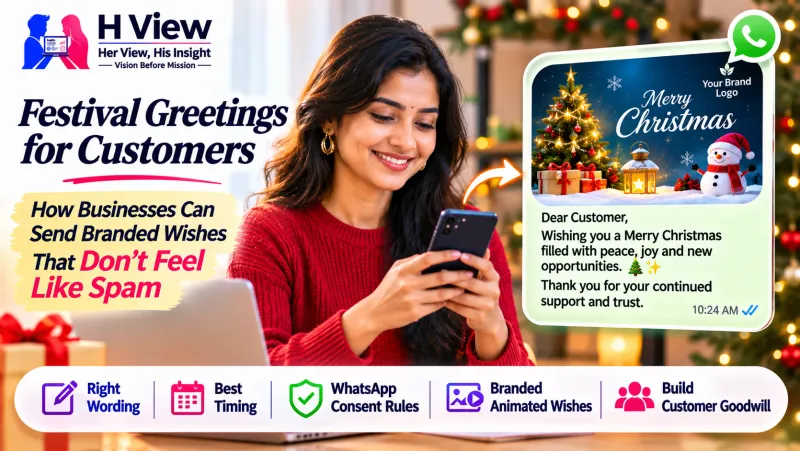 Also readFestival Greetings for Customers: How Businesses Can Send Branded Wishes That Don't Feel Like Spam→
Where should a human take over?
Automation needs an exit door. A customer who asks for a person, repeats that the answer is wrong, describes an urgent issue, or raises a complaint should be routed to a human whenever the business is available. If the team is offline, the system should explain when a person will respond and record the request without promising an immediate callback it cannot guarantee.
Technical guidance from Google Cloud and Twilio describes human handoff as a planned part of a virtual-agent conversation. The transfer should preserve enough context for the employee to continue without making the customer repeat everything. A useful handoff can include the conversation history, the customer’s stated need and the steps already taken. See Google Cloud’s handoff documentation and Twilio’s AI-to-human handoff guide.
There are also requests a business should not ask an AI system to resolve alone. These may involve medical advice, financial decisions, account access, payment disputes, legal questions, personal safety or private information. The right response is to collect as little as possible, explain the next safe step and pass the matter to a qualified person. A system should never invent a policy, price or availability simply to keep the conversation moving.
How can a small business prepare one?
Before choosing a provider, write down the ten questions your team answers most often and the correct response to each. Add the source of truth for details such as prices and working hours, then decide who owns updates when those details change. If the answers are scattered across old messages and staff memory, the AI will repeat that inconsistency at scale.
Next, map the journey from first contact to resolution. Decide whether the enquiry arrives by phone, website chat, email or WhatsApp; which team member receives it; what information is necessary; and what the customer sees if nobody is available. If WhatsApp is part of the process, review the current WhatsApp Business policies for the account and message type you use. Do not assume an automated workflow removes channel rules or customer-consent requirements.
Test ordinary questions, misspellings, background noise on calls, interruptions, two questions asked together, and requests outside the approved answers. Ask a real colleague who did not build the flow to try it. If that colleague cannot tell how to reach a person, customers may struggle too. Keep a record of wrong answers and failed handoffs, and fix the source or the routing before expanding the system.
How do you know whether it is helping?
Do not count only the number of conversations handled by AI. Track missed enquiries before and after launch, the share of conversations that reach the right person, how long customers wait for a human response, how often people repeat themselves, and whether enquiries turn into bookings or qualified leads. Review complaints and incorrect answers as carefully as successful interactions.
A small pilot is usually more useful than a broad launch. Run the assistant on one channel or for one service line, keep a human fallback, and review the first few weeks of conversations. If customers abandon the flow or the team spends extra time correcting its summaries, simplify it. If it consistently captures complete, useful enquiries without adding friction, expand one task at a time.
Privacy should be part of the design from the start. Tell people what information is being collected, avoid asking for details that are not needed, restrict access to enquiry records, and set a reasonable retention period. Staff should know how to correct a record and how to handle a customer who does not want to use the automated channel.
Her View
For a customer, the most important feature is not a human-sounding voice. It is clarity: knowing what the system can do, how to reach a person and what will happen next. An assistant that calmly says “I don’t know, but I can pass this to the team” is more useful than one that confidently gives a wrong answer.
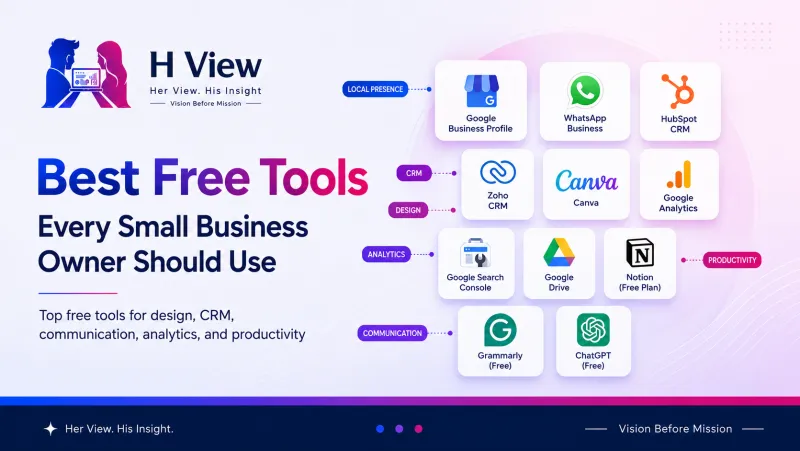 Also readBest Free Tools Every Small Business Owner Should Use→
His Insight
For a business owner, the strongest starting point is a narrow workflow that solves a recurring problem. Automating a messy process will make the mess faster, so first decide who owns each enquiry and what a complete handoff looks like. Then let the AI support that process instead of replacing the judgement behind it.
H View Verdict
An AI receptionist can help a small team respond more consistently, especially when staff are busy or enquiries arrive after hours. It is not a substitute for accountable customer service, and it will not create leads by itself if the website, contact route or offer is unclear. Start with approved answers, collect only necessary details, provide an obvious human option, and judge the system by completed customer journeys—not by how many conversations it can automate.
Frequently asked questions
Can an AI receptionist answer calls after business hours?
Yes, if the selected system supports voice and has been configured with accurate information. It should capture the enquiry and explain when a person will respond instead of promising round-the-clock human support.
Will an AI receptionist replace a small business’s staff?
It can handle some repetitive first-contact tasks, but staff remain responsible for exceptions, judgement, complex requests and customer relationships. The handoff process should be designed before launch.
What is the safest first use case?
Begin with stable FAQs and lead capture for one service. Avoid high-stakes advice, payments and account changes until the workflow, security and escalation rules have been reviewed.
What should a business measure?
Measure completed enquiries, correct routing, human response time, customer drop-off, wrong answers and conversions. Compare those results with the same channel before launch.
Sources
H View stories follow our editorial policy. Spotted an error? Tell us and we will correct it.
Rate this article
One tap is enough. No comment needed.
Was this article helpful?
Your answer goes straight to our editors.







Comments0
No comments yet. Start the conversation.