

Best Digital Marketing Tools in 2026: What Marketers Actually Need and What They Can Skip
Open LinkedIn for a few minutes and you will probably come across a colourful graphic…
 Harika October 6, 2026
  By HarikaUpdated May 24, 20267 min read50 views
Starting a small business is exciting, but every new tool, subscription, app, and software cost can quickly become a burden.
A small business does not need to spend heavily from day one. In fact, many important business tasks can be handled using free tools, at least in the beginning.
You can create an online presence, communicate with customers, manage leads, design social media posts, track website visitors, store files, plan tasks, and improve content without buying too many paid tools immediately.
At H View, our practical view is simple:
Start with free tools. Pay only when the tool starts saving time, improving trust, or bringing revenue.
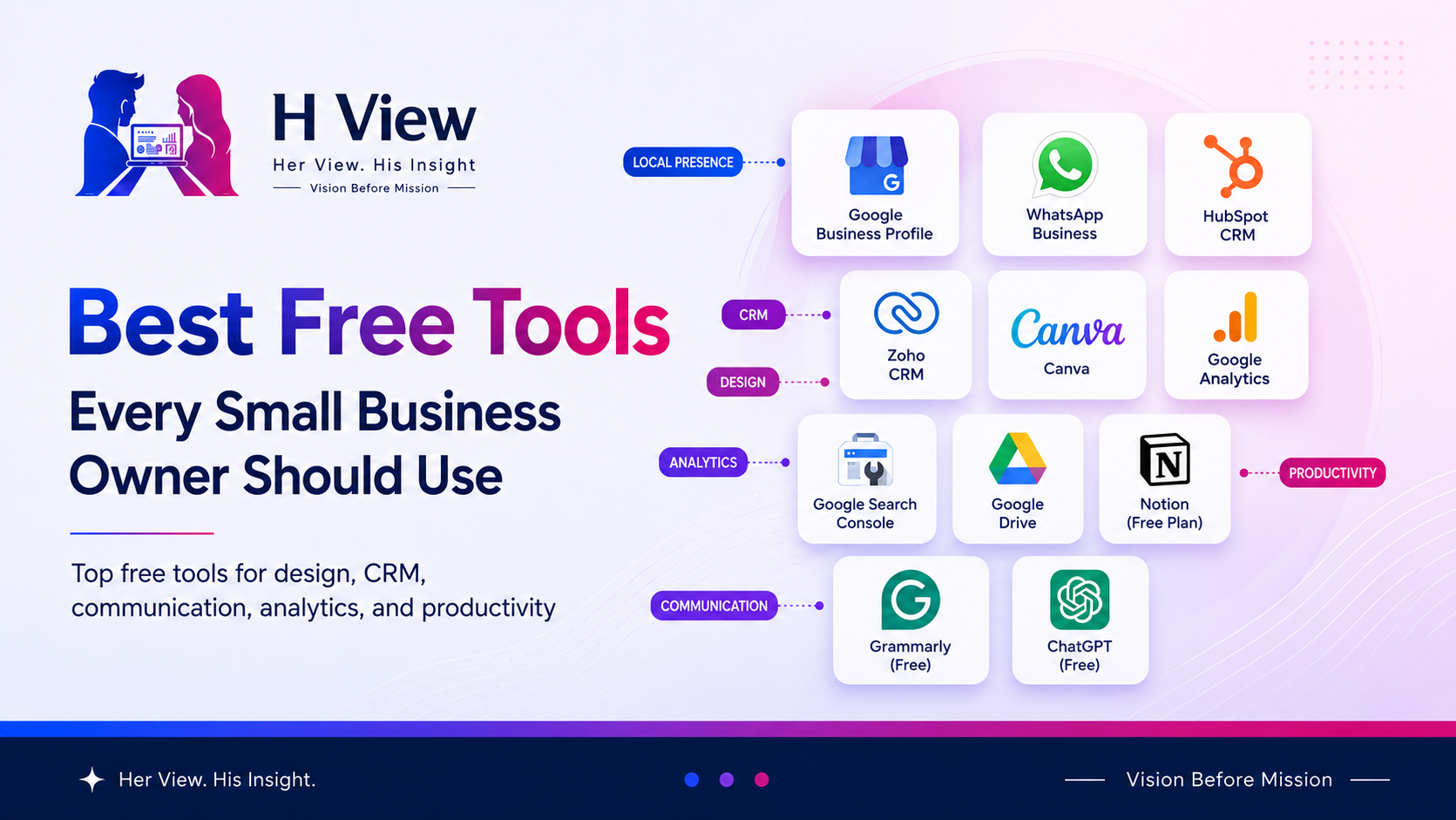
Here are the best free tools every small business owner should know.
Small businesses usually have limited budgets. Every rupee matters.
Free tools help business owners:
But free does not mean careless. Choose tools that are reliable, trusted, and useful for your actual business needs.
| Business Need | Free Tool | Best Use |
|---|---|---|
| Online presence | Google Business Profile | Show business on Google Search and Maps |
| Customer chat | WhatsApp Business | Talk to customers professionally |
| CRM | HubSpot CRM / Zoho CRM | Manage leads and contacts |
| Design | Canva Free | Social posts, flyers, banners |
| Analytics | Google Analytics | Track website traffic |
| Search data | Google Search Console | Understand Google search performance |
| Storage | Google Drive | Store and share files |
| Tasks | Trello / Notion | Plan work and projects |
| Writing | Grammarly Free | Improve grammar and clarity |
| AI support | ChatGPT Free | Ideas, drafts, captions, planning |
If you run a local business, this should be one of the first tools you set up.
Google Business Profile helps your business appear on Google Search and Maps. Google says creating a Business Profile and listing your business on Google is free, and you can manage your business from Search and Maps to reach customers.
You can add:
For local businesses like shops, clinics, salons, agencies, training centers, restaurants, consultants, and service providers, this can directly bring enquiries.
If your business serves a local area, Google Business Profile is not optional. It is one of the most useful free visibility tools.
In India, many customers prefer messaging instead of filling long forms.
WhatsApp Business helps small businesses communicate more professionally. The app is free to download and includes tools designed to help businesses work smarter, build trust, and grow.
You can use it for:
For small businesses in India, WhatsApp Business is one of the easiest free tools to start with because customers already use WhatsApp daily.
Many small businesses lose leads because follow-ups are not tracked properly.
HubSpot CRM helps organize contacts, leads, and customer conversations. HubSpot says its free CRM tools can be used at no cost, with up to two users and 1,000 contacts.
HubSpot CRM can help with:
HubSpot CRM is a good free starting point for small teams that want to move away from scattered Excel sheets and phone notes.
Zoho CRM is another strong option, especially for Indian small businesses.
Zoho says its CRM Free Edition includes leads, deals, workflows, reports, and a mobile app, and is free forever for 3 users.
Zoho CRM can help with:
Zoho CRM Free is useful for very small teams that want a practical CRM setup with room to grow later.
Small businesses need regular designs.
You may need social media posts, offer banners, flyers, WhatsApp creatives, presentations, and website images. Canva Free is useful because it helps non-designers create clean visuals using templates.
Canva can help create:
Canva Free is enough for many small businesses in the beginning. Upgrade only when you need Brand Kit, premium templates, background remover, or regular advanced design features.
If you have a website, you need to know what visitors are doing.
Google Analytics helps track website traffic, user behavior, traffic sources, and page performance.
You can understand:
Without analytics, you are guessing. Even basic website data can help a small business make better decisions.
Google Search Console helps you understand how your website performs in Google Search.
It can show which search queries bring impressions and clicks, which pages are indexed, and whether Google finds any major issues.
You can track:
For any website owner, Google Search Console is one of the most important free SEO tools.
Every business needs a simple place to store files.
Google Drive helps store, organize, and share documents, images, proposals, invoices, spreadsheets, and business assets.
You can use it for:
For small teams, Google Drive is a simple and reliable way to keep business files organized.
Small businesses need task clarity.
Trello is simple for task boards. Notion is flexible for notes, documents, databases, and planning.
You can manage:
If your work is task-based, use Trello. If your business needs notes, planning, and documentation, use Notion.
Clear writing improves trust.
Whether you are writing emails, website content, social posts, proposals, or product descriptions, basic grammar matters.
Grammarly Free can help with:
For small businesses, clear communication is part of professionalism. Grammarly Free is a simple tool to avoid avoidable writing mistakes.
Small business owners often have to do many things alone: content, captions, replies, ideas, emails, planning, and marketing.
ChatGPT can help with first drafts and idea generation.
You can use it for:
Use AI as an assistant, not as a replacement. Always edit the final output so it sounds natural and matches your business.
Google Forms is simple but very useful.
It can help collect enquiries, feedback, event registrations, service requests, customer reviews, and survey responses.
You can create:
For small businesses that do not yet have a full CRM or website form system, Google Forms can be a quick starting solution.
Start with only the tools your business actually needs.
A simple small business setup can begin with:
Do not install or sign up for tools just because others are using them. Use tools that solve your current problem.
Yes, free tools are enough to start many small businesses. You can upgrade later when you need more users, automation, advanced features, or better branding control.
A local business should start with Google Business Profile and WhatsApp Business. These help customers find and contact the business easily.
Yes. Free CRM tools like HubSpot CRM and Zoho CRM can help small businesses organize leads, contacts, and follow-ups without paying immediately.
Yes, Canva Free is useful for basic designs like social posts, flyers, banners, and simple marketing creatives.
Upgrade when a free tool saves time, supports revenue, improves customer experience, or removes a serious limitation.
Small businesses do not need expensive software from day one.
The right free tools can help you look professional, communicate better, manage leads, create content, track performance, and stay organized.
At H View, our final view is simple:
Start free. Stay organized. Upgrade only when the tool starts helping your business grow.
Harika is the co-founder of H View and covers AI, technology, gadgets, digital tools, online platforms, and modern internet trends. Her articles focus on simplifying complex topics with practical explanations, balanced opinions, and reader-first insights.
Share your real experience and help other readers decide better.
Thank You for the useful content
May 24, 2026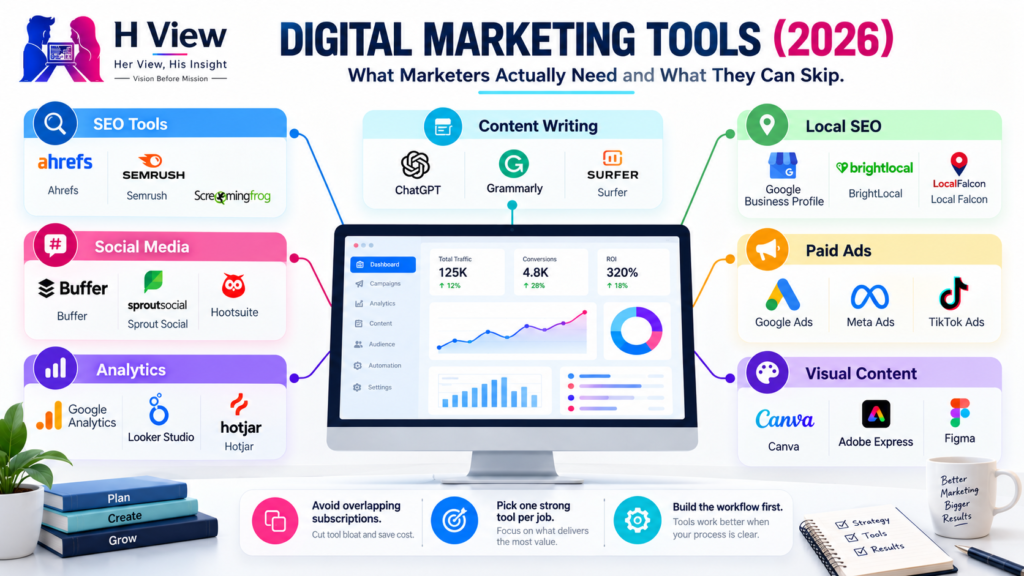
Open LinkedIn for a few minutes and you will probably come across a colourful graphic…
Harika October 6, 2026 
When an employee resigns, many organisations move quickly into replacement mode. The manager informs HR,…
Harika October 6, 2026 
For many corporate employees, the workday begins long before they actually start working. They wake…
Harika October 5, 2026 
Many projects begin with an assumption that sounds reasonable on paper: the client will explain…
Harika October 1, 2026