

Nothing OS 4.1 Explained: New Features, Eligible Phones and Should You Update?
Nothing OS has become one of the strongest reasons to consider a Nothing phone. The…
 Harika August 10, 2026
  By HarikaUpdated September 20, 20268 min read38 views
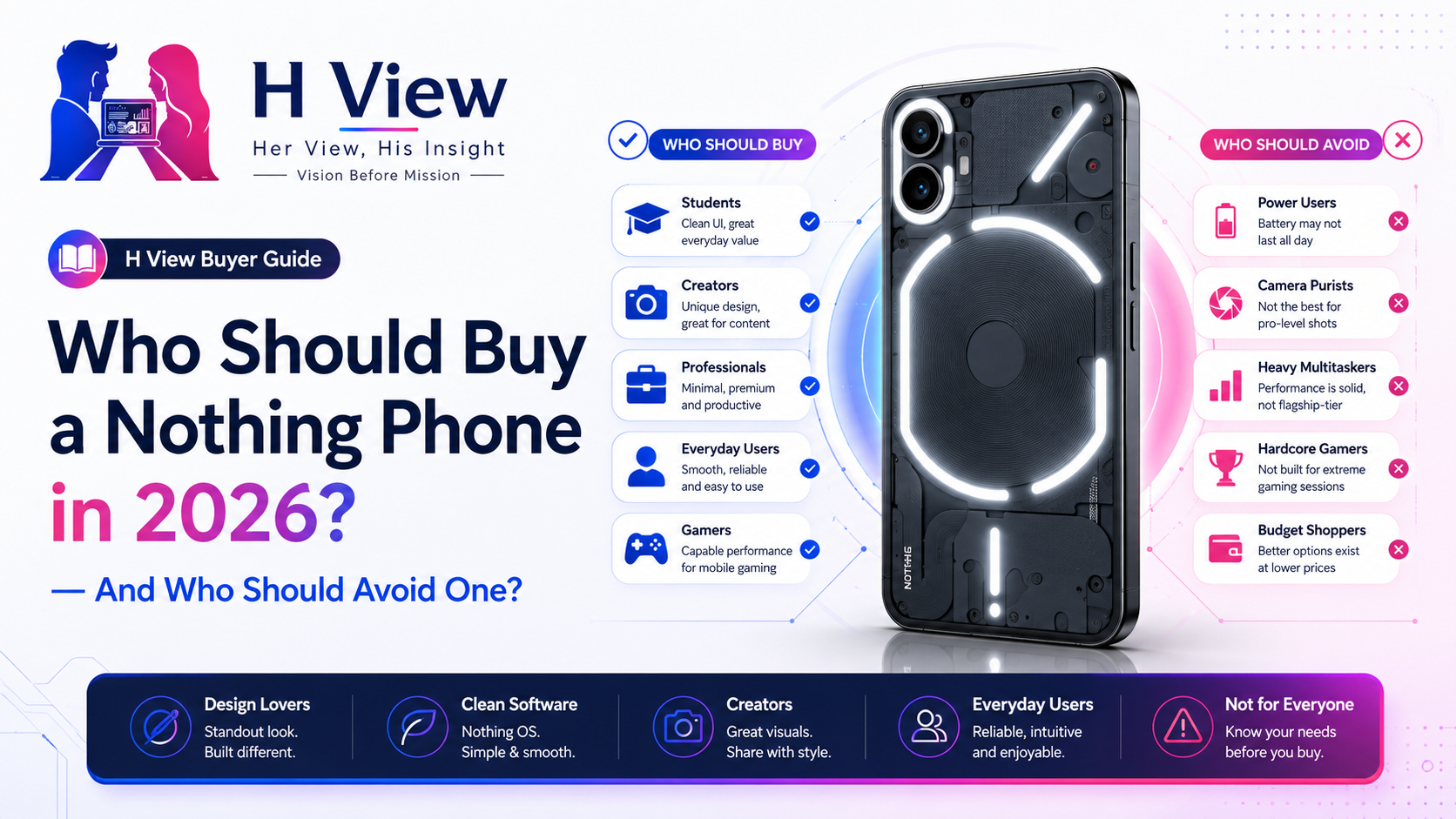
Nothing phones are easy to notice. Their transparent-inspired designs, unusual camera layouts, Glyph features and monochrome software give them an identity that most Android phones lack.
But a distinctive phone is not automatically the right phone for everyone.
Nothing’s Indian lineup now covers several price and performance levels, including the affordable CMF family, the Phone (3a) series, Phone (3), Phone (4a), Phone (4a) Pro and Phone (4b). These devices do not serve the same buyer, so choosing one based only on the Nothing logo can lead to disappointment.
The better question is not, “Is Nothing a good brand?”
It is: Does a Nothing phone match the way you actually use a smartphone?
Nothing’s biggest strength is identity.
Most smartphones follow a familiar design: a large screen, a camera block and a plain rear panel. Nothing treats the back of the phone as part of the experience through transparent elements, Glyph lighting or newer visual interactions.
This makes Nothing suitable for buyers who care about how a device looks and feels, not only what processor it contains.
A Nothing phone may suit you when you:
Design alone should not justify a purchase, but when two phones offer similar fundamentals, Nothing’s personality can become a meaningful advantage.
Nothing OS is another major reason to consider the brand.
It keeps Android familiar while adding monochrome icons, custom widgets, distinctive typography and Essential AI tools on supported models. Current Phone (4a) and Phone (4a) Pro product pages position Nothing OS and Essential AI as central parts of the experience.
Nothing OS will appeal to users who dislike:
It may be particularly attractive to people moving from Pixel, Motorola or older OnePlus phones.
However, users who depend on Samsung-style multitasking, desktop features or extensive system customisation may find Nothing OS comparatively simple.
Nothing OS works especially well for people who organise their home screens around widgets rather than rows of colourful applications.
Its clock, weather, battery and quick-control widgets form part of a consistent visual system. The monochrome icon option can also make the home screen feel calmer.
This approach suits people who want their phone to look organised and intentional.
It may not suit someone who identifies applications mainly by colour. Removing familiar colours can initially make applications harder to locate.
Minimalism is useful only when it improves usability. It should not force the user to search longer for ordinary apps.
Nothing phones are naturally attractive to creators because they look distinctive in photographs and videos.
Phone (3) uses four 50 MP cameras, while Phone (3a) Pro includes a 50 MP periscope camera. Phone (4a) and Phone (4a) Pro continue the brand’s emphasis on zoom and multi-camera flexibility.
This can suit:
But specifications do not guarantee consistent results.
A creator should examine skin tones, low-light photography, video stabilisation, microphone quality and autofocus before selecting a Nothing phone as a primary content device.
Someone who needs the safest and most predictable camera experience may still prefer an established Pixel, Samsung or iPhone model, depending on budget.
Students may like Nothing’s design but may not need every premium feature.
The CMF Phone 2 Pro provides a 5,000 mAh battery, 8 GB of RAM and a multi-camera system while retaining Nothing’s broader software identity.
CMF can be the smarter choice for students prioritising:
A higher-priced Nothing phone makes sense only when the student genuinely needs improved cameras, stronger performance, more storage or premium construction.
Paying more for a transparent design while compromising the rest of the budget is rarely sensible.
Nothing phones can suit professionals who want a clean, modern device without excessive software clutter.
The interface can work well for email, calls, messaging, documents, navigation and routine productivity. The visual design also feels less playful than many brightly themed Android interfaces despite the unusual hardware.
However, professionals should verify:
Nothing provides Indian customer support and an official service-centre directory, but buyers should still check whether convenient support exists in their city before purchasing.
Nothing phones can handle gaming, but the brand is not built exclusively around gaming.
The Phone (3a) Pro uses the Snapdragon 7s Gen 3, while Phone (3) occupies a higher performance level. The actual gaming experience still depends on cooling, frame stability, touch response and battery drain—not only the processor name.
A Nothing phone may suit casual and moderate gamers.
Competitive gamers should compare it against performance-focused phones offering:
Nothing’s cleaner interface is attractive, but serious gaming requires more than visual polish.
Glyph is interesting, but it should remain a bonus.
Notifications, timers and light-based alerts can be helpful when the phone is placed face down. Yet many users keep their phones face up, wear smartwatches or use opaque protective cases.
In those situations, Glyph may become something shown to friends during the first week and rarely used afterward.
Do not choose a weaker overall phone solely because its back lights up.
The important fundamentals remain cameras, battery life, performance, display quality, software support and service.
Nothing is growing, but it does not yet match the ecosystem depth of Apple, Samsung or Google.
Buyers who want seamless integration across phones, tablets, laptops, watches, smart-home products and business tools may find the ecosystem less mature.
Nothing’s current portfolio is expanding, but CMF currently carries much of the smartwatch offering, while the wider ecosystem remains smaller than those of long-established competitors.
Nothing is better suited to people comfortable joining a developing ecosystem rather than expecting every connection to be fully established.
Nothing offers official support, service-centre information and warranty claims in India. Its warranty policy requires proof of purchase, the product model or serial details and evidence of the reported defect. Warranty support is also tied to the original country or region of purchase.
Before purchasing, check:
A good phone can become a frustrating purchase when support is inaccessible.
Consider buying a Nothing phone when most of these statements describe you:
Look elsewhere when camera certainty, maximum gaming performance, advanced multitasking or a large established ecosystem matters more than design.
Design and Identity — 9.5/10
Nothing offers one of Android’s most recognisable hardware experiences.
Software Experience — 9.0/10
Nothing OS is clean, coordinated and easy to understand.
Camera Potential — 8.4/10
Recent models offer increasingly ambitious camera systems, but individual testing remains essential.
Performance and Gaming — 8.3/10
Suitable for most users, though dedicated gaming buyers may find stronger alternatives.
Service and Ecosystem Confidence — 8.0/10
Support is expanding, but buyers should verify local service and long-term ecosystem requirements.
Nothing phones are best for buyers who want clean Android software, recognisable design and a device with personality.
They are not automatically the best choice for competitive gamers, ecosystem-dependent professionals or buyers who prioritise the safest camera and service experience above everything else.
H View Recommendation: Choose a Nothing phone when the specific model satisfies your practical requirements even after Glyph and transparent design are removed from the decision. Choose CMF when affordability matters more, and consider established competitors when service, cameras or ecosystem maturity are your highest priorities.
Editorial disclosure: H View is not sponsored by or officially affiliated with Nothing or CMF. This article is based on independent editorial analysis and current official product information.
Yes, but students should compare CMF models first because they may provide the required performance and software experience at a lower price.
They are suitable for casual and moderate gaming. Competitive gamers should compare sustained performance, cooling and gaming-specific features.
Recent models offer multi-camera systems and advanced zoom features, but real-world consistency depends on the individual model.
Yes. It retains familiar Android navigation while adding Nothing’s widgets, monochrome styling and selected smart features.
Nothing operates Indian customer support and provides an online service-center directory, though availability varies by city.
Harika is the co-founder of H View and covers AI, technology, gadgets, digital tools, online platforms, and modern internet trends. Her articles focus on simplifying complex topics with practical explanations, balanced opinions, and reader-first insights.
Share your real experience and help other readers decide better.
No community views yet. Be the first to share yours.
Nothing OS has become one of the strongest reasons to consider a Nothing phone. The…
Harika August 10, 2026 
Typing is not always the fastest way to express an idea. A message that takes…
Harika August 9, 2026 
Nothing has gradually expanded from a small design-focused smartphone brand into a company serving several…
Harika August 6, 2026 
A Nothing phone should comfortably support communication, social media, photography, navigation and entertainment throughout the…
Harika August 4, 2026