

Nothing OS 4.1 Explained: New Features, Eligible Phones and Should You Update?
Nothing OS has become one of the strongest reasons to consider a Nothing phone. The…
 Harika August 10, 2026
  By HarikaUpdated September 20, 202611 min read51 views
A smartphone may attract us through its design, camera layout or specifications, but software determines how it feels after the excitement of buying it begins to fade.
That is why Nothing OS matters more to the brand’s future than transparent panels or illuminated Glyph patterns.
Nothing phones may look different from the outside, but users spend most of their time looking at the display. The home screen, notifications, widgets, animations, settings and everyday responsiveness decide whether the phone remains enjoyable after several months.
Nothing OS is often described as clean, minimal and close to stock Android. However, that description is incomplete.
Nothing OS is built on Android, but it is not simply untouched Android with a different wallpaper. It adds a distinct visual language, custom widgets, monochrome styling, Nothing-specific features and, on supported devices, Essential AI tools.
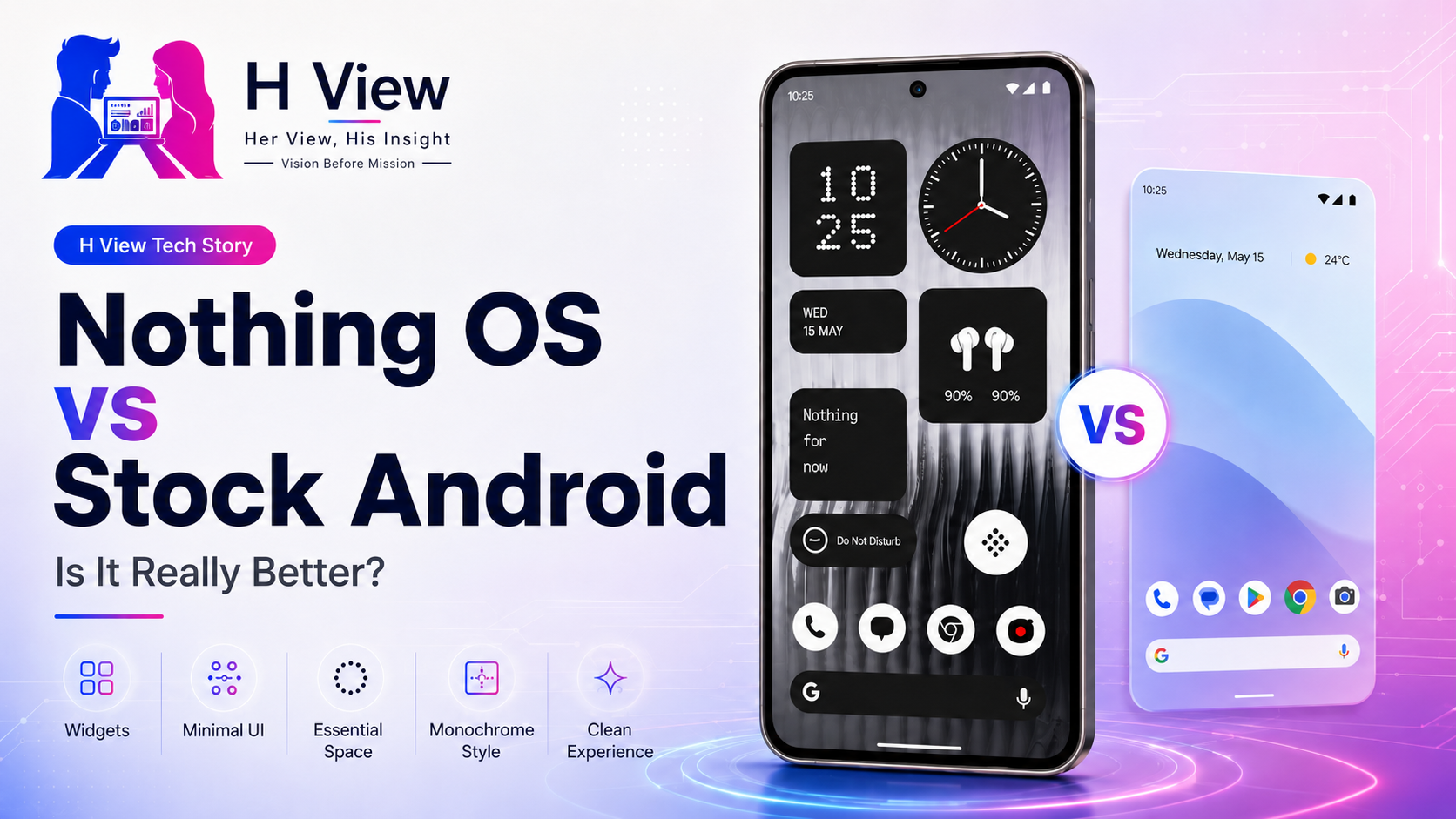
So, is Nothing OS genuinely better than stock Android?
The honest answer is that it can feel better for users who value visual consistency, minimalism and personality. However, it is not automatically superior in every area, and the phrase “stock Android” itself needs some clarification.
People commonly use “stock Android” to describe a clean Android experience without heavy manufacturer modifications.
Technically, the foundation is the Android Open Source Project, or AOSP. Google describes AOSP as a complete and functional Android platform whose source code can be downloaded and modified by device manufacturers.
However, the Android experience on a Google Pixel is not completely untouched AOSP either. Pixel phones include Google applications, exclusive features, interface choices and additional services.
Therefore, when people compare Nothing OS with stock Android, they usually mean one of two things:
Nothing OS belongs in the same general category of lighter Android interfaces, but it has a much stronger visual identity than pure AOSP.
Nothing OS keeps Android’s familiar structure.
Users still receive the application drawer, notification panel, quick settings, Google Play Store, multitasking controls and Android application compatibility they already understand.
Nothing then adds its own design system through:
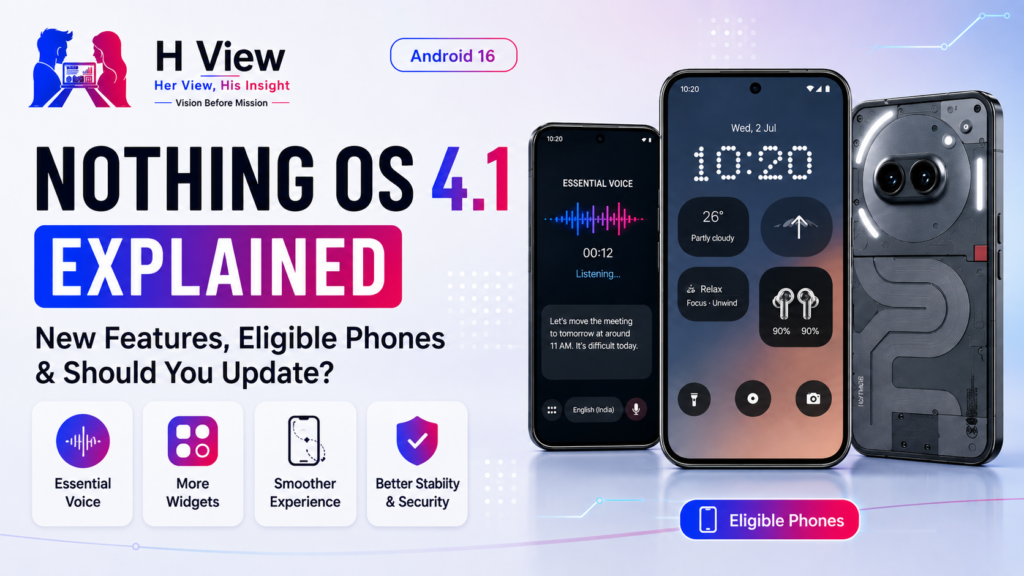
Nothing OS 4.0 began its public rollout in November 2025 and is based on Android 16. Nothing said the update focused on clearer iconography, more coherent interface components, refined animations and faster interactions.
That evolution shows that Nothing OS is no longer merely a lightweight skin added to Android. It is becoming one of the company’s major products.
Nothing OS looks like it belongs on a Nothing phone.
That may sound obvious, but many Android manufacturers do not achieve it successfully. Their hardware may have one design identity while the software looks like a collection of unrelated applications, icons and menus.
Nothing connects its physical and digital design through recurring elements:
The result feels deliberate.
When a Nothing phone is unlocked, the software continues the personality established by the transparent-inspired rear panel and Glyph system. There is no sudden transition into a generic Android interface.
This consistency is one of the main reasons Nothing OS can feel more polished than software with significantly more features.
Colourful application icons compete constantly for attention.
Each service uses its own branding, shape and colour combination to make itself noticeable. A typical Android home screen can therefore become visually noisy even when only a few applications are present.
Nothing’s monochrome styling reduces that noise.
Applications can appear in a more coordinated visual system, helping the screen feel calmer and less like a collection of advertisements.
This works especially well for people who:
However, monochrome icons also have a practical disadvantage.
Many people identify applications by colour before reading their names. WhatsApp green, YouTube red and LinkedIn blue are recognised almost instantly. When those colours disappear, applications with similar shapes can become harder to locate.
Nothing’s monochrome design is therefore a preference rather than an unquestionable improvement.
It creates visual consistency, but it may reduce instant recognition.
Widgets are central to Nothing OS.
The company uses clocks, weather indicators, battery information, media controls, screen-time tools and quick settings to bring useful information directly to the home and lock screens.
Unlike generic widgets that appear added after the interface was completed, Nothing’s widgets follow the same visual language as the rest of the software.
They use bold shapes, simplified information and consistent typography.
This allows users to build a home screen that feels functional without filling it with traditional application icons.
Nothing has also continued expanding and correcting its widget system through software updates. Official update notes have referenced additions such as step-count and screen-time widgets alongside fixes for photo and media widgets.
The limitation is that a strong widget system depends on continued development. Nothing needs to keep adding practical widgets without turning the home screen into another crowded dashboard.
Some Android interfaces attempt to demonstrate value by including as many features as possible.
They may offer numerous duplicate applications, floating windows, gaming centres, app stores, promotional notifications and background services.
Nothing generally takes a more restrained approach.
The experience feels cleaner because the company does not try to place every available feature directly in front of the user.
That does not mean Nothing OS lacks customisation. It offers visual controls, widgets, icon choices, lock-screen options and system features without making the interface feel overloaded.
This balance may appeal to users moving from Pixel, Motorola or older OnePlus devices.
Someone coming from Samsung One UI may have a different reaction. Samsung provides deeper multitasking, extensive ecosystem integration, DeX, Good Lock modules and many advanced controls. Nothing OS can feel simpler, but also less capable for power users.
Clean software is not always better software. It depends on what the user needs.
Nothing frequently emphasises fluid animations and responsive interaction.
The latest major Nothing OS release was presented as an update focused on fundamentals: cleaner visual structure, reworked animation and faster responsiveness.
This matters because users experience performance through more than benchmark results.
A phone feels fast when:
Nothing OS’s relatively restrained interface can support that perception of speed.
However, software smoothness also depends on the specific phone, processor, storage speed and update quality. A clean interface cannot completely compensate for weaker hardware or unresolved bugs.
Nothing OS should therefore be judged on the device being reviewed, not only through the brand’s general reputation.
Nothing’s recent software strategy extends beyond appearance.
On supported phones, the Essential Key can capture screenshots, voice notes and information for organisation inside Essential Space.
Nothing’s support documentation says users can double-press the Essential Key to open Essential Space. Full functionality requires signing into a Nothing account.
Its intelligent analysis can create summaries from recorded content, extract highlights and recognise locations that can be connected with Google Maps.
This is an important shift.
Earlier versions of Nothing OS were mainly recognised for visual design and clean software. Essential Space attempts to make the operating system more proactive by helping users collect and organise information.
The idea is promising for people who frequently save:
However, the system’s usefulness depends on reliability.
If users capture information but cannot find it easily later, Essential Space becomes another storage area. AI summaries must also be accurate enough to trust.
The requirement to sign into a Nothing account for full AI analysis may raise questions for privacy-conscious users. Nothing should clearly explain what information is processed, where it is processed and how long it is retained.
Many smartphone companies are adding AI features because the term has become commercially important.
Nothing should avoid turning Nothing OS into another collection of AI-labelled tools that users forget after setup.
The strongest Essential features will be those that remove small amounts of repeated effort.
For example:
These tasks fit Nothing’s stated goal of reducing friction and helping users remain focused.
AI becomes less valuable when it produces unnecessary summaries, inaccurate interpretations or suggestions users did not request.
Nothing OS should remain calm even as its intelligence grows.
Pixel software is often treated as the closest commercial version of stock Android.
Google’s advantage is its direct control over Android development and deep access to services such as Gemini, Google Photos, Call Screen and computational photography.
Pixel devices also receive regular software updates and feature releases. Google continued releasing Pixel system updates throughout 2026, including monthly fixes and performance improvements.
Nothing OS competes through personality rather than deeper Google integration.
Pixel software can feel more intelligent and mature. Nothing OS can feel more expressive and visually coordinated.
Samsung One UI sits at the opposite end of the Android spectrum.
It provides extensive features, ecosystem controls and customisation. Samsung users can access advanced multitasking, edge panels, secure tools, productivity features and deep visual modifications.
Nothing OS is much lighter.
That creates clear trade-offs.
Nothing OS may feel:
One UI may feel:
A user who wants simplicity may prefer Nothing OS. A user who relies on advanced productivity features may find it limited.
OnePlus originally built its reputation around software that felt fast and close to stock Android.
Modern OxygenOS has expanded considerably and now offers more features, visual effects and customisation.
Nothing OS may appeal to people who miss the lighter, more focused personality associated with earlier OnePlus software.
Carl Pei’s connection with OnePlus makes that comparison unavoidable, but Nothing OS should be judged as its own platform.
Its strength is not nostalgia. It is the ability to combine clean Android foundations with a new design identity.
Nothing OS has developed quickly, but it is not complete.
Different Nothing and CMF devices may ship with different operating-system versions or receive features at different times. For example, Nothing’s official product and support pages have listed some devices on Nothing OS 3.5 while Nothing OS 4.0 is already rolling out to supported models.
Users need clearer compatibility and rollout information.
Nothing sells phones and audio products, while CMF includes watches and additional accessories. These products should work together more meaningfully.
Essential Space requires a Nothing account for its full intelligent-analysis features. Users should receive simple explanations about data handling and control.
Nothing should preserve simplicity while adding optional multitasking and productivity features.
A good interface matters only when the phone receives stable security, bug-fix and operating-system updates throughout its supported life.
Nothing OS is better for users who want Android to feel more designed, personal and visually consistent.
It provides more identity than pure AOSP and a more expressive appearance than the typical Pixel-style experience.
However, it is not automatically better for everyone.
Pixel software provides deeper Google integration. Samsung offers more advanced features. Other Android brands may provide broader customisation or stronger ecosystem tools.
Nothing OS succeeds when users value:
It may disappoint users who want:
The correct conclusion is not that Nothing OS defeats stock Android. It is that Nothing has created one of the clearest interpretations of Android available from a younger smartphone brand.
No. Nothing OS is based on Android but includes Nothing’s own interface design, widgets, icons, Glyph controls and additional software features.
Nothing OS offers a more distinctive visual identity, while Pixel software provides deeper Google integration and more mature Google-led AI features. The better option depends on user priorities.
Nothing OS generally follows a restrained software approach compared with heavier Android interfaces, although the exact preinstalled applications can vary by device and region.
Essential Space is Nothing’s information-capture and organisation feature. On supported phones, users can save screenshots and recordings through the Essential Key and access AI-supported summaries and extracted information after signing into a Nothing account.
Yes. Nothing OS is based on Android and supports Android applications through the Google Play Store.
Gaming performance depends primarily on the specific phone’s processor, cooling, display and battery. Nothing OS can provide a clean interface, but it does not independently determine gaming performance.
Harika is the co-founder of H View and covers AI, technology, gadgets, digital tools, online platforms, and modern internet trends. Her articles focus on simplifying complex topics with practical explanations, balanced opinions, and reader-first insights.
Share your real experience and help other readers decide better.
No community views yet. Be the first to share yours.
Nothing OS has become one of the strongest reasons to consider a Nothing phone. The…
Harika August 10, 2026 
Typing is not always the fastest way to express an idea. A message that takes…
Harika August 9, 2026 
Nothing phones attract attention through their transparent-inspired design and Glyph lighting, but the software contains…
Harika August 2, 2026