

Nothing OS 4.1 Explained: New Features, Eligible Phones and Should You Update?
Nothing OS has become one of the strongest reasons to consider a Nothing phone. The…
 Harika August 10, 2026
  By HarikaUpdated August 3, 202611 min read121 views
Screenshots, voice notes, saved links, photographs and reminders accumulate quickly on a smartphone.
We capture an address because we may need it later. We record a quick thought before forgetting it. We save a product screenshot, meeting detail or travel location, but when the information is finally required, we may not remember where it was stored.
Nothing created Essential Space to address this problem.
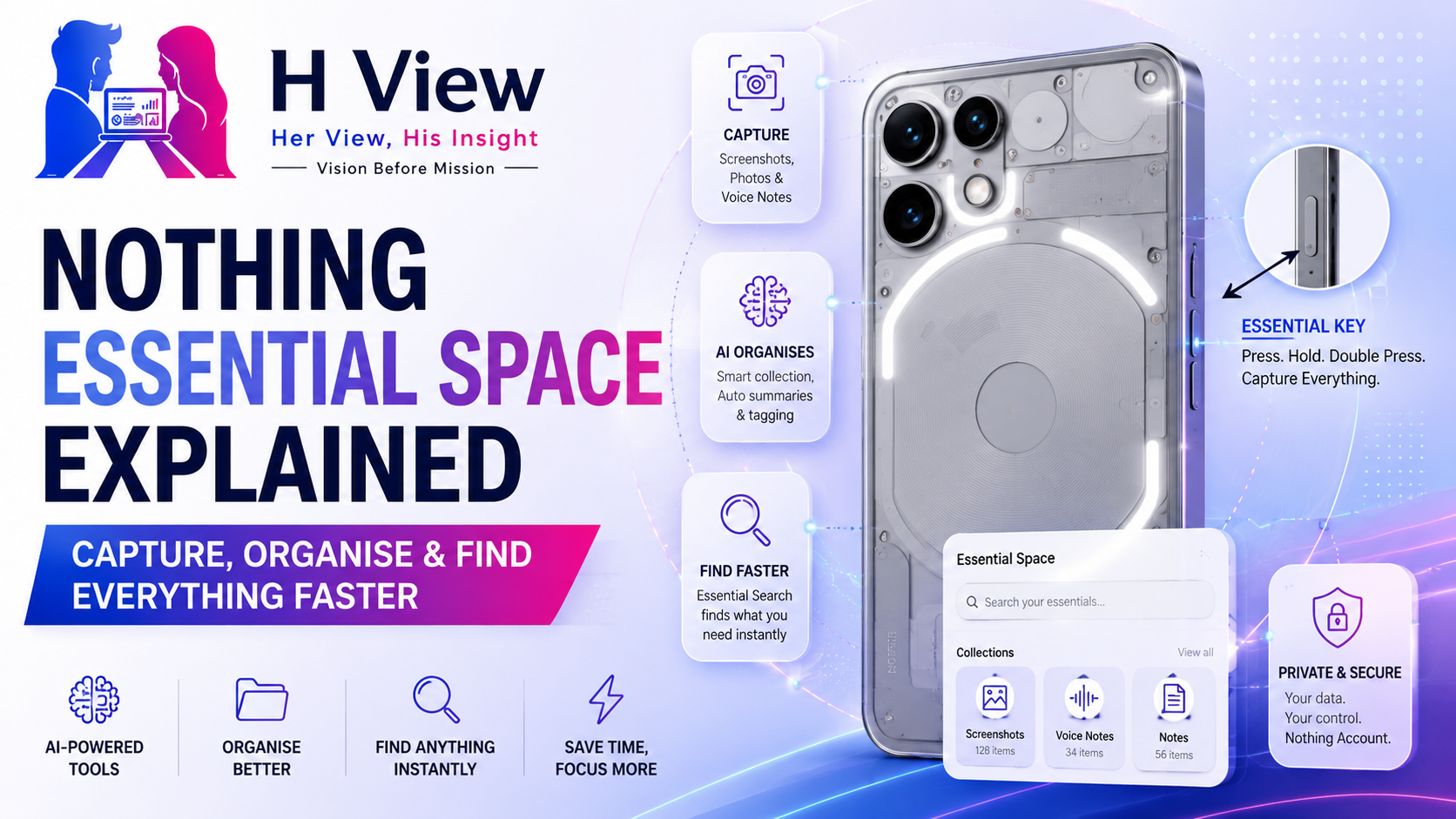
Instead of acting as another traditional notes application, Essential Space is designed as a central place where supported Nothing and CMF phones can capture information, organise it with AI assistance and retrieve it later through search.
Nothing describes Essential as a collection of AI tools intended to help users capture, find, remember and create with less effort. The system is closely connected to the physical Essential Key found on compatible devices.
The idea is promising, but Essential Space is not available in the same form on every Nothing phone. Its usefulness also depends on whether users build a consistent habit around capturing and reviewing information.
Here is how Essential Space works, what it can do and whether it is genuinely useful in everyday life.
Essential Space is Nothing’s AI-supported capture and organisation environment.
On supported devices, users can save screenshots, voice recordings, photographs, notes and other useful information. Once a user is signed into a Nothing account, the system can analyse captured content, generate summaries, identify important details and extract certain information such as Google Maps locations.
The feature attempts to solve two different problems:
Essential Space is therefore not simply a screenshot folder.
A screenshot folder stores images chronologically. Essential Space attempts to understand what was saved and make it easier to retrieve later.
The physical Essential Key is the fastest way to interact with Essential Space on supported phones.
Nothing assigns different actions depending on how the key is pressed.
A short press activates the screenshot-capture function.
While the screenshot preview and selection are active, pressing the Essential Key again saves the screenshot.
Holding the Essential Key can start a voice recording automatically when the preview interface opens.
The recording continues while the key remains pressed. After recording, the content can be saved into Essential Space.
Double-pressing the Essential Key opens Essential Space or provides quick access to recent recordings, depending on the supported device and current implementation.
This physical interaction is one of Essential Space’s biggest strengths.
Opening a notes application, selecting a new note and choosing an input method requires several steps. A dedicated button allows users to capture information before the thought disappears.
The exact setup can vary by model and Nothing OS version, but the basic process is straightforward.
First, update the phone and Essential Space application to the latest supported versions.
Next, double-press the Essential Key to open Essential Space.
Users can explore basic capture functionality without using every AI feature, but Nothing says that full functionality requires signing into a Nothing account. AI analysis also depends on the user being logged in.
Before enabling intelligent analysis, review:
An AI organisation tool can be useful, but users should understand what content it can access and how that content is processed.
Most smartphone users already know how to take a screenshot. The challenge is not capturing it—it is finding it later.
Traditional screenshot folders may contain:
When all these images are stored together, the gallery becomes difficult to search.
With the Essential Key, users can capture the screen and save the result into Essential Space rather than allowing it to disappear among hundreds of ordinary images.
A useful habit is to add context immediately.
For example, instead of saving only a screenshot of a restaurant address, add a brief note such as:
Dinner location for Saturday with the design team.
The image shows the information. The added context explains why it matters.
AI can assist with organisation, but clear human context still improves retrieval.
Voice capture may be one of Essential Space’s strongest uses.
Typing is not always practical. A useful idea may arrive while walking, travelling, preparing food or switching between meetings.
Holding the Essential Key allows users on supported devices to record a voice note quickly. Essential Space can then analyse the recording and generate a summary or highlight important points when the user is signed in.
This can be useful for:
Voice notes should be brief and specific whenever possible.
A recording that says, “Remember this idea,” provides little useful context. A better note would be:
Create an H View guide explaining Nothing Phone battery protection and charging settings.
The second note is easier for both the user and the software to understand later.
When the user is signed into a Nothing account, Essential Space can analyse recorded content.
Nothing says the system can:
This can reduce the need to replay an entire recording or manually rewrite a long note.
For example, a recorded meeting could potentially produce:
However, AI summaries should not be accepted blindly.
Names, numbers, deadlines and technical terms can be misunderstood. Users should review any summary before relying on it for work, travel or important decisions.
Nothing has also added editable summaries and recorder content, allowing users to correct AI output when necessary. Official community updates have described editable memories, Google Calendar integration and the ability to share recorder content in formats such as images, PDF and Markdown.
Nothing later introduced Essential Memory as a connection between Essential Space and Essential Search.
According to Nothing’s official community announcement, screenshots, links, notes and photos saved in Essential Space can become memories that the system can recognise and retrieve with additional context. Users can then search more naturally instead of remembering an exact file name or date.
For example, instead of opening the gallery and searching manually, a user could look for:
This is the direction that makes Essential Space more interesting than a conventional folder.
The system is attempting to organise information according to meaning, not only file type.
Essential Search extends the experience beyond stored captures.
On supported devices, Nothing positions Essential Search as an AI-powered search tool capable of delivering direct answers rather than presenting only a page of web links.
Current product pages also describe Essential Search as a way to search phone content and Essential Space, translate text and look up information. Some models support local search functions that do not require an internet connection, although individual capabilities vary.
The experience may include:
Essential Search should not be confused with a guaranteed source of truth.
AI-generated answers can be inaccurate. Medical, financial, legal and other important information should always be verified using authoritative sources.
Nothing has continued developing Essential Space with Flip to Record.
The feature is intended to make recording more natural by allowing users to place or flip the phone into a supported position to begin capturing audio. Later updates also made Flip-to-Record clips shareable.
This may be useful for:
Recording conversations requires care.
Users should obtain appropriate permission before recording other people. Local consent and privacy laws may also apply.
Essential Space should be treated as a productivity tool—not as a way to record people without their knowledge.
Nothing has also connected Essential Space with Google Calendar.
Official update information says recognised to-do items can sync with Google Calendar, helping users turn captured information into scheduled actions.
This is an important improvement because storing information is only the first step.
A note such as “Send proposal on Friday” is more useful when it becomes a calendar task rather than remaining buried inside an AI summary.
Users should still verify:
Automatic extraction saves time, but an incorrectly scheduled deadline can create more problems than it solves.
Students can use it to capture:
AI summaries can help organise material, but students should not rely on them as substitutes for understanding the original content.
Professionals may use Essential Space for:
Its value increases when captured tasks are reviewed and transferred into a dependable workflow.
Creators can save:
The physical Essential Key is particularly useful for capturing ideas quickly.
Essential Space can organise:
The ability to recognise Maps locations can be helpful, though critical travel details should also be stored in the appropriate airline, hotel or booking application.
Google Keep is a mature notes application built around lists, labels, reminders, images and shared notes.
Essential Space differs by focusing on rapid hardware-assisted capture and AI organisation.
Essential Space may be better for capturing information. Google Keep may remain stronger for manually structured notes and collaboration.
They can also be used together.
A screenshot folder stores images in time order.
Essential Space attempts to attach meaning to them.
That distinction becomes useful when the user cannot remember exactly when something was captured.
A normal gallery may require scrolling through hundreds of screenshots. Essential Search may retrieve content based on words, topics or context.
However, Essential Space is only better when:
Without those conditions, it can become another cluttered archive.
Essential Space’s AI capabilities require careful privacy consideration.
Nothing states that users must sign into a Nothing account to access full functionality and AI analysis.
Before capturing sensitive material, consider whether it includes:
Do not assume that an AI organisation tool is the correct place for every type of information.
Nothing should continue providing clear explanations about:
Privacy clarity will be essential if Nothing wants Essential Space to become a trusted everyday tool.
Essential Space still has several limitations.
Not every Nothing or CMF device has an Essential Key or supports the same software features.
Phone (3a), CMF Phone 2 Pro and newer supported models advertise Essential Space, while current models such as Phone (4a), Phone (4a) Pro and Phone (4b) continue expanding Essential and Essential Search capabilities.
Full intelligent analysis requires a Nothing account.
Summaries, locations, tasks and extracted information should be reviewed.
No AI system can completely organise vague recordings and meaningless screenshots.
Nothing OS version, application updates, region and model can affect what is available.
Essential Space works best when users follow a simple routine:
The objective is not to save everything.
It is to save the right things and retrieve them when needed.
Essential Space is Nothing’s AI-supported environment for capturing, organising and retrieving screenshots, voice notes, photographs and other useful information.
On supported phones, double-press the Essential Key. Nothing says full functionality requires signing into a Nothing account.
Short-press the Essential Key. While the screenshot preview is active, press the key again to save it.
Yes. When AI analysis is available and the user is logged in, Essential Space can generate summaries and extract key information from recorded content.
No. Availability depends on the phone model, Essential Key hardware, Nothing OS version, region and application rollout.
Some search and AI functions may require connectivity, while certain Essential Search capabilities on supported devices can work without an internet connection. Exact behaviour varies by model.
It includes account-based access and software controls, but users should review Nothing’s current privacy information before storing sensitive or confidential material.
Harika is the co-founder of H View and covers AI, technology, gadgets, digital tools, online platforms, and modern internet trends. Her articles focus on simplifying complex topics with practical explanations, balanced opinions, and reader-first insights.
Share your real experience and help other readers decide better.
No community views yet. Be the first to share yours.
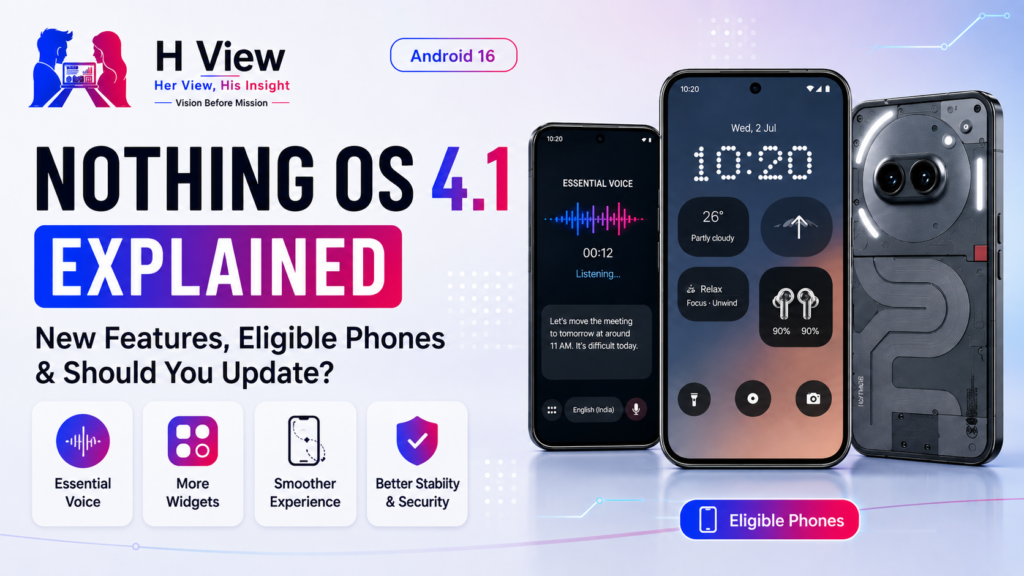
Nothing OS has become one of the strongest reasons to consider a Nothing phone. The…
Harika August 10, 2026 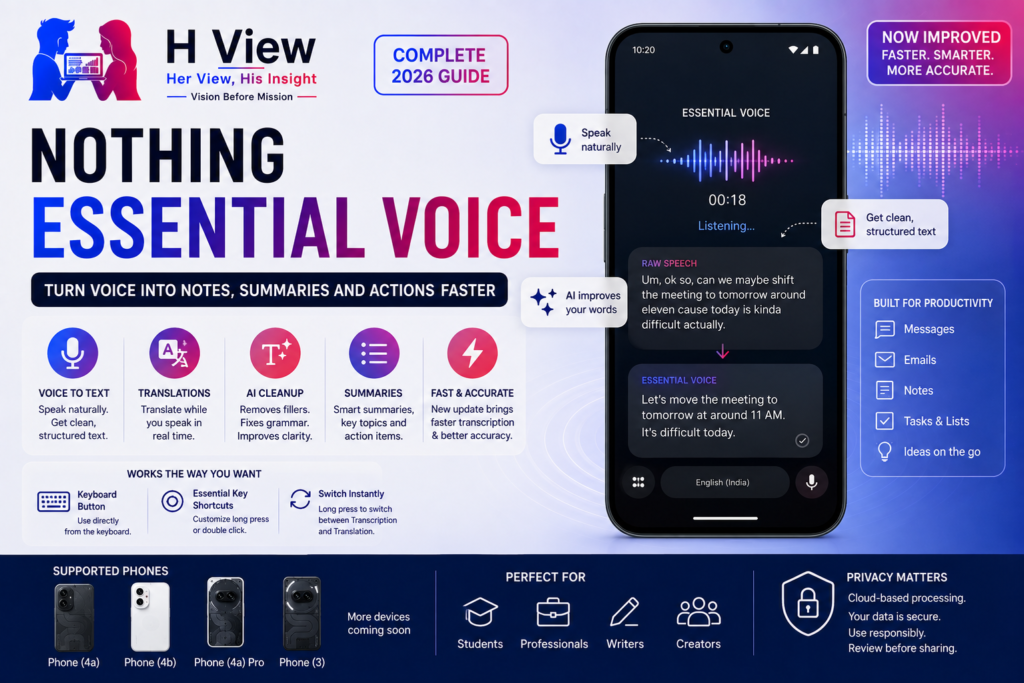
Typing is not always the fastest way to express an idea. A message that takes…
Harika August 9, 2026 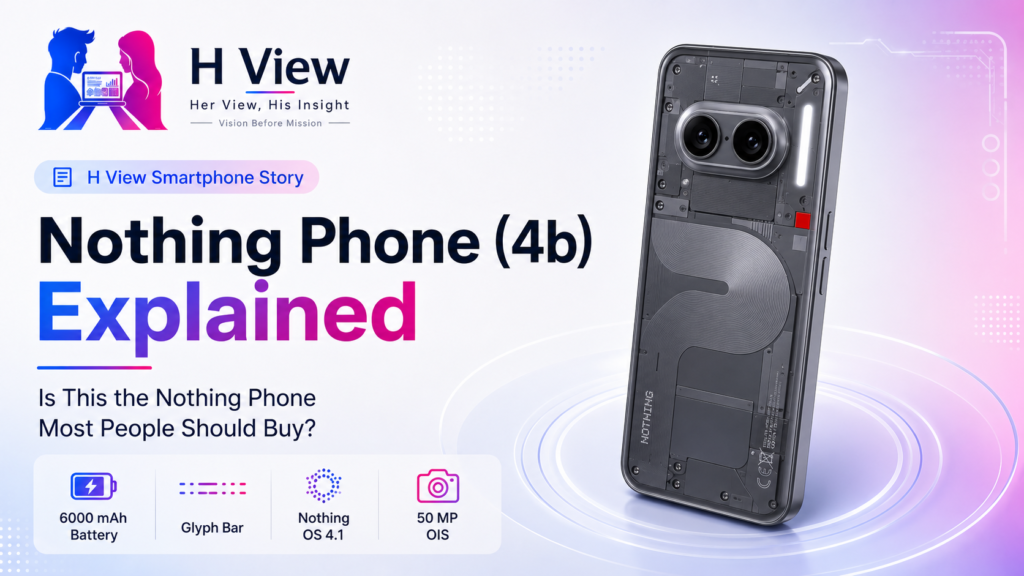
Nothing has gradually expanded from a small design-focused smartphone brand into a company serving several…
Harika August 6, 2026 
A Nothing phone should comfortably support communication, social media, photography, navigation and entertainment throughout the…
Harika August 4, 2026