

Best Digital Marketing Tools in 2026: What Marketers Actually Need and What They Can Skip
Open LinkedIn for a few minutes and you will probably come across a colourful graphic…
 Harika October 6, 2026
  By HarikaUpdated August 12, 202615 min read57 views
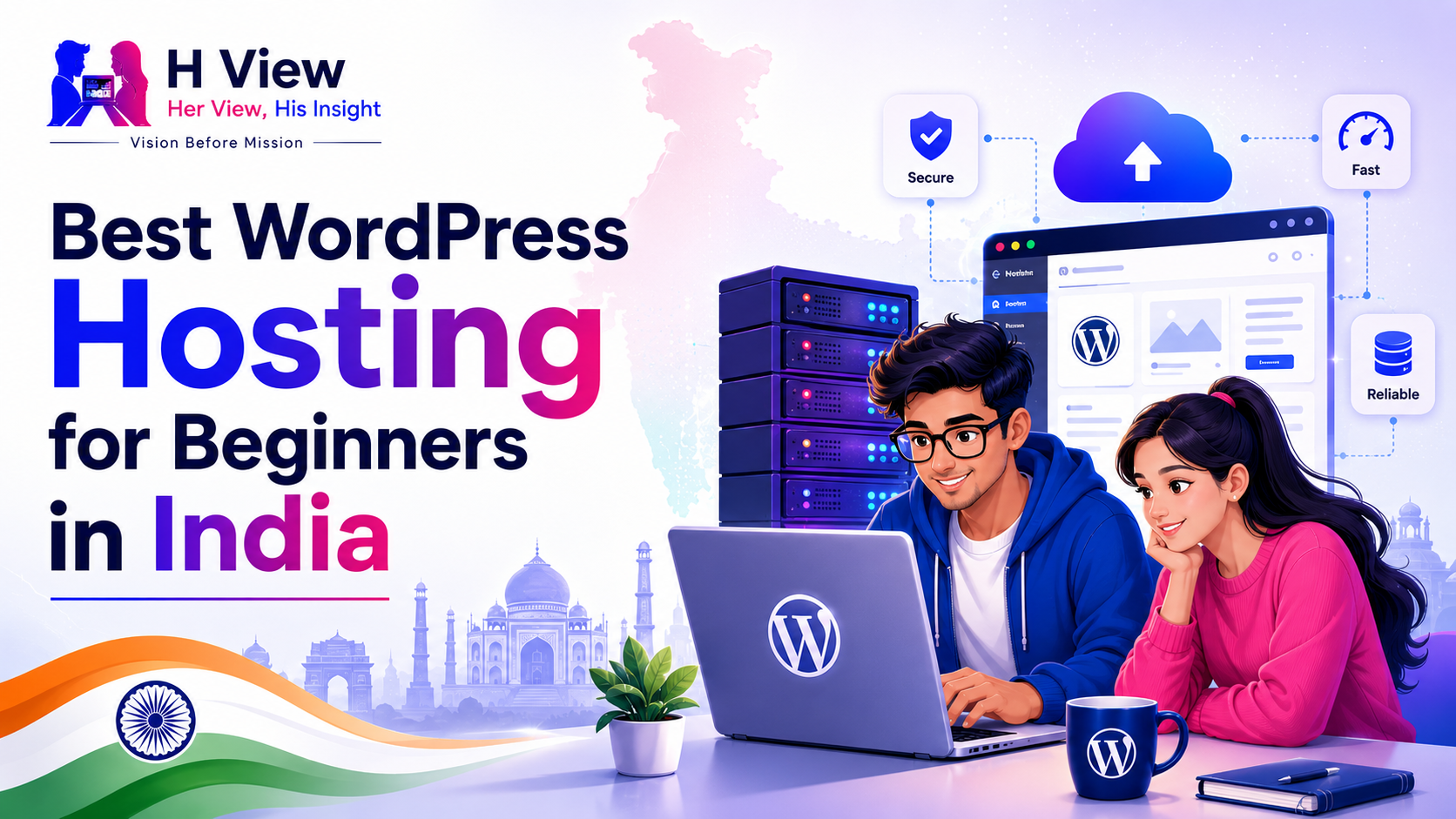
Choosing hosting is usually one of the first moments when starting a WordPress website begins to feel more complicated than expected. You may already have a blog name, a few article ideas and an image in your mind of what the website should look like. Then you open a hosting comparison and suddenly find yourself dealing with storage limits, SSL certificates, backups, server locations, caching, uptime promises, renewal prices and several plans that appear almost identical.
For someone building their first website, much of that information is difficult to judge because you do not yet know which features will actually matter once the site is running.
That is why choosing the best WordPress hosting for beginners in India should not begin with finding the provider that advertises the largest discount. It should begin with a much simpler question: what kind of website are you building, and what do you realistically need during the first year?
A new personal blog with ten articles does not need the same infrastructure as an established publication receiving thousands of visitors every day. A freelancer’s portfolio may need very little storage, while a photography website could quickly become media-heavy. Someone comfortable with servers may appreciate extra control, while a first-time blogger may value a simple dashboard and responsive support far more.
For most beginners, good hosting is hosting they barely have to think about. It should let them install WordPress, secure the site, publish articles, create backups and solve occasional problems without turning website ownership into a server-management project.
A website has to live somewhere. Your hosting provider supplies the server resources that store the WordPress installation, database, images, themes, plugins and other files required to display the site when somebody visits your domain.
That means hosting quietly influences almost everything a visitor experiences. If the server responds slowly, the website can feel slow even when the design itself is good. If the host has frequent problems, visitors may occasionally find the website unavailable. If backups are difficult to access, one bad plugin update can become a much bigger problem than it should be.
For a beginner, however, the technical details should not become the entire decision. You do not need to understand server administration before launching a WordPress blog. What matters is choosing an environment that handles the basics reliably and gives you enough control to grow.
This is why managed or beginner-focused WordPress hosting can be attractive. The provider handles more of the repetitive technical work, while you spend your time learning WordPress, planning content and building the website.
Hosting companies know that beginners compare prices, so introductory discounts tend to receive a lot of attention. A plan that appears extremely cheap per month can look almost impossible to refuse.
The difficulty is that the large number on the advertisement is rarely the whole story.
The advertised monthly amount may require paying for several years upfront. The renewal price may be significantly higher. A domain may be included during the first year but charge separately later. Backups, email, additional websites or other features can vary between plans.
For example, Hostinger currently advertises long-term discounted web-hosting plans in India, while also showing the corresponding renewal rate on the plan details. That is exactly why beginners should compare the total amount paid and the future renewal cost, rather than judging hosting from the promotional monthly figure alone.
A slightly more expensive plan can sometimes be the cheaper decision if it includes features you would otherwise have to purchase separately.
You can spend hours comparing technical specifications, but a new WordPress site usually depends on a smaller group of practical things.
The first is ease of setup. WordPress installation should not require you to manually create databases or edit configuration files unless you want to learn those skills. Most beginner-oriented providers now simplify the process considerably.
Security also matters from the beginning. Your site should use HTTPS, and your hosting should make SSL straightforward to enable. Backups are just as important. WordPress is flexible partly because themes and plugins can change so much, but that flexibility also means something can occasionally break. Knowing that a recent backup exists makes experimenting much less stressful.
Support becomes valuable the first time something behaves unexpectedly. A beginner may know that the website is not working without knowing whether the cause is WordPress, the domain, DNS, SSL, a plugin or the hosting account. A useful support team can save hours of trial and error.
Speed and reliability matter too, but this is where beginners should keep perspective. You do not need enterprise infrastructure for a website receiving fifty visitors a day. You need a host that performs comfortably for the size of site you currently have and gives you a sensible way to upgrade later.
For someone starting a WordPress blog in India with a limited budget, Hostinger is one of the most practical options to consider.
Its appeal is not that it is perfect in every category. It is that the overall experience is designed to remove many of the barriers that make hosting intimidating to new users. Hostinger’s current Indian WordPress offering includes managed WordPress features, while its hosting plans prominently include SSL and backup options depending on the selected tier.
The dashboard also avoids some of the visual complexity associated with traditional hosting control panels. For someone who has never managed a domain or installed WordPress before, that can make the first few days much more comfortable.
A beginner starting a personal blog, affiliate website, review platform or small business site is unlikely to need advanced cloud infrastructure immediately. What they normally need is a reasonably priced environment where WordPress is easy to install, basic security is covered and they can get the website online without spending several days learning server terminology.
That is where Hostinger tends to make sense.
The low introductory cost should not stop you from checking the details of the particular plan you are considering. Backup frequency, storage, email, number of websites, renewal costs and included extras can differ between tiers and can change over time.
This is especially important if you intend to keep the website for several years. A plan should still make sense after the introductory period ends.
If you want a more detailed look at this provider specifically, our Hostinger Review for WordPress Bloggers in India goes deeper into the experience rather than repeating everything here.
Bluehost has been connected with the WordPress ecosystem for a long time, and WordPress.org currently describes it as its longest-running recommended host. Its current WordPress plans also include a guided WordPress-oriented setup, SSL, managed updates and other features depending on the plan.
For a beginner, that positioning can be reassuring. There is value in choosing a service that expects many of its customers to be setting up WordPress rather than assuming they already understand hosting.
Bluehost can be particularly appealing if you want the website-building process to feel guided from the beginning. A personal blog, portfolio or small company site can comfortably start on this kind of environment without requiring much server knowledge.
Where the decision becomes less straightforward is pricing. As with almost every mainstream hosting company, the introductory offer should be compared with the renewal terms and the exact features included in the selected package.
For an Indian beginner working with a strict budget, it makes sense to compare Bluehost and Hostinger side by side rather than choosing based on brand familiarity alone.
SiteGround sits in a slightly different position.
Its WordPress hosting is built strongly around managed features. The provider currently highlights automated WordPress transfer, updates, backups, caching, CDN, staging and security features such as its web application firewall.
That can create a polished experience, particularly for someone who wants to spend less time thinking about maintenance. It also makes SiteGround attractive for business websites, established bloggers and people who already know that the website will play an important role in their work.
For an absolute beginner trying to launch at the lowest possible cost, however, SiteGround may be more than necessary.
That does not make it a poor choice. It simply illustrates an important principle about hosting: the best product and the best product for you right now are not always the same thing.
Someone beginning a casual personal blog may get little value from paying more for features they barely use. A business where every website enquiry matters may view that additional cost very differently.
Cloudways is better understood as a managed cloud platform than as a typical entry-level shared host. Its current WordPress offering focuses on managed cloud servers, monitoring, backups, support and the ability to scale resources as the website grows.
For a new blogger, that flexibility can sound exciting. In practice, it may solve a problem you do not have yet.
If your blog is receiving little traffic, a simple WordPress plan can usually handle the workload without difficulty. Paying for more advanced infrastructure simply because you expect the website to become successful someday is similar to renting a large office before you have your first customer.
Cloudways becomes more interesting when traffic, performance requirements or business importance genuinely begin to justify the additional flexibility.
It can therefore be useful to think of it as a potential next stage, not necessarily as the place every beginner should start.
Namecheap and GoDaddy are familiar names because many people encounter them while searching for domains, but both also offer WordPress hosting.
Namecheap’s EasyWP is currently positioned as managed WordPress hosting with an easier setup process and WordPress-specific infrastructure. GoDaddy similarly offers managed WordPress products in India with SSL, backups and WordPress-focused management features that vary by plan.
Both can work.
The important point is not to assume that buying your domain from one company means you must also host the website there. Domains and hosting can be purchased from different providers without creating a problem.
Convenience is useful, but it should not replace comparison.
If Namecheap or GoDaddy gives you a plan that comfortably matches your needs and budget, there is nothing inherently wrong with choosing it. But compare the same things you would compare everywhere else: renewal pricing, backups, storage, support, speed features and how easily you can move the website later if your needs change.
The type of website matters more than many comparison articles admit.
Someone creating a personal blog can begin very simply. Hostinger or Bluehost may be more than adequate because the website will initially contain articles, images and a small collection of plugins.
A small business owner should pay a little more attention to reliability and support. If the website generates enquiries or represents the company professionally, the cost of downtime or technical problems can matter more than saving a small amount every month. Depending on the budget, Hostinger, Bluehost or a more managed option such as SiteGround could all make sense.
A review or affiliate website has slightly different priorities. These sites often accumulate many articles, featured images, comparison tables and plugins over time. Starting on affordable WordPress hosting is reasonable, but having an easy upgrade path becomes more important as content and traffic grow.
An agency or established publication may reach the point where managed cloud infrastructure is worthwhile. That is where something like Cloudways becomes easier to justify.
The provider name is therefore only half of the decision. The other half is understanding what job the hosting needs to do.
Beginners sometimes overspend because they are encouraged to “future-proof” everything.
There is some logic in avoiding a plan that you will outgrow immediately, but websites are remarkably easy to upgrade or migrate compared with many other investments. You do not need to purchase capacity for hundreds of thousands of visitors when the first challenge is getting the first hundred.
Use the website you have today as the starting point.
If the blog begins attracting substantial traffic later, upgrading hosting will be a good problem to have. By that point, you will also understand WordPress better and will be in a much stronger position to know what your website genuinely needs.
Until then, money may be better spent on good content, useful tools or simply kept in the bank.
A beginner can choose a perfectly respectable hosting company and still create problems by ignoring the basics.
One common mistake is forgetting renewal dates. Losing access because a domain or hosting plan expired is far more disruptive than choosing a host that benchmarks slightly slower than another.
Another is running a bloated WordPress installation. A heavy theme, enormous uncompressed images and twenty unnecessary plugins can make decent hosting feel poor.
Backups are another area people tend to appreciate only after something goes wrong. Even if your hosting provider includes backups, understand how they work and how you would restore the site.
Finally, keep your expectations realistic. A cheap beginner plan is designed for beginner-level workloads. If a site eventually becomes a serious business or receives large traffic spikes, expecting the original entry-level plan to perform forever is not reasonable.
For someone setting up WordPress for the first time, the best hosting is often the one that removes anxiety from the process.
The first few days already involve learning how pages, posts, themes, menus, plugins and settings work. Adding a confusing hosting dashboard on top of that can make the entire project feel harder than it needs to be.
That is why I would place simplicity quite high when choosing beginner hosting. Being able to find the website, backups, SSL and support without hunting through dozens of menus has real value when everything is new.
A beginner should feel as though the hosting is helping them get online, not testing whether they understand servers.
Price deserves attention, but value is a better measure.
If one plan costs slightly less but forces you to pay separately for features you actually need, it may not be cheaper in practice. If another plan is more expensive but provides advanced capabilities your new blog will not use, that is not necessarily good value either.
Look at what your website needs for the next year rather than what the marketing page says you might need someday.
For most beginners, that means enough storage for articles and images, SSL, reliable backups, acceptable performance, useful support and a clear path to upgrade later.
Everything else should justify its cost.
For a new blogger in India who wants to keep the starting cost under control, Hostinger is the option I would look at first. Its beginner-oriented setup and current WordPress offerings make it a practical fit for a first blog or content site, provided the selected plan and renewal terms suit your budget.
Bluehost remains a sensible alternative, particularly if you prefer a strongly WordPress-focused onboarding experience and value its long-standing presence on WordPress.org’s hosting recommendations.
SiteGround becomes more attractive when you are comfortable spending more for a heavily managed WordPress environment, while Cloudways makes greater sense once the website has grown enough for cloud scaling and performance management to matter.
There is no hosting company that is automatically right for every beginner. Your budget, website type and willingness to manage technical details still matter.
For a budget-conscious beginner, Hostinger is one of the first options worth comparing because it combines beginner-oriented WordPress hosting with relatively accessible entry plans. Bluehost is another strong option, particularly for users who prefer a guided WordPress-focused setup. Always check current plan details and renewal pricing before purchasing.
Usually, yes. A new blog receiving modest traffic does not need high-end infrastructure. A basic WordPress hosting plan can often be sufficient if the website is well optimised and the provider gives you a reasonable upgrade path.
WordPress.org currently lists Bluehost on its hosting recommendations page and describes it as its longest-running recommended host.
Most beginners do not. Cloud hosting becomes more useful when traffic, performance requirements or business-critical workloads make additional resources and scalability valuable. A normal beginner-oriented WordPress plan is generally a simpler place to start.
Only if you are comfortable committing to that provider. Long contracts can reduce the effective introductory monthly price, but you should calculate the total upfront payment and check the renewal terms before deciding.
Yes. WordPress sites can be migrated between hosting providers, and several providers offer migration tools or services. That is another reason beginners do not need to overpay for an oversized hosting package on day one.
Choosing hosting feels like a major decision when you start your first WordPress site, but it does not need to become an endless comparison.
You are not choosing the server infrastructure for the final version of your website. You are choosing a reliable place to begin.
For most new bloggers, that means prioritising a straightforward WordPress setup, SSL, backups, support, reasonable performance and pricing that still makes sense when the promotional period ends.
Hostinger currently offers one of the more practical starting points for a budget-conscious beginner in India. Bluehost remains a credible WordPress-focused alternative, SiteGround is easier to justify when managed features matter more than keeping costs low, and Cloudways becomes more relevant as a site grows.
But the provider is only part of the foundation.
A fast host cannot rescue a website filled with unnecessarily heavy plugins. Expensive infrastructure cannot make weak articles useful. And buying a large plan cannot create traffic that does not yet exist.
Start with hosting that comfortably supports the website you are building today. Put the rest of your energy into making that website worth visiting.
If the day comes when your blog genuinely outgrows the hosting plan, upgrading will not feel like a problem.
It will feel like progress.
Harika is the co-founder of H View and covers AI, technology, gadgets, digital tools, online platforms, and modern internet trends. Her articles focus on simplifying complex topics with practical explanations, balanced opinions, and reader-first insights.
Share your real experience and help other readers decide better.
No community views yet. Be the first to share yours.
Open LinkedIn for a few minutes and you will probably come across a colourful graphic…
Harika October 6, 2026 
When an employee resigns, many organisations move quickly into replacement mode. The manager informs HR,…
Harika October 6, 2026 
For many corporate employees, the workday begins long before they actually start working. They wake…
Harika October 5, 2026 
Many projects begin with an assumption that sounds reasonable on paper: the client will explain…
Harika October 1, 2026