

Best Digital Marketing Tools in 2026: What Marketers Actually Need and What They Can Skip
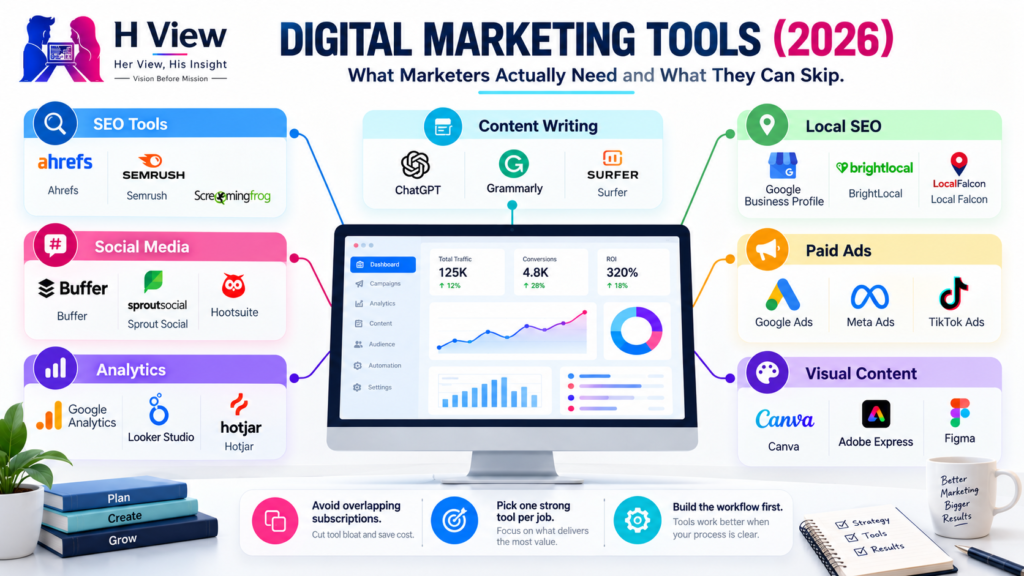
Open LinkedIn for a few minutes and you will probably come across a colourful graphic…
 Harika October 6, 2026
  By HarikaUpdated May 31, 20268 min read76 views
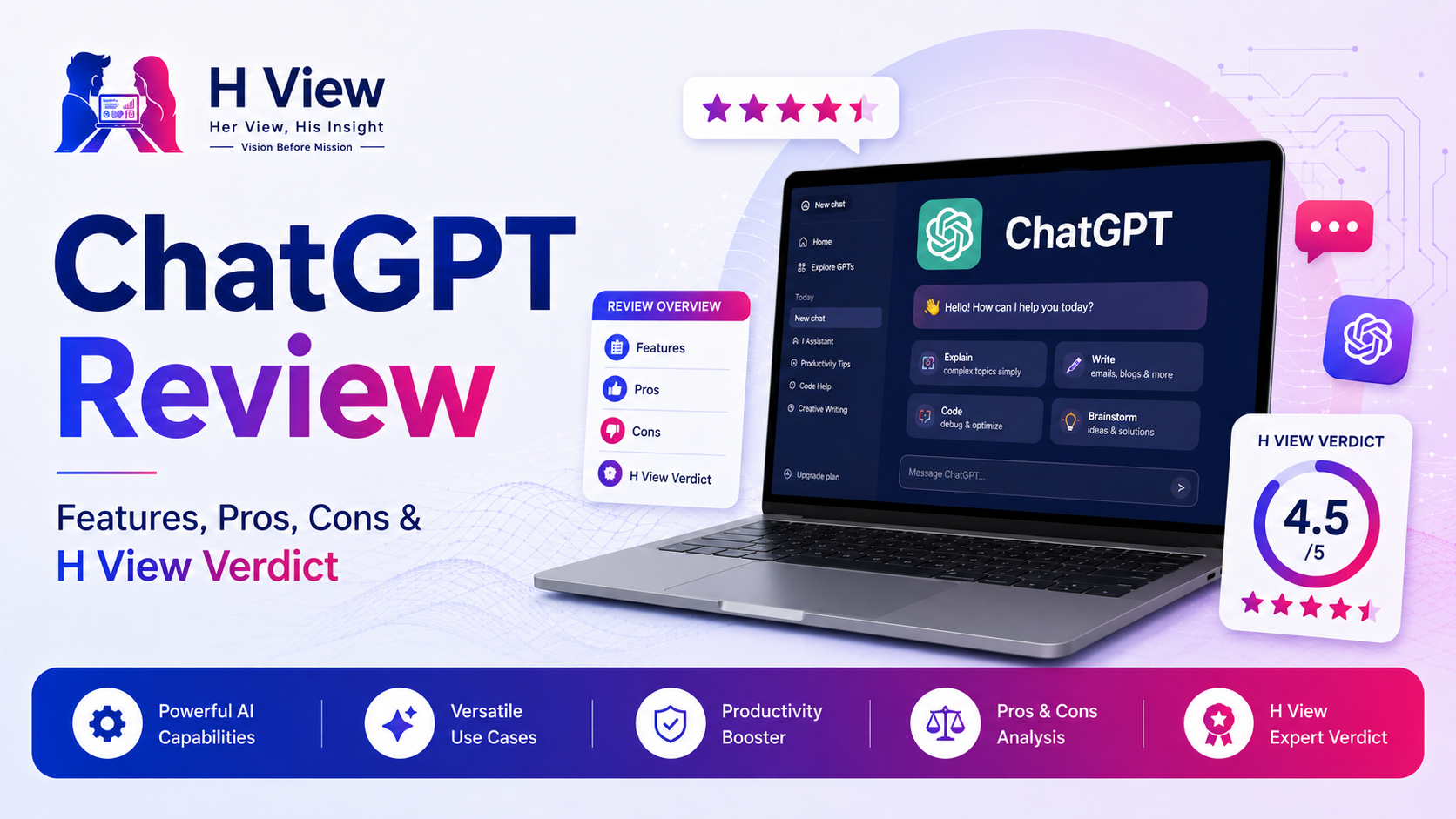
ChatGPT has become one of the most talked-about AI tools in the world.
Some people use it for writing. Some use it for learning. Some use it for work, coding, research, emails, planning, ideas, images, analysis, and daily problem-solving.
But with so much attention around it, one question still matters:
Is ChatGPT actually useful, or is it just another AI trend?
At H View, we look at tools practically. A tool is valuable only when it saves time, improves clarity, solves real problems, or helps people work better.
In this ChatGPT review, let’s understand what ChatGPT is, how it works, what it can do, where it helps, where it can go wrong, and whether it is worth using.
ChatGPT is an AI chatbot created by OpenAI. It allows users to ask questions, write prompts, upload information, generate responses, explore ideas, solve problems, and get help with many types of tasks.
OpenAI describes ChatGPT as an AI chatbot for everyday use that can help users explore ideas, solve problems, and learn faster.
In simple words, ChatGPT is like a digital assistant that can understand your request and respond in natural language.
You can use it to:
It is not perfect, but it is one of the most flexible AI tools available today.
ChatGPT works through prompts.
A prompt is the instruction or question you give.
For example:
Explain digital marketing in simple language.or:
Create a weekly study plan for a college student.or:
Rewrite this paragraph in a more professional tone.ChatGPT reads the prompt, understands the context, and generates a response based on patterns, knowledge, and reasoning from the model.
The quality of output depends heavily on the quality of your prompt.
A vague prompt gives a general answer. A clear prompt gives a better answer.
ChatGPT is useful because it is not limited to one type of task.
You can ask questions naturally and continue the conversation. This makes it easier than searching through many pages for basic explanations.
ChatGPT can help write emails, captions, articles, summaries, product descriptions, proposals, scripts, and messages.
It can also rewrite content in different tones, such as simple, professional, friendly, formal, or polished.
Students and learners can use ChatGPT to understand difficult topics, create study plans, summarize lessons, and practice questions.
It is useful when you need ideas for names, content, business plans, projects, social media posts, or presentations.
Developers can use ChatGPT to understand code, debug errors, write snippets, explain logic, or plan features.
Depending on the plan and available tools, ChatGPT can help analyze uploaded files, summarize documents, and work with tables or data.
ChatGPT can also be used through mobile apps and voice features. OpenAI says users can type or start a real-time voice conversation in ChatGPT.
ChatGPT also supports GPTs, which are custom versions of ChatGPT built for specific tasks, instructions, or workflows. OpenAI describes GPTs as custom versions of ChatGPT that can combine instructions, extra knowledge, and skills.
ChatGPT can be useful for different types of users.
ChatGPT is not one tool for one profession. It is a general AI assistant that can adapt to many use cases.
ChatGPT has a free version and paid plans. OpenAI’s pricing page lists different plans, including Free, Go, Plus, Pro, Business, and Enterprise.
The free version is useful for everyday tasks and basic usage. Paid plans are for users who need more access, stronger capabilities, higher limits, or work/team features.
OpenAI also says the free version of ChatGPT is available to everyone, while paid plans such as Go, Plus, Business, and Enterprise provide a more powerful experience with additional features and access.
Start with the free version if:
Consider a paid plan if:
For most beginners, starting free is the best way to understand whether ChatGPT fits their workflow.
ChatGPT is strong because it reduces the starting effort.
Many people know what they want to do, but they struggle to begin. ChatGPT helps create the first draft, first idea, first structure, or first explanation.
It is especially useful when you need speed, structure, and clarity.
ChatGPT is powerful, but it should not be trusted blindly.
It can sometimes give incorrect, outdated, incomplete, or overconfident answers. It can also produce content that sounds generic if the prompt is weak.
This is why human review is important.
Before using ChatGPT output, always check:
ChatGPT should support your thinking, not replace it.
ChatGPT is useful for almost anyone who works with information, communication, learning, planning, or creativity.
It is especially useful for:
Even if you do not use it for work, it can help with daily planning, learning, explanations, travel ideas, messages, and decision-making.
ChatGPT may not be enough when accuracy, compliance, or expert judgment is critical.
Be careful when using it for:
In these areas, ChatGPT can help explain or organize information, but a qualified expert should review the final decision.
From a user experience side, ChatGPT feels easy, fast, and approachable.
You do not need technical knowledge to start. You can simply type your question and get a response. This makes it useful for beginners who may feel uncomfortable with complex software.
The best part is how quickly it removes blank-page stress. Whether you need an email, explanation, checklist, plan, or idea, ChatGPT gives you a starting point.
But users should still edit the output. The response may be good, but your final version should sound like you.
From a practical side, ChatGPT is valuable because it saves time across many tasks.
It can improve productivity, speed up writing, support learning, assist with coding, and help users plan better.
But its value depends on how you use it. A weak prompt gives a weak answer. A clear prompt with context gives a better result.
The smartest way to use ChatGPT is:
Ask clearly.
Review carefully.
Verify facts.
Add your judgment.
Use the final output responsibly.
That is where ChatGPT becomes genuinely useful.
ChatGPT is worth using if you treat it as an assistant, not as an authority.
It is excellent for ideas, drafts, learning, planning, summarizing, rewriting, and productivity. It is not perfect for final facts, expert advice, or decisions that need professional accuracy.
For most users, the free version is enough to start. Upgrade only when you use ChatGPT regularly and clearly see the value.
ChatGPT is an AI chatbot from OpenAI that can answer questions, draft content, explain topics, brainstorm ideas, summarize information, and help with many everyday and work-related tasks.
Yes, ChatGPT has a free version. OpenAI also offers paid plans with more access and additional features.
ChatGPT can be used for writing, learning, coding help, planning, brainstorming, summarizing, translating, customer communication, study support, and productivity tasks.
No. ChatGPT can make mistakes or give outdated information. Important facts should be verified from trusted sources.
Yes, ChatGPT is worth using for many people if it saves time, improves clarity, or helps with daily tasks. But it should be used with human review and judgment.
ChatGPT is one of the most useful AI tools available today because it is simple, flexible, and practical.
It can help students learn faster, professionals write better, creators plan content, developers understand code, and everyday users solve small problems quickly.
But ChatGPT is not a replacement for human thinking.
At H View, our final view is simple:
ChatGPT is powerful when used as a smart assistant, but the final judgment should always remain human.
Harika is the co-founder of H View and covers AI, technology, gadgets, digital tools, online platforms, and modern internet trends. Her articles focus on simplifying complex topics with practical explanations, balanced opinions, and reader-first insights.
Share your real experience and help other readers decide better.
No community views yet. Be the first to share yours.
Open LinkedIn for a few minutes and you will probably come across a colourful graphic…
Harika October 6, 2026 
When an employee resigns, many organisations move quickly into replacement mode. The manager informs HR,…
Harika October 6, 2026 
For many corporate employees, the workday begins long before they actually start working. They wake…
Harika October 5, 2026 
Many projects begin with an assumption that sounds reasonable on paper: the client will explain…
Harika October 1, 2026