

Best Laptop Brands in India 2026: Which Brand Is Best for Students, Coding, Design, Business and Gaming?
Buying a laptop in 2026 is much harder than simply choosing between “HP or Dell”…
 Harika September 1, 2026
 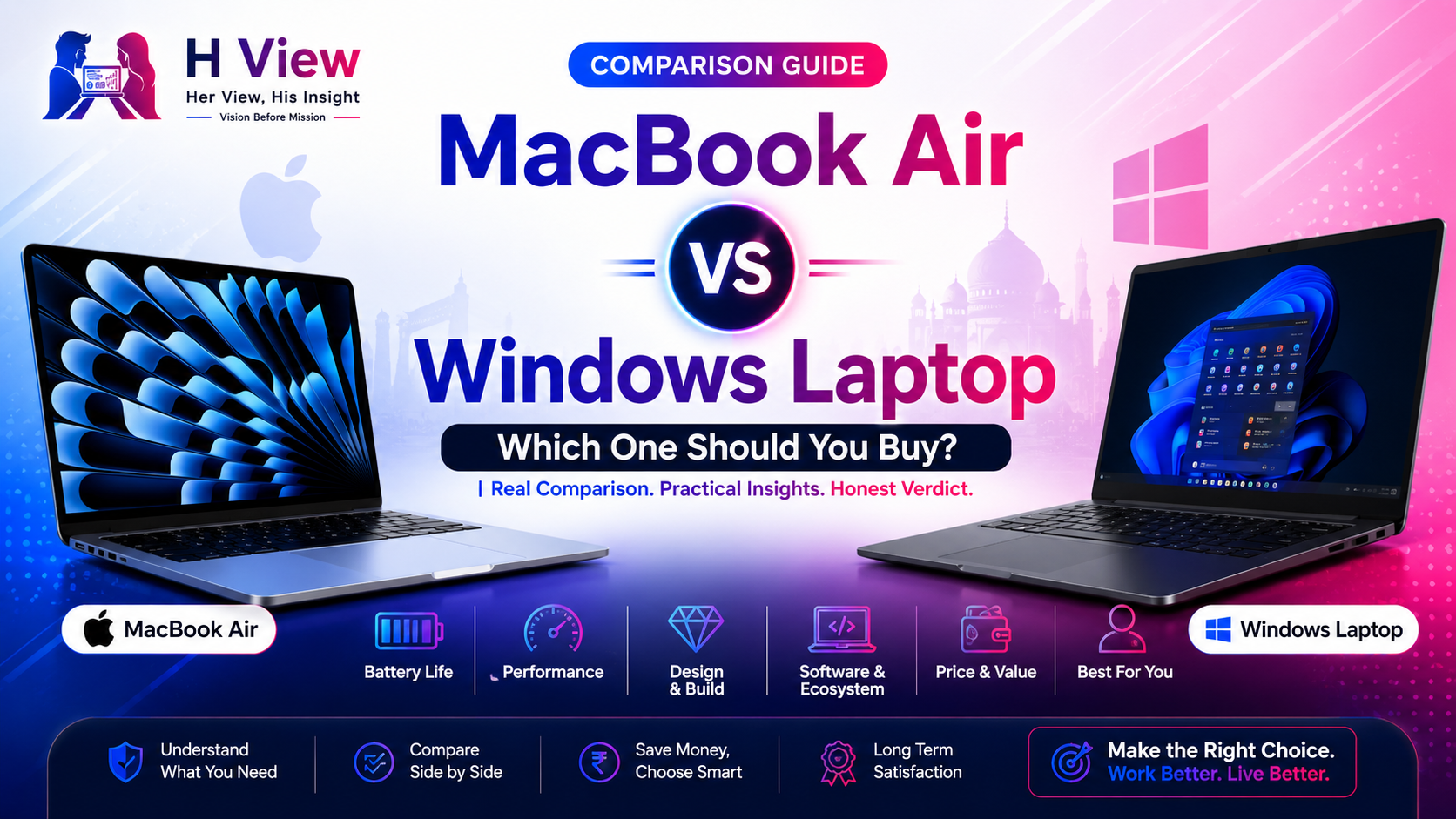 By HarikaUpdated July 14, 202610 min read89 views
Buying a laptop looks easy until you actually start comparing options.
One side says, “Buy a MacBook, it will last for years.”
Another side says, “Windows laptops give better value and more options.”
Both are partly true.
A MacBook Air is clean, premium, lightweight, battery-friendly and very smooth for daily work. A Windows laptop gives more choice, more price ranges, more ports, more gaming options, and more flexibility depending on the model you choose.
So the real question is not “Which one is best?”
The better question is:
Which one is best for your work, budget and future use?
At H View, our practical view is simple:
Buy the laptop that fits your daily life, not the one that only looks premium in photos.
Choose MacBook Air if you want excellent battery life, premium build quality, smooth performance, long-term reliability and a clean software experience.
Choose a Windows laptop if you want more budget options, gaming support, upgrade flexibility, more ports, specific software compatibility or better value at different price points.
Both are good. The wrong choice happens when you buy without understanding your actual usage.
The MacBook Air has a very strong identity. It is thin, light, clean and premium. The aluminium body gives it a solid feel, and the design is simple without looking outdated. For students, office users, writers, creators and travellers, the lightweight design is a major advantage.
Windows laptops are more varied. Some budget models feel plastic and average, while premium Windows laptops from brands like Dell, HP, Lenovo, ASUS and Samsung can feel very polished. The difference is that with Windows, build quality depends heavily on the model and price.
A ₹40,000 Windows laptop and a ₹1,20,000 Windows laptop cannot be judged the same way.
MacBook Air is more consistent. Windows gives more variety.
For normal daily work, both MacBook Air and good Windows laptops are more than enough.
Daily tasks include:
MacBook Air performs these tasks very smoothly because Apple controls both the hardware and macOS. Apple’s MacBook Air lineup is also known for strong battery efficiency; Apple lists up to 18 hours of battery life for current MacBook Air models, though real usage depends on brightness, apps and workload.
Windows laptops can also perform very well, but the experience depends on the processor, RAM, storage type, display, cooling and brand optimization. A good Windows laptop with modern Intel Core Ultra, AMD Ryzen or Qualcomm Snapdragon X chips can be fast and efficient, but a low-end model may slow down sooner.
For simple daily work, MacBook Air feels more reliable and consistent. Windows gives more options, but you must choose carefully.
This is one area where MacBook Air usually feels very strong.
Apple’s M-series chips are designed for efficiency, and macOS is well optimized for Apple hardware. That is why MacBook Air can deliver strong battery life even with a slim design. Apple lists up to 18 hours of video streaming and up to 15 hours of wireless web on the 15-inch MacBook Air M5 technical specifications page.
Windows laptops have improved a lot, especially with new AI PC and Copilot+ PC models. Microsoft describes Copilot+ PCs as Windows 11 PCs with NPUs designed for AI tasks, and Microsoft says these PCs require NPUs capable of more than 40 trillion operations per second.
Still, Windows battery life varies a lot. Some Windows laptops are excellent. Some are average. Gaming laptops are usually weaker on battery. Thin premium ultrabooks do better. Snapdragon-based Windows laptops can be very battery-efficient, but app compatibility should be checked before buying.
For battery confidence, MacBook Air is easier to trust. For Windows, read real reviews of the exact model.
MacBook Air runs macOS. It feels clean, stable and smooth. If you already use an iPhone, iPad or other Apple devices, the experience becomes even better because of features like AirDrop, iCloud, Messages, FaceTime, Notes and Apple ecosystem continuity.
Windows laptops run Windows 11. The biggest advantage is familiarity and compatibility. Most offices, colleges, training centers, gaming setups and business tools are still heavily Windows-friendly.
Windows is also more flexible. You can install a wide range of software, tools, utilities and games. If you use older software, accounting tools, engineering applications, testing tools or specific business software, Windows may be safer.
macOS feels polished. Windows feels flexible.
If you are coming from Windows, MacBook Air will take some time.
The keyboard shortcuts are different. The close, minimize and maximize buttons are on the left. File management feels different. Installing apps may feel new. Some software may not be available in the same way.
But after a few days or weeks, most users become comfortable.
Windows has a lower learning curve for most Indian users because many people used Windows in school, college, offices or cyber cafes.
So if you want zero adjustment, Windows is easier. If you are ready to learn a cleaner system, MacBook Air is worth exploring.
Both MacBook Air and Windows laptops can be good for coding, but the best choice depends on what you build.
MacBook Air is excellent for:
The Unix-based macOS environment is comfortable for developers, especially for web and app development. If you want to explore iOS or macOS app development, a Mac is practically required.
Windows laptops are excellent for:
With WSL, Windows has also become much better for developers who want a Linux-like development environment.
For full-stack web development, MacBook Air is a beautiful machine. For broad software compatibility, Windows is safer.
For writers, bloggers, YouTubers, designers and creators, MacBook Air feels very smooth.
It is good for:
MacBook Air is not a heavy workstation, but for many creators, it is more than enough.
Windows laptops can also be excellent for content creation, especially when you choose a model with a dedicated GPU. For heavy video editing, 3D work, animation, gaming content or advanced rendering, a powerful Windows laptop may offer better graphics performance for the price.
So the choice is simple:
MacBook Air is great for light to medium creative work.
Windows is better if you need high GPU power at a specific budget.
If gaming matters, Windows wins clearly.
MacBook Air is not built as a gaming laptop. It can handle some casual games, Apple Arcade titles and optimized games, but the gaming library is limited compared to Windows.
Windows laptops offer far more gaming options, better GPU choices, game compatibility, accessories, stores and performance tuning.
If you want a laptop for gaming, do not buy MacBook Air as your first choice.
MacBook Air usually offers a very good display and speaker experience for its category. The screen looks sharp, colors are pleasant, and speakers are better than what many slim laptops provide.
Windows laptops vary again. Some have basic displays. Some have excellent OLED or high-refresh-rate panels. Some premium Windows laptops may even offer better display specs than MacBook Air, especially for creators who want OLED, touchscreens or 120Hz panels.
MacBook Air is consistent. Windows gives more choice.
MacBook Air is minimal. It usually gives limited ports, so many users may need adapters or hubs. This is fine if your workflow is mostly wireless and cloud-based.
Windows laptops often offer more ports depending on the model:
For students and office users, extra ports can be very useful. For creators using cameras, monitors and external storage, port selection matters.
If you hate dongles, choose your MacBook or Windows model carefully.
MacBook Air is not very upgrade-friendly. You should choose the right RAM and storage at the time of purchase because upgrading later is not practical.
Windows laptops vary. Some allow RAM or SSD upgrades. Some modern thin laptops are also becoming less upgradeable. Budget and business laptops may offer better repair flexibility.
MacBook Air usually has strong resale value and long software support, but repair costs can be high.
Windows laptops may be cheaper to repair depending on brand and model, but resale value is usually lower.
MacBook Air is premium. It is not the cheapest laptop, but it offers strong value if you care about battery life, build quality, smooth performance and long-term usage.
Windows laptops cover every budget. You can buy an entry-level laptop, a student laptop, a gaming laptop, a business laptop, a creator laptop or a premium ultrabook.
This is where Windows has a major advantage: choice.
If your budget is limited, Windows gives more realistic options. If your budget allows premium quality and you want long battery life, MacBook Air becomes attractive.
MacBook Air is a good choice if you:
MacBook Air is especially good for students, writers, business users, developers, creators and professionals who value battery and portability over gaming or heavy GPU work.
A Windows laptop is a better choice if you:
Windows is the safer choice when flexibility matters more than ecosystem polish.
Many people buy laptops emotionally.
They see a MacBook and think it will automatically make them productive. Or they buy a Windows laptop only because the specs look powerful on paper.
Avoid these mistakes:
A laptop should match your work, not just your dream setup.
For most people who want a clean, premium, long-lasting laptop for study, office, writing, browsing, coding and light creative work, MacBook Air is a strong choice.
For people who need gaming, budget flexibility, Windows-only apps, more ports, upgrades or dedicated graphics, a Windows laptop is the better choice.
At H View, our recommendation is simple:
Choose MacBook Air for smoothness and battery. Choose Windows for flexibility and options.
MacBook Air is better for battery life, build quality, portability and smooth daily performance. Windows laptops are better for budget options, gaming, software compatibility and flexibility.
Yes, MacBook Air is good for students who need a lightweight laptop for study, browsing, writing, online classes, coding and productivity. But students who need Windows-only college software should check compatibility first.
Yes. Windows laptops are much better for gaming because they support more games, dedicated GPUs and gaming accessories.
Yes, MacBook Air is good for web development, Python, JavaScript, React, Next.js, Node.js and many programming workflows. For iOS app development, Mac is the better choice.
A well-maintained MacBook Air can last many years. A good Windows laptop can also last long, but quality depends more on the exact model, brand and configuration.
Yes, if you want to learn macOS, improve portability, get better battery life and explore Apple’s ecosystem. Keep the Windows laptop for Windows-only apps, gaming or testing.
MacBook Air and Windows laptops are both good, but they serve different kinds of users.
MacBook Air gives a polished, premium and reliable experience. Windows gives more freedom, more models and more price choices.
Do not buy based on hype. Buy based on your daily routine.
At H View, our final view is simple:
The best laptop is not the one everyone recommends. It is the one that fits your work, budget and future plans.
Harika is the co-founder of H View and covers AI, technology, gadgets, digital tools, online platforms, and modern internet trends. Her articles focus on simplifying complex topics with practical explanations, balanced opinions, and reader-first insights.
Share your real experience and help other readers decide better.
No community views yet. Be the first to share yours.

Buying a laptop in 2026 is much harder than simply choosing between “HP or Dell”…
Harika September 1, 2026