

Best Digital Marketing Tools in 2026: What Marketers Actually Need and What They Can Skip
Open LinkedIn for a few minutes and you will probably come across a colourful graphic…
 Harika October 6, 2026
  By HarikaUpdated August 3, 20267 min read80 views
Use up and down arrow keys to resize the meta box pane.Move upMove downToggle panel: H View Score
Good tech does not always have to be expensive.
Whether you are a student attending online classes, a blogger writing from home, a creator making videos, or a freelancer managing client work, the right gadgets can make your daily routine easier.
But the mistake many people make is buying gadgets only because they look trendy. A gadget is useful only when it solves a real problem.
At H View, our practical view is simple:
Buy gadgets that improve your comfort, productivity, learning, or content quality. Avoid buying only for the hype.
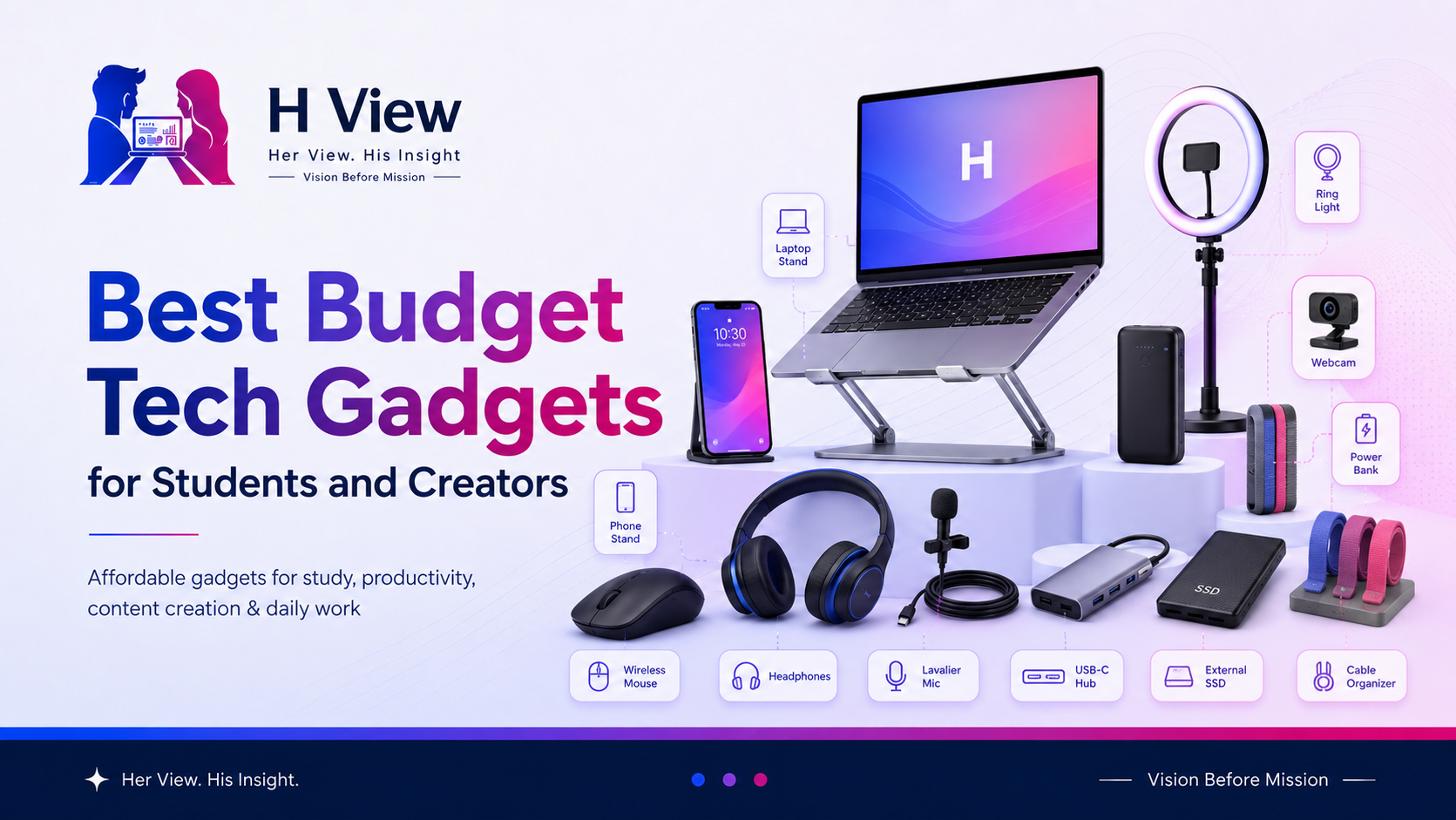
Here are some of the best budget tech gadgets students and creators can consider.
Students and creators usually work with limited budgets. So every purchase should be practical.
A good budget gadget can help you:
Before buying, always check reviews, warranty, seller trust, and return policy. Amazon India advises keeping products in original condition with manuals, warranty cards, accessories, and packaging for returns, while Flipkart notes that some electronics may come under brand/service-centre replacement or repair policies, so checking return terms before purchase is important.
| Gadget | Best For | H View Take |
|---|---|---|
| Wireless Mouse | Students and laptop users | Simple productivity upgrade |
| Laptop Stand | Long study/work hours | Better posture and comfort |
| Bluetooth Earbuds | Classes, calls, videos | Useful for daily audio |
| Power Bank | Travel and backup charging | Must-have for mobile users |
| USB-C Hub | Laptop connectivity | Useful for modern laptops |
| External SSD | File backup and creators | Fast storage upgrade |
| Ring Light | Video calls and reels | Better lighting on budget |
| Lavalier Microphone | Creators and presenters | Better audio for videos |
| Webcam | Online classes and meetings | Clearer video quality |
| Cable Organizer | Desk setup | Small but useful upgrade |
A wireless mouse is one of the simplest and most useful gadgets for students and creators.
Laptop trackpads are fine for basic work, but long hours of editing documents, browsing, designing, or working on projects become easier with a mouse.
A wireless mouse is a small upgrade, but it improves daily comfort. It is worth buying if you use a laptop for long hours.
A laptop stand helps raise your screen to a better height.
Many students and creators work with the laptop placed flat on a table. This can cause neck strain and poor posture over time.
If you use a laptop daily, a stand is more useful than many flashy gadgets. Pair it with a wireless mouse and keyboard for better comfort.
Good audio is important for online classes, meetings, podcasts, music, and video editing.
Budget earbuds are enough for many students, but creators should check microphone quality carefully.
Do not buy only because of bass or looks. For study and work, comfort and microphone quality matter more.
A power bank is useful for students, travellers, creators, and anyone who uses a phone heavily.
It is especially helpful during college, travel, shoots, events, or long commutes.
Choose a trusted power bank instead of a very cheap unknown one. Charging safety matters. BIS consumer guidance also advises keeping purchase details and packaging for product complaints, which is useful for electronic accessories too.
Many modern laptops have limited ports.
A USB-C hub can help connect pen drives, memory cards, HDMI cables, keyboards, mouse receivers, external screens, and other devices.
A USB-C hub is very useful if your laptop has fewer ports. But check compatibility before buying.
For creators, storage is always a problem.
Photos, videos, designs, project files, and backups can quickly fill laptop storage. An external SSD is faster and more reliable than basic storage drives for active work.
For creators, an external SSD is not a luxury. It is a practical backup and workflow tool.
Lighting can improve video quality more than an expensive camera in many cases.
A basic ring light can help with online classes, reels, YouTube videos, product videos, and video calls.
If you create videos or attend important calls, lighting is a smart budget upgrade.
People may tolerate average video, but poor audio is difficult to watch.
A lavalier microphone can improve voice clarity for reels, YouTube videos, online classes, interviews, and product explainers.
If you create content, audio should be one of your first upgrades. A budget mic can make videos feel more professional.
Laptop cameras are often average.
A budget external webcam can improve video calls, online classes, webinars, and interviews.
Buy a webcam only if your current laptop camera is poor. Otherwise, improve lighting first.
This may look small, but it makes your workspace cleaner.
Cable clips, sleeves, desk trays, and organizers help reduce clutter.
A clean desk helps you work better. Small organization tools can improve daily productivity.
Do not buy all gadgets at once.
Start with what solves your biggest problem.
If you study long hours, start with a laptop stand and mouse.
If you create videos, start with a mic and light.
If you travel often, start with a power bank.
If you manage files, start with external storage.
A budget gadget is valuable only when you actually use it.
A wireless mouse, laptop stand, power bank, and good earbuds are some of the most useful budget gadgets for students.
Creators should first improve audio and lighting. A lavalier microphone and ring light can make content look and sound better without spending too much.
Sales can be useful, but check product reviews, seller trust, return policy, warranty, and actual price history before buying.
Very cheap unknown electronics can be risky, especially chargers, power banks, and cables. Choose trusted brands, check warranty, and keep purchase details.
Yes, an external SSD is useful for creators, students with large files, and anyone who needs fast backup storage.
Budget tech gadgets can make study, work, and content creation easier, but only when chosen wisely.
Do not buy gadgets just because they are trending. Buy them because they improve your comfort, productivity, audio, video, storage, or workflow.
At H View, our final view is simple:
The best gadget is not the most expensive one. It is the one you use every day and feel thankful for.
Harika is the co-founder of H View and covers AI, technology, gadgets, digital tools, online platforms, and modern internet trends. Her articles focus on simplifying complex topics with practical explanations, balanced opinions, and reader-first insights.
Share your real experience and help other readers decide better.
No community views yet. Be the first to share yours.
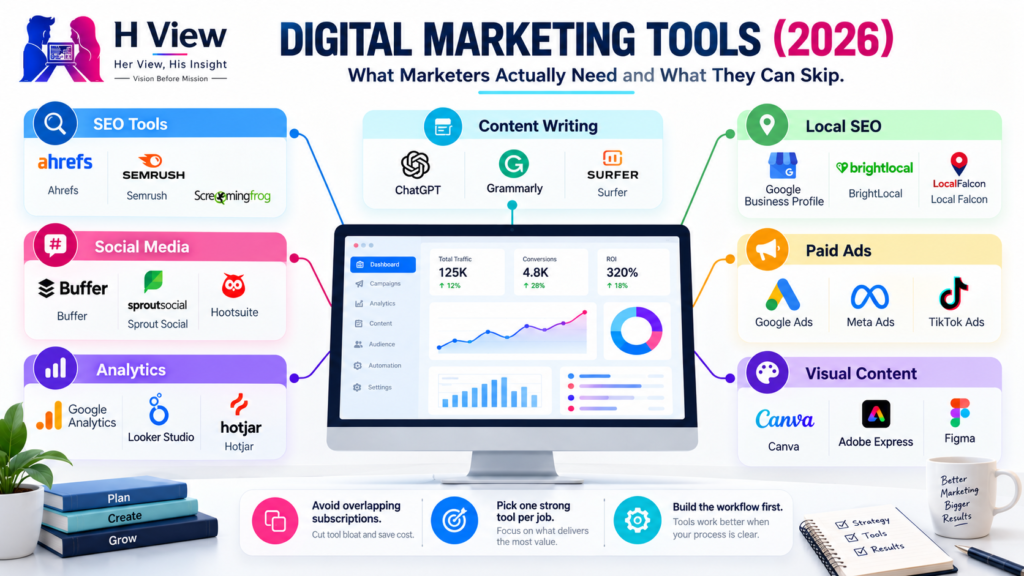
Open LinkedIn for a few minutes and you will probably come across a colourful graphic…
Harika October 6, 2026 
When an employee resigns, many organisations move quickly into replacement mode. The manager informs HR,…
Harika October 6, 2026 
For many corporate employees, the workday begins long before they actually start working. They wake…
Harika October 5, 2026 
Many projects begin with an assumption that sounds reasonable on paper: the client will explain…
Harika October 1, 2026