

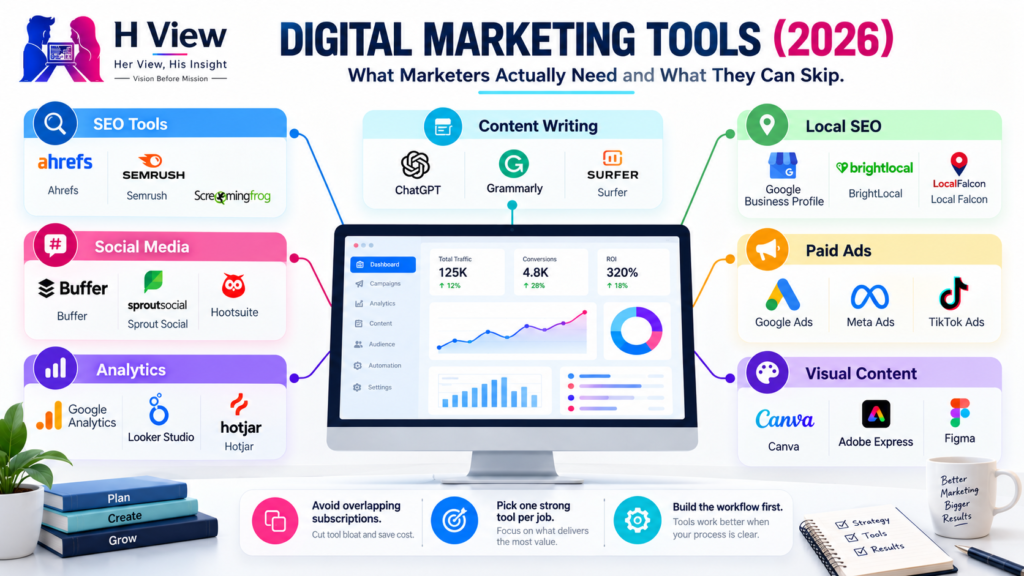
Best Digital Marketing Tools in 2026: What Marketers Actually Need and What They Can Skip
Open LinkedIn for a few minutes and you will probably come across a colourful graphic…
 Harika October 6, 2026
  By HarikaUpdated August 12, 202616 min read49 views
A small business can lose a customer without ever realising it.
The enquiry may have arrived on WhatsApp. Someone promised to call back after lunch, but the message disappeared under a dozen new conversations. Another customer asked for a quotation by email, while a third spoke directly with a salesperson whose notes are sitting in a personal notebook. Nothing looks seriously wrong until the business begins receiving more enquiries and nobody is completely sure who was contacted, who is waiting, or which deal is closest to closing.
That is usually the point where a CRM stops sounding like software for large corporations and starts looking useful.
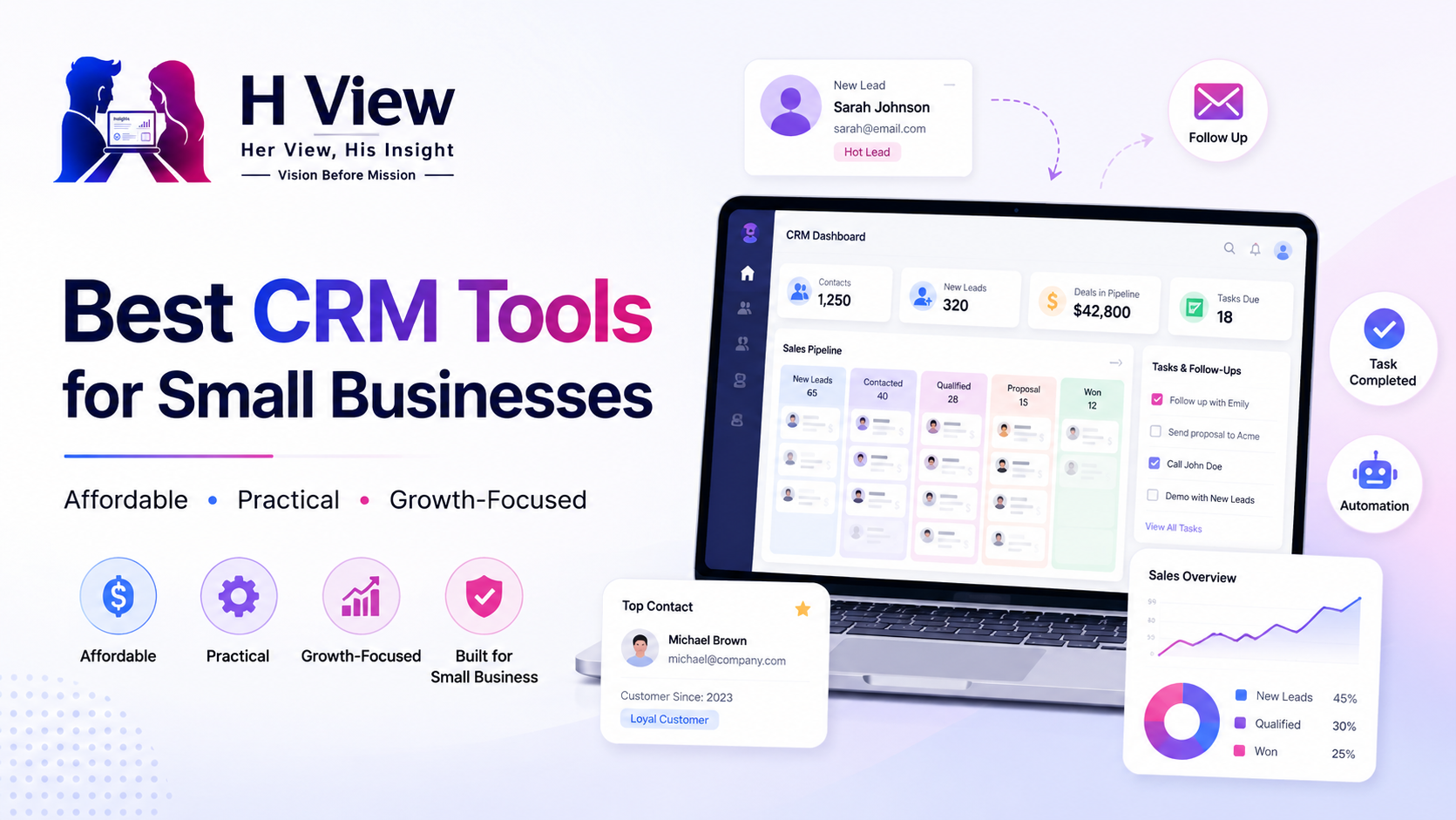
CRM stands for Customer Relationship Management, but the name can make a fairly simple idea sound more complicated than it is. A CRM gives a business one organised place to keep customer details, sales opportunities, follow-up tasks, notes and deal history. Instead of relying on memory or searching across several apps, the team can see what has happened and what needs to happen next.
For a small company, that visibility can be more valuable than advanced automation. The real purpose of a CRM is not to make the business look more sophisticated. It is to prevent genuine opportunities from disappearing because information is scattered.
Not every new business needs to buy CRM software on the first day.
If one person is handling ten customers and remembers every conversation, a spreadsheet may be completely adequate. There is nothing unprofessional about starting simply. The need for a CRM usually appears when the business becomes difficult to manage through memory and disconnected tools.
Suppose a small interior-design company begins receiving enquiries through Instagram, phone calls, its website and referrals. One prospect only wants an estimate, another has booked a site visit, two are waiting for quotations and another has asked the company to call next month after possession of a new apartment. That information becomes difficult to manage when it is distributed across WhatsApp chats and individual employees’ phones.
A CRM turns those separate conversations into a process. The team can see that one lead is new, another needs a follow-up, a third is negotiating and another has already become a customer. When someone is absent, the history does not disappear with them.
That is often the clearest sign that a small business is ready for CRM software: customer information has become more valuable than one person’s ability to remember it.
CRM comparisons often focus heavily on features. One platform may have advanced AI, another may offer several dashboards, and another may promise hundreds of integrations. Those differences matter, but a small business can make a bigger mistake by choosing software that employees dislike using every day.
A CRM only becomes useful when people keep it updated.
If salespeople continue storing customer information in personal chats because entering a lead into the CRM takes too long, the business ends up maintaining two systems instead of one. If every screen contains fields that have nothing to do with the actual sales process, employees may eventually stop using it altogether.
That is why ease of adoption should be part of the buying decision. A five-person company often benefits more from a CRM that clearly shows the next follow-up than from an enterprise platform containing dozens of capabilities nobody understands.
Price should be judged in the same practical way. A free CRM can be excellent if it solves the problem. A paid CRM may still be affordable if it prevents missed leads or saves several hours of manual work every week. What matters is whether the value is visible in everyday use.
Zoho CRM is one of the first options I would examine for an Indian small business because it can begin relatively simply while offering enough depth for a company whose sales process becomes more structured later.
Zoho currently offers a free CRM edition for up to three users. Its paid Standard edition is listed at ₹800 per user per month when billed annually, with higher plans adding progressively more automation, analytics and customisation.
That structure makes Zoho interesting for a company that does not want to replace its CRM after a year simply because the business has become more organised.
The platform can manage leads, contacts, deals, tasks and sales pipelines, while paid editions can support more advanced workflows. Zoho also sits inside a much broader ecosystem that includes email, accounting, help desk, forms and other business products. For companies already using several Zoho applications, that ecosystem can become an advantage because customer information does not have to live in completely separate systems.
The trade-off is that flexibility requires setup. A very small business looking for the simplest possible pipeline may find Zoho CRM more configurable than it initially needs.
Zoho becomes particularly attractive when a business knows that its sales process will gradually become more formal. An agency, services company, distributor or B2B team may begin with basic lead management and later need approval workflows, reporting, automation or additional integrations.
For that kind of company, having room to expand can be more valuable than choosing the absolute simplest CRM available today.
It is also worth knowing that Zoho offers Bigin, a lighter CRM product specifically positioned for small businesses. Bigin currently has a free tier and paid plans starting from $7, making it worth considering if full Zoho CRM feels unnecessarily complex.
HubSpot has long been attractive to companies trying CRM for the first time because its free tools provide a way to understand the workflow before committing to a larger software budget.
HubSpot’s current pricing page lists its free CRM tools at $0 per month for up to two users. The free offering includes foundational CRM capabilities, while the wider HubSpot platform can expand into sales, marketing, service and other products as a company grows.
For a two-person sales team or founder-led business, that can be a comfortable place to learn how CRM changes daily work. You can begin centralising contacts and deals without immediately building a complicated implementation.
The interface also tends to make the relationship between contacts, companies, activities and deals fairly understandable, which matters when employees are moving from spreadsheets for the first time.
Where HubSpot requires more careful thought is later.
The free entry point can be attractive, but businesses that eventually need more advanced sales, marketing or automation capabilities may find that paid HubSpot products represent a much larger investment than the original free CRM suggests. That does not make the platform poor value; it simply means businesses should think beyond today’s cost if they already know they intend to adopt several HubSpot products.
Freshsales, from Freshworks, is easier to understand when you look at it primarily as a sales CRM.
Its current pricing includes a free plan for up to three users, with the Growth plan listed at $9 per user per month when billed annually. Higher plans add more advanced sales functionality.
For a small sales team, that positioning can be useful because the most common problem is often not a lack of sophisticated analytics. It is simply that nobody consistently knows which lead needs attention next.
Freshsales can manage contacts, accounts, sales activities and deals while keeping the opportunity pipeline visible. A business that receives a steady stream of enquiries can use that structure to move each prospect through stages instead of letting conversations sit indefinitely in individual inboxes.
Freshworks also comes from an ecosystem that includes customer-support and marketing products, which may appeal to businesses that eventually want customer-facing tools beyond sales alone.
For an Indian company looking for something between a very basic contact tracker and a heavily customisable CRM, Freshsales deserves serious consideration.
Some businesses do not need a broad customer platform. They mainly need their salespeople to stop losing track of deals.
That is where Pipedrive’s approach makes sense.
Pipedrive is strongly built around the visual sales pipeline. Leads move through stages that might resemble New Enquiry, Qualified, Meeting Scheduled, Quotation Sent, Negotiation and Won. The exact stages can be adapted to match the business. Pipedrive also provides activity management and automation capabilities across its plans.
This can be very effective for sales teams because the pipeline makes neglected opportunities visible. If ten deals are sitting in “Quotation Sent” without any follow-up scheduled, the problem becomes much harder to ignore than it would be inside a spreadsheet.
Consider a small equipment supplier. Its sales cycle may involve an enquiry, technical discussion, quotation, negotiation and purchase order. The business does not necessarily need an enormous customer-experience suite. It may simply need every salesperson to know which quotation should be followed up today.
That is the type of environment where Pipedrive can feel refreshingly focused.
The limitation is also connected to that focus. A business looking for a much broader combination of marketing, customer service and collaboration tools may prefer an ecosystem that extends further beyond sales pipeline management.
monday CRM takes a more flexible and visual approach. It is built on monday.com’s work-management style, which makes it appealing to teams already comfortable organising work through boards, statuses and custom workflows.
The current monday CRM pricing page lists the Basic tier from $10 per user per month, with higher levels adding more advanced CRM capabilities. Prices vary by billing country and taxes.
The flexibility is particularly useful for businesses whose customer process does not fit neatly into a conventional CRM template.
An agency, for example, may want to track an enquiry through qualification and proposal while also seeing project-related information after the client signs. A services team may want different pipelines for different types of customers. monday CRM can be adapted around those workflows rather than requiring every business to work in exactly the same way.
That flexibility can also create work. Someone needs to decide how the boards, fields and automations should operate. A team that wants a completely ready-made CRM may prefer something more prescriptive.
For teams that already enjoy visual project management, however, monday CRM can feel natural.
Bitrix24 takes a very different approach from a focused CRM such as Pipedrive.
It combines CRM with tasks, project management, team communication, calendars and several other workplace functions. Its current cloud pricing begins with a free edition for one or two users. The Basic paid plan is listed at $49 per organisation per month when billed annually and includes five users, while higher plans support significantly larger teams and more automation.
The organisation-based pricing is worth noticing because many competitors charge separately for each seat. Depending on team size, a flat-price model can change the economics considerably.
For a business trying to reduce the number of separate apps it uses, Bitrix24 can therefore be attractive. CRM, tasks and internal collaboration can live inside one platform rather than being split across several subscriptions.
The disadvantage is obvious once you open a platform containing that many functions: there is more to learn.
A three-person sales company whose only requirement is “remind us to call leads” may find the system heavier than necessary. A larger small business wanting sales, project work and internal collaboration in one environment may appreciate exactly the same complexity.
Salesforce is often associated with large companies and complicated CRM implementations, so small businesses may dismiss it immediately.
That picture is no longer completely accurate.
Salesforce’s current Starter Suite is specifically positioned for small businesses and begins at $25 per user per month. It combines sales, service and marketing capabilities, with Salesforce now also integrating AI functionality into its small-business products.
The reason to consider Salesforce is not that a five-person company needs enterprise-level CRM sophistication from the beginning. It is the depth of the ecosystem available if that company later becomes much larger.
A business with ambitious growth plans, more complex processes or the expectation that customer management will eventually become central to its operations may prefer starting inside a platform with a long upgrade path.
For a very small business trying to organise its first fifty leads, however, Salesforce can still represent more platform than necessary. The cost is higher than several entry-level alternatives, and a simpler CRM may reach adoption faster.
Choose Salesforce because the ecosystem fits the direction of the business, not simply because the brand is well known.
There is no single CRM that I would recommend to every small company because the problems are too different.
A two-person startup trying CRM for the first time may be happiest with HubSpot’s free tools or the free editions of Zoho CRM or Freshsales. The financial risk is low, and the team can learn whether structured customer management genuinely improves the business before paying for more capability.
An Indian small business that expects its sales process to become more sophisticated would make me look closely at Zoho. Its pricing, local relevance and wider software ecosystem create a sensible long-term path.
A dedicated sales team that repeatedly loses track of quotations and follow-ups may get more immediate value from Pipedrive. If the employees already work heavily through visual boards and project-management systems, monday CRM could feel more intuitive.
Bitrix24 becomes interesting when the company wants several operational tools inside one subscription, while Salesforce is more compelling when the business is prepared to spend more for an ecosystem designed to scale far beyond a basic small-business CRM.
The decision should follow the workflow rather than the brand.
Buying CRM software does not automatically make sales organised.
If nobody knows when a lead should be considered qualified, what information needs to be collected before preparing a quotation or when a salesperson should follow up, the CRM simply gives the confusion a digital interface.
Before implementation, write down the basic sales journey.
For many small businesses, it may be surprisingly simple: enquiry arrives, somebody contacts the lead, requirements are understood, a quotation is sent, follow-up happens and the opportunity either becomes a customer or closes.
That simple process can then become the CRM pipeline.
Avoid creating fifteen stages because the software allows fifteen stages. Every stage should represent a meaningful change in the deal, not just another administrative step.
One of the most valuable features in a CRM is also one of the least impressive: the next follow-up date.
Consider a salesperson who finishes a meeting with a prospect who says, “Call me after two weeks.” Without a system, that promise depends on memory. With a properly used CRM, the activity can be scheduled while the conversation is still fresh.
Two weeks later, the reminder appears.
Nothing sophisticated happened, but the business behaved professionally.
Automation can eventually improve that process by creating tasks, sending emails, assigning leads or notifying managers. Those features become valuable once the underlying habits are already sound.
If employees never update the CRM, however, advanced automation has poor information to work with.
Technology works best when the process is simple enough that people actually follow it.
From a small-business user’s perspective, the best CRM should reduce mental clutter rather than add another system that needs constant attention. A salesperson should be able to open the tool in the morning and understand what needs follow-up without searching through several screens.
That simplicity is especially important when a business is moving away from WhatsApp and spreadsheets. The team has already developed habits around those familiar tools, so a CRM that feels unnecessarily complicated will meet resistance even if its feature list looks impressive.
I would therefore value adoption very highly. A simpler CRM that employees update after every customer conversation is more useful than an advanced one they quietly avoid.
The software should help the team remember customers, not make the team spend all day remembering how to use the software.
The financial calculation behind CRM software should include missed opportunities, not only subscription cost.
Suppose a five-person sales team pays several thousand rupees every month for a CRM. That sounds like another operating expense. But if the system helps the team recover two forgotten quotations, respond faster to new leads or identify deals that have stopped moving, the economic value can exceed the subscription fairly quickly.
The opposite is also true.
If the business buys an expensive CRM and uses it only as a contact database, it may be paying for capabilities that contribute nothing to sales. The correct product is therefore the one whose useful features closely match the process the company is actually willing to run.
Start with the problem. Pay for additional sophistication when the business earns the need for it.
Not always immediately. A solo business or very small team with only a handful of active customers may manage comfortably with a spreadsheet. A CRM becomes more valuable when follow-ups increase, several people interact with customers or information begins getting lost between tools.
Zoho CRM currently offers a free edition for up to three users, HubSpot’s current free CRM supports up to two users, and Freshsales currently offers a free plan for up to three users. The feature limits differ, so businesses should compare the actual workflow they need rather than choosing only from the user count.
It can be a particularly practical option because Zoho provides INR pricing, a free edition and a broad ecosystem of related business applications. Its current Standard plan is listed at ₹800 per user per month when billed annually.
A CRM does not create demand by itself, but it can improve the way a team manages opportunities. Better follow-up, clearer ownership, visible sales stages and centralized customer history can reduce the number of potentially valuable leads lost through poor organization.
Not simply because CRM software exists. Excel remains useful for small, simple datasets. The reason to move is when customer management becomes interactive: several employees need access, reminders matter, deal stages change regularly and the business needs a reliable history of activity.
Use real leads during the trial rather than exploring the software with fake data. Build the simplest version of your actual sales pipeline, ask the team to use it for ordinary work and see whether the process becomes clearer. If people constantly need workarounds, another CRM may be a better fit.
A CRM is often presented as a technology purchase, but for a small business it is really an organisational decision.
The software creates a shared memory for the company. It remembers that a customer asked for a quotation, that another lead needs to be called next Tuesday and that a particular deal has been sitting in negotiation for three weeks. When that information stops living inside individual phones and memories, the business becomes less dependent on people remembering everything perfectly.
For a small team starting from scratch, HubSpot, Zoho CRM and Freshsales all provide relatively accessible entry points, including current free editions with different user limits. Zoho deserves particular attention for Indian businesses that want a system with room to become more sophisticated. Pipedrive is compelling when pipeline discipline is the central problem, while monday CRM and Bitrix24 make more sense when the business wants CRM to connect closely with broader work management. Salesforce Starter Suite is worth considering when the company already expects customer operations to become considerably more complex as it grows.
Do not choose the CRM with the longest feature list. Choose the one your employees can understand, keep updated and use during ordinary work without feeling that customer management has become another administrative burden.
A modest CRM that contains accurate information is far more valuable than a powerful CRM filled with outdated records.
For a small business, that is the difference between owning CRM software and actually having a customer-management system.
Harika is the co-founder of H View and covers AI, technology, gadgets, digital tools, online platforms, and modern internet trends. Her articles focus on simplifying complex topics with practical explanations, balanced opinions, and reader-first insights.
Share your real experience and help other readers decide better.
No community views yet. Be the first to share yours.
Open LinkedIn for a few minutes and you will probably come across a colourful graphic…
Harika October 6, 2026 
When an employee resigns, many organisations move quickly into replacement mode. The manager informs HR,…
Harika October 6, 2026 
For many corporate employees, the workday begins long before they actually start working. They wake…
Harika October 5, 2026 
Many projects begin with an assumption that sounds reasonable on paper: the client will explain…
Harika October 1, 2026