

H View
  • Home
  • About
  • Categories
    • AI
    • Tech
    • Lifestyle
    • Business
      • Money
    • Sports
  • Reviews
  • Advertise
  • Contact
Advertise
H View
  • Home
  • About
  • Categories
    • AI
    • Tech
    • Lifestyle
    • Business
      • Money
    • Sports
  • Reviews
  • Advertise
  • Contact
Advertise
AI

Google Gemini Review

☆☆☆☆☆No reader ratings yet
By HarikaUpdated July 1, 202610 min read9 views

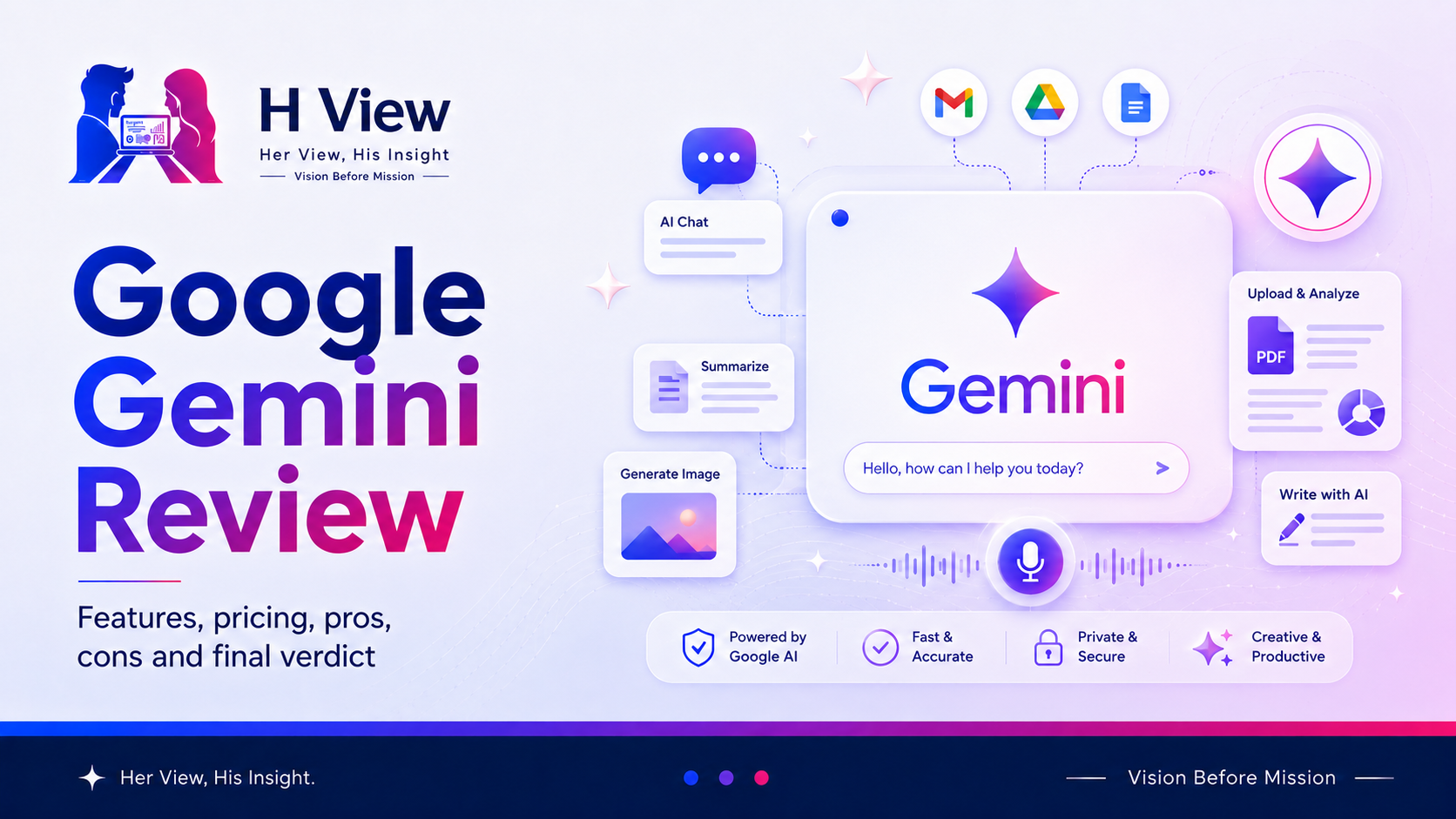
Google Gemini is one of the leading AI assistants available today. It can answer questions, explain difficult subjects, help with writing, analyse uploaded information, generate ideas, create images and assist with everyday planning.

Its biggest advantage is not simply that it comes from Google. Gemini becomes especially interesting when it works with services people already use, such as Gmail, Drive, Calendar, Maps, YouTube and Google Photos.

But popularity and integration alone do not make an AI assistant perfect.

The important questions are:

  • How useful is Gemini in daily life?
  • Does it provide reliable answers?
  • Is it simple for beginners?
  • How well does it handle research, files and images?
  • Is it better suited to some users than others?
  • Is the free experience enough?

This Google Gemini review looks at the product practically, including its strongest features, common uses, limitations, pros, cons and final H View verdict.


What Is Google Gemini?

Google Gemini is an AI assistant that responds to natural-language instructions.

You can type a question, speak to it, upload an image or file, or continue a conversation through follow-up prompts. Depending on the available features, Gemini can work with text, images, voice, documents and other forms of information.

For example, you can ask Gemini to:

  • Explain a complex concept simply
  • Summarise a document
  • Rewrite an email professionally
  • Compare multiple options
  • Create a study plan
  • Analyse an image
  • Generate ideas
  • Plan a trip
  • Help with code
  • Research a topic
  • Draft a presentation structure
  • Create or edit visual content

This makes Gemini a general-purpose assistant rather than a tool built for only one profession.


How Does Gemini Work?

Gemini works through prompts.

A prompt is the instruction you provide. The clearer your prompt, the more useful the response is likely to be.

A basic prompt may look like this:

Explain renewable energy.

A stronger version would be:

Explain renewable energy to a Class 10 student. Use simple language, include three examples from India and end with five revision points.

The second prompt provides an audience, format, location and expected result. Gemini now has enough context to create a more useful answer.

You can also continue the conversation:

  • “Make it shorter.”
  • “Convert it into a table.”
  • “Give me a real-life example.”
  • “Create five practice questions.”
  • “Explain the second point again.”

This conversational flow is one of Gemini’s most useful qualities.


Key Features of Google Gemini

1. Multimodal Input

Gemini can work with more than typed text.

Depending on the device and available features, users may interact through:

  • Text
  • Voice
  • Images
  • Camera input
  • Documents
  • Screen content
  • Uploaded files

This can be useful when describing something in words is difficult. You may upload an image, show an object through the camera or provide a document for analysis.

Practical Example

You could upload a photo of a product label and ask:

Explain the important information on this label in simple language.

The result should still be checked carefully, especially when health, safety or legal information is involved.


2. Gemini Live

Gemini Live supports a more natural voice conversation.

Instead of typing every question, you can speak, interrupt, ask follow-up questions and continue the discussion more naturally.

This may help with:

  • Practising an interview
  • Brainstorming while travelling
  • Learning through conversation
  • Rehearsing a presentation
  • Discussing ideas without typing
  • Asking questions about what is on the screen or camera

Voice interaction makes Gemini feel closer to an assistant than a traditional search box.


3. Deep Research

Deep Research is designed for topics that require more than a quick answer.

It can help build a structured research response by examining information across multiple sources and organising the findings into a report.

Possible uses include:

  • Understanding a new industry
  • Comparing products or services
  • Preparing for a presentation
  • Researching a business idea
  • Exploring a technical topic
  • Creating an initial market overview

However, a generated research report should not be treated as automatically correct. Important claims, statistics and recommendations should still be checked against original sources.


4. Google App Connections

Gemini’s connection with the Google ecosystem is one of its main practical strengths.

Depending on permissions and availability, it may help users work with information from services such as:

  • Gmail
  • Google Drive
  • Google Calendar
  • Google Maps
  • YouTube
  • Google Photos

Examples may include:

  • Summarising an email thread
  • Finding information in Drive
  • Creating a Calendar event
  • Planning a route
  • Understanding a YouTube topic
  • Searching personal photos
  • Preparing a response based on existing information

This can reduce the need to switch repeatedly between apps.

Users should still review permissions and privacy settings before connecting personal accounts or sensitive information.


5. Image Generation and Editing

Gemini can generate and edit images from written instructions.

This can support:

  • Concept visuals
  • Social-media ideas
  • Poster drafts
  • Presentation graphics
  • Product mock-ups
  • Creative experimentation
  • Visual explanations

AI-generated images may still contain inaccurate text, strange details or visual inconsistencies. They should be reviewed before professional or commercial use.


6. Canvas

Canvas provides a workspace for developing and refining longer content or code.

Rather than receiving only one chat response, users can work on a draft more interactively.

It may help with:

  • Writing articles
  • Building reports
  • Improving documents
  • Drafting webpages
  • Reviewing code
  • Developing a project step by step

This is useful when the task requires repeated editing rather than one quick answer.


7. Gems

Gems are customised versions of Gemini created for particular tasks or styles.

For example, a user could create a Gem for:

  • Study support
  • Writing feedback
  • Interview practice
  • Business planning
  • Coding guidance
  • Content review
  • Language learning

A customised assistant can save time because the user does not need to repeat the same background instructions in every conversation.


8. Notebooks and Project Organisation

Gemini’s notebook-style features help users organise files, conversations and research around a particular subject or project.

This is useful for longer workflows such as:

  • Academic study
  • Product research
  • Course preparation
  • Business planning
  • Technical documentation
  • Personal learning projects

Keeping relevant material together can produce more focused answers than beginning every conversation without context.


What Can Google Gemini Be Used For?

Gemini can support many types of users.

For Students and Learners

  • Explain difficult lessons
  • Create revision notes
  • Generate practice questions
  • Build study schedules
  • Summarise uploaded material
  • Compare concepts
  • Practise through conversation

For Professionals

  • Draft emails
  • Summarise documents
  • Prepare meeting agendas
  • Organise action points
  • Improve reports
  • Create presentation outlines
  • Analyse information

For Creators

  • Generate ideas
  • Draft scripts
  • Develop visual concepts
  • Rewrite captions
  • Plan content
  • Create images
  • Structure stories

For Developers

  • Explain code
  • Suggest fixes
  • Generate prototypes
  • Review logic
  • Draft documentation
  • Plan technical workflows

For Everyday Users

  • Plan trips
  • Compare purchases
  • Create schedules
  • Understand documents
  • Prepare messages
  • Learn new topics
  • Organise personal tasks

What Gemini Does Well

Gemini performs best when the user needs a combination of conversation, research, Google services and multimodal input.

Its main strengths include:

  • Clean and approachable interface
  • Strong connection with Google services
  • Text, image, voice and file-based interaction
  • Useful research and summarisation tools
  • Natural voice conversations
  • Image creation and editing
  • Support for learning and productivity
  • Customised Gems
  • Useful Android integration
  • Project and notebook organisation

Gemini can feel especially convenient for users whose daily digital work already happens inside Google’s ecosystem.


Where Gemini Can Go Wrong

Gemini is powerful, but it is not automatically correct.

Common limitations include:

  • It may generate incorrect information
  • Answers can sound confident even when incomplete
  • Availability can differ by country, device or account
  • Some advanced features require a paid plan
  • Connected-app results depend on permissions and accessible data
  • Long responses can become generic
  • Sources still need verification
  • Image generation may contain visual mistakes
  • Feature names and limits may change over time
  • Personalisation may require sharing more account context

Important medical, legal, financial, safety or compliance-related decisions should never depend only on an AI response.


Gemini Free Access vs Paid Access

Gemini can be used without paying, while Google also offers paid AI plans with expanded limits, more capable models and additional features.

The free experience is suitable for:

  • Basic questions
  • Everyday writing
  • Simple planning
  • Learning support
  • Light research
  • Image experimentation
  • Occasional use

A paid plan may make more sense when users need:

  • Higher usage limits
  • More capable models
  • Longer context
  • More Deep Research access
  • Advanced video or creative features
  • Higher NotebookLM limits
  • Greater integration with professional workflows
  • Regular use across Google productivity tools

The best approach is to begin with free access and upgrade only when the limits genuinely affect your work.


Is Gemini Easy for Beginners?

Yes, Gemini is generally easy to begin using.

A user can sign in with a Google account and start asking questions in normal language. There is no need to learn programming or technical commands.

However, beginners should understand three important rules:

  1. Give clear prompts.
  2. Verify important facts.
  3. Review permissions before connecting personal apps.

Gemini becomes more useful as users learn how to provide context, request a format and ask better follow-up questions.


Who Should Use Google Gemini?

Gemini may be a good choice for:

  • Existing Google ecosystem users
  • Android users
  • Students and educators
  • Professionals using Gmail and Drive
  • Researchers
  • Creators
  • Developers
  • People who prefer voice interaction
  • Users who work with images and files
  • Anyone wanting one assistant for multiple tasks

Who May Prefer Another AI Tool?

Gemini may not be the perfect fit for everyone.

Another assistant may be preferable when:

  • A user already has a strong workflow on another platform
  • A particular writing style feels better elsewhere
  • Specific coding tools perform better for that project
  • The needed Gemini feature is unavailable in the user’s region
  • The user does not want to connect personal Google data
  • A team requires specialised enterprise controls
  • A task needs a domain-specific professional tool

The best AI assistant is the one that fits the actual workflow, not necessarily the one with the longest feature list.


Her View

From a user-experience perspective, Gemini feels familiar because it fits naturally into the Google environment.

The interface is straightforward, voice conversation is convenient and connected apps can reduce repeated work. It is particularly appealing when information is already stored in Gmail, Drive, Calendar, Maps or Photos.

The experience becomes less impressive when features are unavailable, usage limits appear unexpectedly or an answer needs significant fact-checking.

Overall, Gemini feels accessible and capable, but users should not confuse convenience with guaranteed accuracy.


His Insight

From a practical perspective, Gemini’s strongest advantage is ecosystem integration.

Many AI tools can write, summarise and brainstorm. Gemini becomes more distinctive when it can connect those abilities with Google services, multimodal input, research tools and Android functionality.

Its real value depends on three things:

  • Whether you already use Google services heavily
  • Whether the available features support your workflow
  • Whether you verify important outputs before acting

Gemini is not simply a replacement for Google Search, human expertise or professional judgement. It is most valuable as an assistant that helps users organise, explore and act faster.


H View Recommendation

Google Gemini is worth trying, especially for users already working within Google’s ecosystem.

Start with the free experience. Test it for writing, planning, learning, voice conversations, images, research and connected tasks. Compare its responses with trusted sources and with other AI assistants where accuracy matters.

Upgrade only when higher limits or advanced features clearly improve your work.

Gemini is powerful, but the final decision, verification and responsibility should remain with the user.


FAQs

What is Google Gemini?

Google Gemini is an AI assistant that can help with writing, learning, planning, research, images, files, voice conversations, coding and connected Google services.

Is Google Gemini free?

Gemini offers free access, while paid Google AI plans provide expanded limits and additional features.

Can Gemini access Gmail and Google Drive?

Gemini can work with supported connected apps when the user enables the required permissions. Availability may vary by account, device and region.

Can Gemini generate images?

Yes, Gemini supports image generation and editing, subject to availability, account limits and applicable policies.

Is Gemini always accurate?

No. Gemini can produce incorrect, incomplete or outdated answers. Important information should be verified through reliable original sources.

Is Gemini better than ChatGPT?

The better choice depends on the task. Gemini may be more convenient for Google ecosystem integration, while another assistant may suit a different writing, coding, research or workflow preference.

Who should use Gemini?

Gemini can be useful for students, professionals, creators, developers, researchers, Android users and people who regularly use Google services.

Is Gemini worth paying for?

A paid plan may be worth it for users who need higher limits, advanced models, deeper research, creative tools or professional Google integrations. Casual users should begin with free access.


Final View

Google Gemini has developed into a capable, multimodal AI assistant rather than a simple question-answering chatbot.

Its biggest strengths are Google integration, voice interaction, research support, multimodal input, visual creation and flexible use across learning, work and everyday tasks.

Its biggest weakness is the same one shared by all general AI assistants: a polished answer can still be wrong.

At H View, our final view is simple:

Google Gemini is a powerful assistant for exploring, creating and organising information, but every important output still needs human verification and judgement.

9.1/10
Powerful AI Assistant with Excellent Google IntegrationH View Score
Design9.2
Performance9.0
Value9.0
Experience9.1

Pros

  • Easy for beginners to use
  • Supports text, voice, images, camera input and files
  • Strong integration with Google services
  • Useful Gemini Live voice experience
  • Deep Research supports detailed topic exploration
  • Can generate and edit images
  • Useful for learning, planning, writing and coding
  • Gems allow customised AI assistants
  • Works well for Android and Google ecosystem users
  • Free access is available

Cons

  • Can provide inaccurate or incomplete answers
  • Important facts still require verification
  • Some advanced features require a paid plan
  • Features and limits may vary by region or account
  • Connected apps require careful permission management
  • Responses can become generic without clear prompts
  • Image outputs may contain visual errors
  • Frequent product changes can confuse users
  • Not a replacement for professional advice
  • Users outside the Google ecosystem may see less benefit

A Capable Multimodal Assistant That Works Best Inside Google’s Ecosystem

Submit Your View

Share your real experience and help other readers decide better.

🔒 Your review may be published after moderation.

Reader Reviews

No community views yet. Be the first to share yours.

Advertisement

Your Ad Here

728 × 90
Learn More
AdvertisementYour Ad Here300 × 250Learn More
8.0Excellent

H View Score

A quick view of our final rating for this review.

✉

Stay Updated with H View

Get the latest reviews and insights straight to your inbox.

🔒 No spam. Unsubscribe anytime.

Trending Reviews

The Courageous Leader: Why Doing the Right Thing Is the Ultimate Test of LeadershipJuly 10, 2026Quick Commerce in India: Convenience or Overspending Trap?July 10, 2026How Technology Is Transforming FIFA World Cup 2026July 10, 2026Rising Stars to Watch at FIFA World Cup 2026July 10, 2026FIFA World Cup 2026 48-Team Format: Opportunities and ChallengesJuly 10, 2026FIFA World Cup 2026 Host Nations: USA, Canada and Mexico UniteJuly 10, 2026FIFA World Cup 2026: A New Era of Global FootballJuly 10, 2026The Change Agent Leader: Why Great Leaders Challenge the Status QuoJuly 9, 2026
📢Advertisement

Your Ad Here

1300 × 250

Promote your brand to H View readers.

Learn More
H View

Honest reviews. Smart ratings. Real insights.

Explore

HomeReviewsBlog

Company

AboutAdvertiseContact

Support

Privacy PolicyTerms & ConditionsDisclaimerEditorial Policy

Subscribe to H View

Get the latest updates and exclusive content straight to your inbox.

🔒 No spam. Unsubscribe anytime.
© 2026 H View. All rights reserved.
HomeReviewsBlogContact