

Best AI for Coding in 2026: ChatGPT, Claude, Gemini or Something Else?
A few years ago, asking for the best AI for coding usually meant asking which…

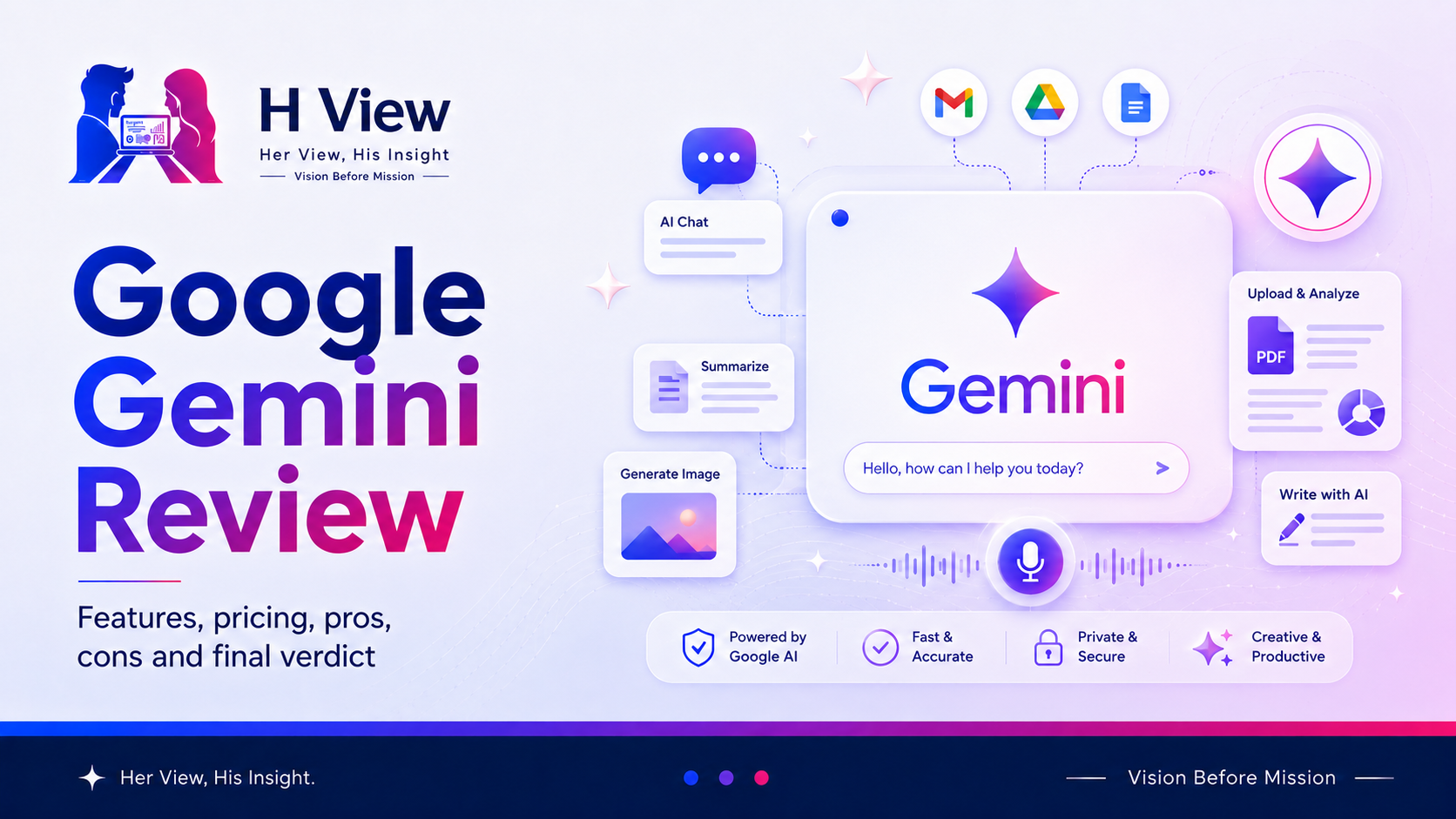
Google Gemini is one of the leading AI assistants available today. It can answer questions, explain difficult subjects, help with writing, analyse uploaded information, generate ideas, create images and assist with everyday planning.
Its biggest advantage is not simply that it comes from Google. Gemini becomes especially interesting when it works with services people already use, such as Gmail, Drive, Calendar, Maps, YouTube and Google Photos.
But popularity and integration alone do not make an AI assistant perfect.
The important questions are:
This Google Gemini review looks at the product practically, including its strongest features, common uses, limitations, pros, cons and final H View verdict.
Google Gemini is an AI assistant that responds to natural-language instructions.
You can type a question, speak to it, upload an image or file, or continue a conversation through follow-up prompts. Depending on the available features, Gemini can work with text, images, voice, documents and other forms of information.
For example, you can ask Gemini to:
This makes Gemini a general-purpose assistant rather than a tool built for only one profession.
Gemini works through prompts.
A prompt is the instruction you provide. The clearer your prompt, the more useful the response is likely to be.
A basic prompt may look like this:
Explain renewable energy.
A stronger version would be:
Explain renewable energy to a Class 10 student. Use simple language, include three examples from India and end with five revision points.
The second prompt provides an audience, format, location and expected result. Gemini now has enough context to create a more useful answer.
You can also continue the conversation:
This conversational flow is one of Gemini’s most useful qualities.
Gemini can work with more than typed text.
Depending on the device and available features, users may interact through:
This can be useful when describing something in words is difficult. You may upload an image, show an object through the camera or provide a document for analysis.
You could upload a photo of a product label and ask:
Explain the important information on this label in simple language.
The result should still be checked carefully, especially when health, safety or legal information is involved.
Gemini Live supports a more natural voice conversation.
Instead of typing every question, you can speak, interrupt, ask follow-up questions and continue the discussion more naturally.
This may help with:
Voice interaction makes Gemini feel closer to an assistant than a traditional search box.
Deep Research is designed for topics that require more than a quick answer.
It can help build a structured research response by examining information across multiple sources and organising the findings into a report.
Possible uses include:
However, a generated research report should not be treated as automatically correct. Important claims, statistics and recommendations should still be checked against original sources.
Gemini’s connection with the Google ecosystem is one of its main practical strengths.
Depending on permissions and availability, it may help users work with information from services such as:
Examples may include:
This can reduce the need to switch repeatedly between apps.
Users should still review permissions and privacy settings before connecting personal accounts or sensitive information.
Gemini can generate and edit images from written instructions.
This can support:
AI-generated images may still contain inaccurate text, strange details or visual inconsistencies. They should be reviewed before professional or commercial use.
Canvas provides a workspace for developing and refining longer content or code.
Rather than receiving only one chat response, users can work on a draft more interactively.
It may help with:
This is useful when the task requires repeated editing rather than one quick answer.
Gems are customised versions of Gemini created for particular tasks or styles.
For example, a user could create a Gem for:
A customised assistant can save time because the user does not need to repeat the same background instructions in every conversation.
Gemini’s notebook-style features help users organise files, conversations and research around a particular subject or project.
This is useful for longer workflows such as:
Keeping relevant material together can produce more focused answers than beginning every conversation without context.
Gemini can support many types of users.
Gemini performs best when the user needs a combination of conversation, research, Google services and multimodal input.
Its main strengths include:
Gemini can feel especially convenient for users whose daily digital work already happens inside Google’s ecosystem.
Gemini is powerful, but it is not automatically correct.
Common limitations include:
Important medical, legal, financial, safety or compliance-related decisions should never depend only on an AI response.
Gemini can be used without paying, while Google also offers paid AI plans with expanded limits, more capable models and additional features.
The free experience is suitable for:
A paid plan may make more sense when users need:
The best approach is to begin with free access and upgrade only when the limits genuinely affect your work.
Yes, Gemini is generally easy to begin using.
A user can sign in with a Google account and start asking questions in normal language. There is no need to learn programming or technical commands.
However, beginners should understand three important rules:
Gemini becomes more useful as users learn how to provide context, request a format and ask better follow-up questions.
Gemini may be a good choice for:
Gemini may not be the perfect fit for everyone.
Another assistant may be preferable when:
The best AI assistant is the one that fits the actual workflow, not necessarily the one with the longest feature list.
From a user-experience perspective, Gemini feels familiar because it fits naturally into the Google environment.
The interface is straightforward, voice conversation is convenient and connected apps can reduce repeated work. It is particularly appealing when information is already stored in Gmail, Drive, Calendar, Maps or Photos.
The experience becomes less impressive when features are unavailable, usage limits appear unexpectedly or an answer needs significant fact-checking.
Overall, Gemini feels accessible and capable, but users should not confuse convenience with guaranteed accuracy.
From a practical perspective, Gemini’s strongest advantage is ecosystem integration.
Many AI tools can write, summarise and brainstorm. Gemini becomes more distinctive when it can connect those abilities with Google services, multimodal input, research tools and Android functionality.
Its real value depends on three things:
Gemini is not simply a replacement for Google Search, human expertise or professional judgement. It is most valuable as an assistant that helps users organise, explore and act faster.
Google Gemini is worth trying, especially for users already working within Google’s ecosystem.
Start with the free experience. Test it for writing, planning, learning, voice conversations, images, research and connected tasks. Compare its responses with trusted sources and with other AI assistants where accuracy matters.
Upgrade only when higher limits or advanced features clearly improve your work.
Gemini is powerful, but the final decision, verification and responsibility should remain with the user.
Google Gemini is an AI assistant that can help with writing, learning, planning, research, images, files, voice conversations, coding and connected Google services.
Gemini offers free access, while paid Google AI plans provide expanded limits and additional features.
Gemini can work with supported connected apps when the user enables the required permissions. Availability may vary by account, device and region.
Yes, Gemini supports image generation and editing, subject to availability, account limits and applicable policies.
No. Gemini can produce incorrect, incomplete or outdated answers. Important information should be verified through reliable original sources.
The better choice depends on the task. Gemini may be more convenient for Google ecosystem integration, while another assistant may suit a different writing, coding, research or workflow preference.
Gemini can be useful for students, professionals, creators, developers, researchers, Android users and people who regularly use Google services.
A paid plan may be worth it for users who need higher limits, advanced models, deeper research, creative tools or professional Google integrations. Casual users should begin with free access.
Google Gemini has developed into a capable, multimodal AI assistant rather than a simple question-answering chatbot.
Its biggest strengths are Google integration, voice interaction, research support, multimodal input, visual creation and flexible use across learning, work and everyday tasks.
Its biggest weakness is the same one shared by all general AI assistants: a polished answer can still be wrong.
At H View, our final view is simple:
Google Gemini is a powerful assistant for exploring, creating and organising information, but every important output still needs human verification and judgement.
Harika is the co-founder of H View and covers AI, technology, gadgets, digital tools, online platforms, and modern internet trends. Her articles focus on simplifying complex topics with practical explanations, balanced opinions, and reader-first insights.
Share your real experience and help other readers decide better.
No community views yet. Be the first to share yours.
A few years ago, asking for the best AI for coding usually meant asking which…
Every year, Raksha Bandhan arrives with a familiar picture: a sister tying a rakhi around…
There is a particular kind of career uncertainty that many government-job aspirants understand very well.…
Samsung’s Fan Edition phones have always occupied an unusual place in the Galaxy lineup. They…